
Categories
Uncategorized

Learning About Python-Based Portfolio Projects: Boost Your Development Skills

Python Essentials

A laptop displaying Python code with project notes and a stack of Python programming books

Understanding the core components of Python and its libraries is crucial for building effective projects.

This section focuses on the key aspects of the Python programming language and its extensive libraries that are essential for developing robust coding skills and creating impactful projects.

Understanding Python Programming Language

Python is a versatile language, popular for its readability and easy syntax. It enables developers to write less code to perform tasks than other programming languages like C++ or Java.

This simplicity makes it ideal for beginners and experienced programmers alike.

One of Python’s strengths is its support for many programming paradigms, including object-oriented, imperative, and functional programming. This flexibility allows programmers to choose the most efficient approach for each project.

Python’s rich set of data types, such as lists and dictionaries, also contribute to its wide applications in data manipulation and analysis.

Its extensive standard library provides modules and functions for handling system operations, network communications, and file I/O, which makes Python a powerful tool for developing a wide range of applications.

These features have made Python a top choice for web development, scientific computing, artificial intelligence, and more.

Python Libraries Overview

Python’s vast collection of libraries is a key reason for its widespread use in various fields.

Libraries like NumPy and Pandas offer robust tools for numerical computations and data analysis. These libraries simplify complex tasks, enabling developers to implement solutions quickly and effectively.

For web development, frameworks such as Django and Flask provide built-in functionality for creating dynamic web applications. They streamline tasks like URL routing and template rendering, allowing developers to focus on application logic.

Libraries such as TensorFlow and PyTorch are essential for machine learning and artificial intelligence projects. These frameworks provide pre-built models and algorithms to accelerate the development process.

By leveraging these libraries, developers can enhance their projects and improve their coding skills as they apply Python to a multitude of programming tasks.

Setting Up the Development Environment

A laptop open on a desk, surrounded by notebooks and a pen. A Python programming book lies open next to it

To start building Python-based portfolio projects, setting up a development environment is essential. This involves installing tools like Jupyter Notebook and managing Python libraries effectively to streamline coding and testing.

Working with Jupyter Notebook

Jupyter Notebook is a powerful tool for coding in Python. It supports interactive data visualization, making it popular among data scientists.

First, install Jupyter using the command pip install jupyter. This setup allows for creating and sharing live code with visualizations and narrative text.

Organizing your code into cells in Jupyter helps in running segments independently. This feature is critical for testing and debugging.

Additionally, leverage Python libraries such as NumPy, Pandas, and Matplotlib, which integrate seamlessly with Jupyter. These libraries provide functions for numerical calculations and data visualization.

Web Development with Python

Python is widely used in web development due to its versatility and simplicity. Two popular frameworks, Django and Flask, enable developers to create dynamic websites. Building a portfolio website with Python can also showcase programming skills effectively.

Developing Dynamic Websites with Django and Flask

Django is a high-level Python web framework that encourages rapid development and clean, pragmatic design. It offers an admin panel, built-in authentication, and tools to manage databases. Developers can create scalable applications quickly with its numerous features.

Flask is a micro-framework that is lightweight and flexible, allowing for more control but requiring more setup. It is ideal for smaller projects or applications where customization is key. Flask provides essentials like routing and template engines, making it a preferred choice for developers who appreciate simplicity and flexibility.

Both Django and Flask support the development of dynamic, interactive websites. They integrate well with databases and support HTML, CSS, and JavaScript, providing comprehensive solutions for web applications.

Building a Portfolio Website

A portfolio website is an excellent way for developers to showcase their skills and projects.

Python, with frameworks like Django and Flask, can be used to build engaging and personalized sites that reflect an individual’s talents.

Using Django, developers can leverage its ORM (Object-Relational Mapping) to handle databases smoothly, allowing for features like project galleries and contact forms that are easy to implement and manage.

With Flask, developers can design custom layouts that are unique and tailored to their style.

A well-designed portfolio can include sections for coding projects, a blog, and contact information. Python’s integration with tools like Bootstrap for responsive design ensures the website looks professional across devices. This approach not only highlights technical skills but also demonstrates an ability to create appealing web experiences.

Data Analysis and Visualization

A person working on a laptop surrounded by charts and graphs, with Python code visible on the screen

Data analysis and visualization are crucial skills in Python projects, enabling users to draw meaningful insights from data.

Using Python libraries such as Pandas, Seaborn, and Matplotlib can greatly enhance data manipulation and visualization capabilities.

Leveraging Pandas and Seaborn

Pandas is a powerful Python library used for data manipulation and analysis. It allows for efficient data cleaning, transformation, and exploration.

By using Pandas, one can handle large datasets effectively, perform tasks like filtering and grouping, and fill missing data. This makes it a favorite among data analysts.

Seaborn is a library built on top of Matplotlib, offering a high-level interface for drawing attractive and informative statistical graphics. It simplifies the process of creating complex visualizations, such as heatmaps and violin plots.

Seaborn integrates seamlessly with Pandas, facilitating the easy use of datasets directly from data frames. This combination of tools provides a robust framework for conducting exploratory data analysis and producing high-quality visuals.

Crafting Visuals with Matplotlib

Matplotlib is a versatile library used for creating static, animated, and interactive visualizations in Python. It supports a variety of chart types, including line, bar, and scatter plots.

Matplotlib’s flexibility allows users to customize visuals extensively, from adjusting color schemes to employing various plot styles.

Tables can also be implemented with Matplotlib, aiding in the clear presentation of numerical data. This feature, combined with its ability to handle multiple plots on a single canvas, makes it an essential tool for data visualization.

Through Matplotlib, users can transform complex datasets into accessible visual formats, enhancing the communication of data insights.

Machine Learning Foundations

A laptop displaying Python code surrounded by machine learning algorithms and project sketches

Machine learning focuses on creating systems that can learn and make decisions from data. Central to this are models that process data and algorithms that train these models. Using frameworks like TensorFlow and scikit-learn, these systems aim to tackle complex tasks in data science.

Introduction to Machine Learning Models

Machine learning models are algorithms that allow computers to identify patterns and make predictions. These models can be supervised, unsupervised, or reinforcement-based.

Supervised models use labeled data to learn, while unsupervised models find patterns in data without labels. Reinforcement learning models focus on learning optimal actions through feedback from the environment.

Popular models include decision trees, random forests, and logistic regression, each suited for different tasks. Decision trees help in classification, while random forests build on decision trees for better accuracy. Logistic regression is used for binary classification problems.

Exploring Neural Networks with TensorFlow and scikit-learn

Neural networks are critical in fields like image and speech recognition. They consist of layers of connected nodes, or neurons, that process data.

TensorFlow is a leading library for constructing and training neural networks. It is widely used for its flexibility and scalability in handling large datasets.

Scikit-learn provides tools to implement simpler neural networks. It is user-friendly, making it ideal for beginners diving into data science.

Both libraries offer robust features for building neural networks, from simple models to deep learning architectures. Users can perform tasks such as classification, regression, and clustering with ease.

Advanced Python Projects

A computer screen displaying Python code, surrounded by open books and notebooks filled with project ideas

Advanced Python projects offer exciting opportunities to apply Python in complex scenarios like creating chatbots using natural language processing, performing sentiment analysis, and designing image recognition systems. These projects can enrich your portfolio and significantly enhance your technical skills.

Creating a Chatbot with Natural Language Processing

Creating a chatbot using natural language processing (NLP) is a valuable way to explore AI. Python libraries such as NLTK, spaCy, and ChatterBot are commonly used for this purpose.

These tools help process language data and generate human-like responses.

Building a chatbot involves training it on a dataset to understand user queries and provide accurate replies.

Users can test the bot by asking various questions to see how well it understands and responds. A well-designed chatbot uses context and intent recognition to improvise conversations, showcasing advanced programming skills and understanding of NLP.

Performing Sentiment Analysis

Sentiment analysis is a technique used to evaluate the emotional tone behind a body of text. It can be particularly useful for tasks like Twitter sentiment analysis, where Python’s NLTK and TextBlob libraries come in handy.

These tools help classify tweets as positive, negative, or neutral by analyzing word patterns. The process involves data preprocessing, tokenization, and sentiment scoring.

Developers can then visualize these results to understand public opinion or business-relevant trends better.

Sentiment analysis projects demonstrate proficiency in handling real-world data and deriving meaningful insights, which is highly valued in data science fields.

Designing an Image Recognition System

An image recognition system identifies objects, people, or patterns in digital images. Python libraries such as OpenCV and TensorFlow power these projects by providing efficient image processing and machine learning tools.

Designers of image recognition systems often start by acquiring labeled datasets to train their models. They then use algorithms to recognize patterns and features within the images.

After training, the system can accurately identify and classify new images. This project is crucial for those interested in computer vision and showcases strong problem-solving ability and technical expertise in using Python for cutting-edge technology applications.

Utilizing APIs and External Data

A person working on a computer, surrounded by open tabs and documents, with graphs and charts displayed on the screen

Incorporating external data and APIs into Python projects can create powerful tools for analyzing and presenting information. This section explores using APIs to create features and employing automation tools for data extraction.

Weather App Integration

Connecting Python with a weather API allows developers to fetch real-time weather data efficiently. This can be done by accessing services like OpenWeatherMap or WeatherAPI, which provide comprehensive weather data through their APIs.

Users can register for an API key and make requests for information such as temperature, humidity, and weather conditions.

Python libraries such as requests help in sending HTTP requests to the API. Once the data is fetched, it can be used to display weather updates in applications.

Building a weather app involves processing this data to show live weather conditions, forecasts, and alerts, making it a practical project for showcasing data processing and API integration skills.

Scraping Data with Selenium

In scenarios where APIs are unavailable, extracting web data through tools like Selenium becomes vital. Selenium is a robust automation tool enabling users to scrape data by automating browser actions. This includes navigating web pages, filling forms, and clicking buttons to access hidden information.

Selenium is particularly useful for dynamic websites that load data via JavaScript. Users can automate interaction with page elements and gather the desired information efficiently.

Setting up a scraping project involves creating a script to control a browser session, making it an excellent way to demonstrate expertise in automating data extraction tasks.

Interactive Web Apps with Python

A laptop displaying a Python-based web app with interactive elements, surrounded by project sketches and code snippets

Python is a powerful tool for creating interactive web applications. These apps provide dynamic interfaces and are essential in modern web development.

One popular framework for building such applications is Dash, which simplifies the process of creating visually appealing and interactive dashboards.

Building with Dash

Dash is a versatile Python framework designed for building interactive web applications. It enables developers to create dynamic websites with ease, using the simplicity of Python.

Dash is particularly well-suited for building data-driven applications thanks to its ability to handle complex interactive features.

Key Features:

  • User Interface: Dash allows for the creation of customizable UIs using layouts and components.
  • Interactivity: It supports event-driven interactions, making apps responsive to user inputs.
  • Seamless Integration: Dash can integrate with other Python libraries, enhancing data visualization and analysis capabilities.

Developers who are familiar with Python can quickly learn to use Dash because it leverages Python’s syntax and structure. This makes it a popular choice for those looking to enhance their web development projects with dynamic, interactive features.

For more in-depth information on getting started with Dash, you can check out these 60+ Python projects for all levels which include experiences across different use cases.

Python Automation Projects

Python is a powerful tool for automation, helping to simplify and expedite repetitive tasks. This skill enhances efficiency in both personal and professional settings through various projects that demonstrate Python’s ability.

Automating Daily Tasks

Automating daily tasks can save a significant amount of time and streamline workflows.

Using Python, one can automate sending emails, scheduling social media posts, or organizing files. For instance, a script to send personalized emails using Python’s smtplib library allows users to reach multiple recipients quickly and efficiently.

Creating scripts to automate data entry in spreadsheets can further reduce manual labor.

Python’s versatility in web scraping can gather data from the web automatically, providing updated information without manual browsing.

These projects not only aid in managing daily routines but also develop valuable programming skills. Python’s extensive libraries and ease of use make it an excellent choice for anyone looking to embrace automation.

Error Handling and Debugging

Error handling is crucial in any coding project. In Python, it involves using try and except blocks. These blocks help manage exceptions smoothly. When an error occurs in the try block, the code in the except block runs, preventing the program from crashing.

Syntax errors often happen when the code doesn’t follow Python’s rules. For instance, missing a colon in an if statement is a common mistake. Fixing these errors requires careful examination of the code structure.

Common Error Types:

  • Syntax Errors: Occur when the code isn’t written correctly.
  • Logical Errors: Result from incorrect logic in the code.
  • Runtime Errors: Happen during program execution.

Debugging helps identify and fix errors in the code. Tools like pdb are useful for stepping through the program to find issues. Python’s built-in functions and methods enhance the debugging process, making it easier to locate errors and fix them effectively.

A comprehensive guide on Python error handling and debugging techniques can be found at Real Python’s Learning Path. This resource dives into exception handling, logging, and more, ideal for developers looking to improve their skills in error management.

Best Practices:

  • Use descriptive error messages.
  • Log errors for future reference.
  • Regularly test and debug to ensure reliable code.

Game Development with Python

A computer screen displaying a Python code editor with game development projects on a desk with programming books and a cup of coffee

Python is a versatile language that enables the creation of both simple and complex games. It is commonly used in game development for tasks ranging from coding small text-based games to developing larger graphic-rich projects. A popular library facilitating game design in Python is Pygame.

Designing Games with Pygame

Pygame is a set of modules designed for writing video games in Python. It provides developers with graphics and sound libraries, enabling the creation of interactive games.

Graphics and Sound Capabilities: Pygame allows for rendering shapes, images, and colors on the screen, along with managing sounds and music.

Game Logic: Building game logic is streamlined with event handling systems. Pygame supports keyboard and mouse events, which are crucial for game interactions.

Using Pygame, developers can create games that are not only engaging but also showcase their skills in their Python projects.

Blockchain and Python

Blockchain technology can be explored using various programming languages, but Python offers simplicity and accessibility. It serves as a great tool for building projects like cryptocurrencies or decentralized applications.

Exploring Blockchain Fundamentals

Blockchain is a digital ledger system used to record transactions across multiple computers. It ensures data integrity through cryptography. A blockchain consists of blocks, each containing a timestamp, transaction data, and a cryptographic hash of the previous block. This structure creates a secure and transparent method of data handling.

Python is popular for blockchain projects due to its readability and extensive libraries. Beginners can start with projects like mini blockchain setup to grasp core concepts. Online resources also offer tutorials that teach how to create a blockchain in Python for practical learning.

Developing a blockchain project, like a simple blockchain-based voting system, helps demonstrate Python’s real-world application. Tackling such projects involves key aspects: block creation, transaction processing, and implementing consensus algorithms. These tasks can be further explored using open-source libraries and community support, providing a hands-on introduction to blockchain technology.

Frequently Asked Questions

A computer screen displaying a list of frequently asked questions related to Python-based portfolio projects, with a person working on a laptop in the background

Exploring Python portfolio projects can greatly benefit a learner by enhancing practical skills and showcasing their capabilities to potential employers. Understanding how to effectively present these projects is crucial.

What are some good Python projects for a beginner’s portfolio?

A beginner can start with projects like a travel planner, basic data visualizations, or simple web scrapers. These projects help to build skills in data manipulation, web interaction, and user interface design.

How can I showcase my Python projects on GitHub for potential employers?

Creating a GitHub repository for each project is key. Include a detailed README file explaining the project, its purpose, and how to run it. This helps potential employers understand your thought process and technical skills.

What essential elements should be included in a Python project portfolio?

A good portfolio should highlight diverse skills. Include projects that demonstrate proficiency in different areas like data analysis, web development, and automation. Make sure to provide clear descriptions, code snippets, and documentation.

Can building Python projects enhance my learning and understanding of the language?

Working on Python projects allows learners to apply theoretical knowledge in real scenarios, which can deepen their grasp of the language. It also helps in learning how to solve problems and write efficient code.

How do I describe my Python project during a technical interview?

In technical interviews, clearly explain the problem your project addresses, the solution you implemented, and the technologies you used. Discuss challenges faced and your learning outcomes, which show your ability to overcome obstacles and grow from experiences.

Where can I find resources or guides for completing Python portfolio projects?

You can find resources on platforms like DataCamp that offer project ideas and tutorials.

Online coding communities and educational websites also provide valuable insights and guides.

Categories
Uncategorized

Learning Math for Machine Learning – Essential Matrix Operations Explained

Foundations of Algebra and Geometry for ML

Algebra and geometry are key components in the foundation of machine learning. They offer the tools needed to solve real-world problems. In machine learning, algebra provides a way to understand and manipulate mathematical structures.

Vector Spaces
Vector spaces are central to both algebra and geometry. A vector space is a collection of vectors, which are objects that can be added together and multiplied by numbers.

Vectors are crucial for understanding data in multiple dimensions.

Matrices
Matrices are two-dimensional arrays of numbers that help in performing operations like rotation, scaling, and translation. They are vital in solving systems of linear equations and are frequently used in machine learning algorithms for tasks such as data transformation.

Linear Equations and Systems of Equations
Linear equations form the basis for many machine learning models. They help in modeling relationships between variables. Systems of equations are sets of linear equations that share variables and offer solutions that are useful for predictions in machine learning.

Key Concepts

  • Vector: Represents a quantity with both direction and magnitude, crucial for data representation.
  • Matrix Operations: Include addition, multiplication, and inversion, and are foundational for training neural networks.

A strong grasp of these elements paves the way for more advanced topics in machine learning. By understanding how algebra and geometry apply to vector spaces and matrices, one can better comprehend machine learning’s inner workings. These mathematical concepts are not just abstract theories, but practical tools used every day in the field.

Core Concepts in Linear Algebra

Linear algebra plays a crucial role in machine learning by providing tools to manage data and perform calculations efficiently. Key topics include operations on matrices, the calculation of determinants, and the use of eigenvalues and eigenvectors.

Understanding Matrix Operations

Matrix operations are fundamental in linear algebra and involve procedures like matrix addition, subtraction, and multiplication.

In matrix arithmetic, multiplying matrices involves summing the products of rows and columns from two matrices. This operation, matrix multiplication, is key in machine learning as it helps in transformations and model predictions.

The process also includes understanding how to perform operations with row and column vectors. These vectors represent data points, and manipulating them is crucial for data analysis. Different types of matrix factorizations can simplify these computations, enhancing processing speed and accuracy.

Determinants and Inverse Matrices

The determinant of a matrix is a special number that can tell a lot about a matrix, such as whether it has an inverse. If the determinant is zero, the matrix does not have an inverse, impacting computations in machine learning algorithms like matrix inversion.

Calculating the inverse involves transforming a matrix into an identity matrix via row operations. This concept, known as matrix inversion, is crucial for solving equations where finding unknown variables quickly is necessary.

Understanding determinants and inverse matrices helps in achieving accurate and efficient results in data analysis.

Eigenvalues and Eigenvectors

Eigenvalues and eigenvectors are vital in breaking down complex data transformations. An eigenvector of a matrix remains in the same span after a linear transformation, while the corresponding eigenvalue scales these vectors.

These concepts help identify important features in datasets, reducing data dimensions without losing significant information.

Applications such as Principal Component Analysis (PCA) utilize eigenvalues and eigenvectors for dimensionality reduction, which is instrumental in simplifying models for faster predictions. Understanding how to compute and apply them can enhance model performance significantly.

Matrix Operations and Transformations

Matrix operations are vital in machine learning and support a range of calculations. Matrix addition and matrix subtraction are straightforward tasks where matrices of the same size add or subtract corresponding elements.

Transpose is another key operation. It flips a matrix over its diagonal, swapping rows and columns. This operation is useful for changing the orientation of data and is commonly used to make dimensions align for further operations.

The dot product is essential for calculations involving vectors and matrices. For two matrices, it multiplies corresponding elements and sums them. This is crucial in machine learning algorithms, affecting efficiency and performance.

Linear transformations use matrices to modify geometric space. They can rotate, scale, or translate data points, all represented by specific matrices. These transformations are foundational in areas like graphics and data visualization.

The trace of a matrix is the sum of its main diagonal elements. It’s an important property, often used in simplifying expressions involving matrices and provides insights into matrix properties in mathematical contexts.

Here’s an example of how matrices interact:

Operation Description
Matrix Addition Adds matrices element-wise
Transpose Flips matrix over its diagonal
Dot Product Multiplies matrices and sums results
Linear Transforms Change data position or size in space

Each operation plays a part in machine learning workflows, allowing for complex data manipulation and analysis. Understanding and utilizing these operations is crucial for leveraging matrix algebra effectively in machine learning tasks.

Vector Calculus and Optimization

A whiteboard filled with vector calculus equations and matrix operations, surrounded by mathematical symbols and formulas related to machine learning

Vector calculus is essential in machine learning. It deals with vector fields, which are crucial for optimization processes. Gradient descent, a popular optimization technique, uses vector calculus to minimize error in models. By calculating the gradient, it helps determine the direction to adjust parameters for improved accuracy.

Differentiation in vector calculus is used to find derivatives of functions. These derivatives can signal changes in model parameters that affect performance. For machine learning models, understanding derivatives is key to improving accuracy and efficiency.

Calculus techniques, like partial derivatives, allow for optimization in complex models. They are applied in multilayered networks or deep learning models. These methods ensure that each model layer is adjusted properly for maximum performance.

Lists can be used to sum up some key points:

  • Vector calculus focuses on vectors and calculus operations.
  • Differentiation is used to optimize models by adjusting parameters when needed.
  • Gradient descent is a technique that reduces model errors.

When combined, these techniques help in building powerful and efficient machine learning models. They ensure that models can adapt and find optimal solutions for various problems in real-world applications.

Probability and Statistics in Machine Learning

A chalkboard filled with equations and diagrams related to probability, statistics, and matrix operations for machine learning

Understanding probability and statistics is crucial for building effective machine learning models. These concepts help in interpreting data, designing algorithms, and making predictions. Key elements include conditional probability and statistical measures that aid in comprehending machine learning’s foundation.

Conditional Probability and Distributions

Conditional probability explores the likelihood of an event given the occurrence of another. It helps in creating models that can predict outcomes based on specific conditions. For instance, in email filtering, knowing the probability that an email is spam given certain keywords is crucial.

Probability distributions describe how the values of a random variable are spread or distributed. Common types include normal, binomial, and Poisson distributions. Each has unique characteristics that help in modeling different types of data.

A thorough grasp of these distributions aids in selecting the right model for data analysis. Recognizing the role of distributions in variance and prediction enhances model accuracy and reliability. Mastery in this area ensures that algorithms reflect the true nature of the data they assess, aligning closely with real-world phenomena.

Statistical Measures and Applications

Statistics involves key measures such as mean, median, and standard deviation, which summarize data. These measures are essential for understanding data trends and patterns in machine learning. Mean, for example, gives a central value, helping to compare datasets effectively.

Statistical applications like hypothesis testing and regression analysis are integral in validating model outcomes. They help determine if observed results are genuine or due to random chance. In machine learning, these tools guide model training and validation processes.

Implementing these statistical methods ensures that models are not only accurate but also robust. This leads to more reliable predictions and insights, forming the backbone of sound machine learning applications across various fields.

Dimensionality Reduction Techniques

Dimensionality reduction helps simplify complex data by reducing the number of features while keeping important information. Principal Component Analysis (PCA) and other methods like t-SNE and LDA are common techniques used for this purpose.

Principal Component Analysis Fundamentals

PCA is a powerful tool in machine learning for reducing the number of dimensions in data. It transforms the data into a new coordinate system, where the greatest variance lies on the first coordinate, known as the principal component. By selecting only a few of these components, PCA reduces the complexity of data while preserving essential patterns.

The covariance matrix is central in PCA as it helps identify the directions of maximum variance. One starts by calculating this matrix and then finding its eigenvectors and eigenvalues. The eigenvectors are the directions, and eigenvalues indicate the significance of these directions. PCA often requires standardization because it is sensitive to scale.

Once the components are selected, data is projected onto these axes, resulting in a compressed dataset. This method is highly beneficial for tasks like image compression and noise reduction without losing critical features.

Exploring Other Reduction Methods

Besides PCA, there are other effective dimension reduction techniques. t-Distributed Stochastic Neighbor Embedding (t-SNE) is used for visualizing high-dimensional data, especially useful in revealing patterns not apparent in PCA. It captures local data geometry better, making it ideal for clusters.

Linear Discriminant Analysis (LDA) serves as another approach, focusing on maximizing the separation between different classes. It’s especially suited for situations where class separability is crucial, like in network intrusion detection using dimensionality reduction.

In addition, Non-negative Matrix Factorization (NMF) projects data into lower dimensions using a positive basis matrix, which is particularly advantageous for features that are non-negative, like probabilities or amounts. Each method has its strengths, and choosing the right one depends on the specific data and its properties.

Coding Matrix Operations in Python

Matrix operations are essential in machine learning, and using Python libraries like NumPy makes these tasks efficient and straightforward. NumPy is particularly powerful for handling two-dimensional arrays and performing operations like matrix division and multiplication. Additionally, popular libraries can simplify advanced tasks such as Principal Component Analysis (PCA).

Leveraging NumPy for Mathematical Operations

NumPy is a key library for efficient matrix computations in Python. It offers support for creating and manipulating two-dimensional arrays, which represent matrices.

Basic operations include addition, subtraction, multiplication, and matrix division. These operations can be performed with simple syntax, using functions like numpy.add() for addition or numpy.dot() for multiplication.

An important feature of NumPy is its ability to perform element-wise operations quickly. This efficiency comes from underlying vectorized computations, which are much faster than traditional for-loop implementations in Python. As a result, it is widely used for data manipulation in machine learning.

In addition to basic matrix operations, NumPy supports more advanced techniques like finding the inverse of a matrix, transposing, and computing determinants. These are crucial for various mathematical algorithms used in machine learning models.

Implementing PCA Using Python Libraries

Principal Component Analysis (PCA) is a mathematical technique used to reduce the dimensionality of data, and it can be implemented in Python using libraries like NumPy and scikit-learn.

PCA helps in identifying the most significant features in a dataset, simplifying computations without losing essential information.

In Python, PCA typically involves calculating the covariance matrix of the dataset, extracting its eigenvectors and eigenvalues, and then performing matrix operations to reduce dimensions.

With libraries like scikit-learn, this process is straightforward. Functions allow seamless integration of PCA into machine learning workflows, requiring minimal code.

The sklearn.decomposition module in scikit-learn provides a direct way to apply PCA with methods like fit_transform, which embodies these complex matrix operations. This makes implementing PCA efficient and accessible for both beginners and experienced practitioners.

Machine Learning Algorithms and Linear Algebra

Linear algebra is a critical tool in machine learning. It provides the foundation for many operations used by machine learning algorithms.

This includes tasks like data representation in matrices and performing matrix operations.

Understanding these concepts is essential for implementing algorithms efficiently.

Regression is a common task in machine learning. For example, linear regression uses linear algebra to find the best-fitting line through data points. This involves matrix operations to calculate parameter values that minimize error.

In classification, algorithms often rely on linear algebra to process and transform data. Logistic regression, a classification algorithm, uses similar principles to linear regression, but it outputs probability values.

Deep learning and neural networks are built on layers of mathematical operations. Each layer in a neural network uses matrix multiplication to process input data and generate output.

This is crucial for adjusting weights and biases during training.

Linear algebra also plays a role in optimizing complex models. Techniques such as gradient descent involve operations like matrix calculus, enabling neural networks to learn from data.

The Role of Linear Algebra in Computer Science and AI

Linear algebra is a fundamental part of computer science and AI. It provides the tools needed to work with vectors and matrices, which are essential in data processing and transformation.

These concepts are used in various algorithms and methods within AI and machine learning.

In data science, linear algebra helps in manipulating big datasets. It allows data scientists to perform matrix operations efficiently, which is crucial for processing data quickly.

Techniques like matrix decompositions simplify complex problems, making large-scale computations more manageable.

In computer vision, linear algebra is used to process and understand images. Images can be represented as matrices, and operations such as convolution rely on linear algebra.

This helps in tasks like image recognition and enhancement, which are key in AI applications.

Linear algebra also supports machine learning techniques, such as in algorithms that perform best with large datasets and extensive computations. It makes algorithms like neural networks and regression models more efficient and effective by handling calculations involving many variables.

For those delving into AI, understanding linear algebra leads to deeper insights into how these models work. It bridges the gap between theory and application, empowering developers to create more robust AI systems.

Having a grasp of matrix multiplication and vector spaces is invaluable across these fields.

Practical Applications of Matrix Operations

Matrix operations play a crucial role in various fields like robotics, AI, and computer graphics. They help in processing complex computations efficiently, transforming and manipulating data for better insights and outcomes.

Navigation in Robotics and AI

Matrix operations are fundamental in robotics for pathfinding and navigation. Robots rely on matrices to understand and navigate their environment using geometry.

Calculating distances like euclidean distance or manhattan distance allows them to determine the best paths.

In AI, matrices help process spatial data. For instance, they are used in visual recognition systems to classify objects by analyzing their geometric shapes.

These computations are essential for AI-driven robots that need to make quick and accurate decisions as they move through different terrains.

Enhancements in Computer Graphics

Computer graphics benefit from matrix operations for rendering images. Matrices are used to perform transformations, such as scaling and rotating objects.

This allows for realistic animations and 3D modeling, providing a vivid and immersive experience.

In addition, matrices assist in calculating cosine similarity which helps in shading and lighting effects.

This enhances the visual quality of a scene by ensuring light sources interact correctly with surfaces, creating realistic shadows and reflections. Thus, graphics developers rely heavily on matrices to achieve complex visual effects that are essential in gaming and simulations.

Frequently Asked Questions

Understanding key matrix operations is essential in machine learning. This section answers common questions about the use of matrices in machine learning, focusing on operations, evaluations, and applications.

What are the core matrix operations used in machine learning?

The core matrix operations in machine learning include addition, subtraction, and multiplication of matrices. These operations are crucial for tasks like transforming data and training algorithms.

Operations such as matrix inversion and transposition are also important in various computational tasks.

Why is matrix multiplication important in the context of machine learning?

Matrix multiplication is used extensively in machine learning to combine datasets and apply transformations. It allows algorithms to process input data efficiently by leveraging the capabilities of matrices to perform large-scale calculations in parallel.

How does one utilize a confusion matrix to evaluate machine learning models?

A confusion matrix is a tool for evaluating the performance of classification models. It displays the number of true positive, true negative, false positive, and false negative predictions, helping to assess metrics like accuracy, precision, recall, and F1 score.

In what way are matrices and vectors fundamental to algorithms in machine learning?

Matrices and vectors serve as the foundation for representing and manipulating data and parameters in machine learning algorithms. They enable efficient computations and are integral in organizing data for tasks such as linear regression and neural networks.

What level of proficiency in linear algebra is required to understand machine learning concepts?

A basic proficiency in linear algebra is often necessary to grasp machine learning concepts. This includes understanding vector spaces and matrix operations.

More advanced concepts, like eigenvectors and singular value decomposition, can be helpful but are not always required.

How is the Jacobian matrix applied within the field of machine learning?

The Jacobian matrix describes the derivative of vector-valued functions. In machine learning, it plays a critical role in optimization problems and neural network training. It is particularly useful in determining the gradients needed for backpropagation.

Categories
Uncategorized

Learning about Linear Regression and its Algorithm History: A Comprehensive Overview

Fundamentals of Linear Regression

Linear regression is a basic yet powerful tool used in statistics and machine learning to model and analyze relationships between variables. This section explores the definition, key components, and historical development of linear regression algorithms.

Defining Linear Regression

Linear regression is a method for modeling the relationship between a dependent variable and one or more independent variables. It is widely used due to its simplicity and effectiveness in identifying trends.

The simplest form, known as simple linear regression, describes a straight-line relationship between two variables. The equation for this line is typically written as ( y = mx + b ), where ( y ) is the predicted value, ( m ) is the slope, ( x ) is the independent variable, and ( b ) is the y-intercept.

Components of a Linear Regression Model

A linear regression model comprises several key components: the dependent and independent variables, parameters such as the slope and intercept, and the error term. The linear regression model aims to minimize the sum of squared differences between observed and predicted values.

Understanding these components helps in fitting the model to data. The slope indicates the strength and direction of the relationship, while the intercept shows where the line crosses the y-axis. The error term accounts for data points not precisely on the line, reflecting variability or noise.

History of Linear Regression Algorithms

The history of linear regression algorithms dates back to the 19th century with Carl Friedrich Gauss, who developed the method of least squares. This statistical approach is integral to linear regression, aiming to find the best-fitting line by minimizing error.

Over time, linear regression has evolved with advancements in computational power, becoming a staple in machine learning. Tools like scikit-learn have simplified the implementation of linear regression, making it accessible for beginners and experts alike. The technique continues to be foundational in various fields, from economics to data science.

Mathematical Foundations

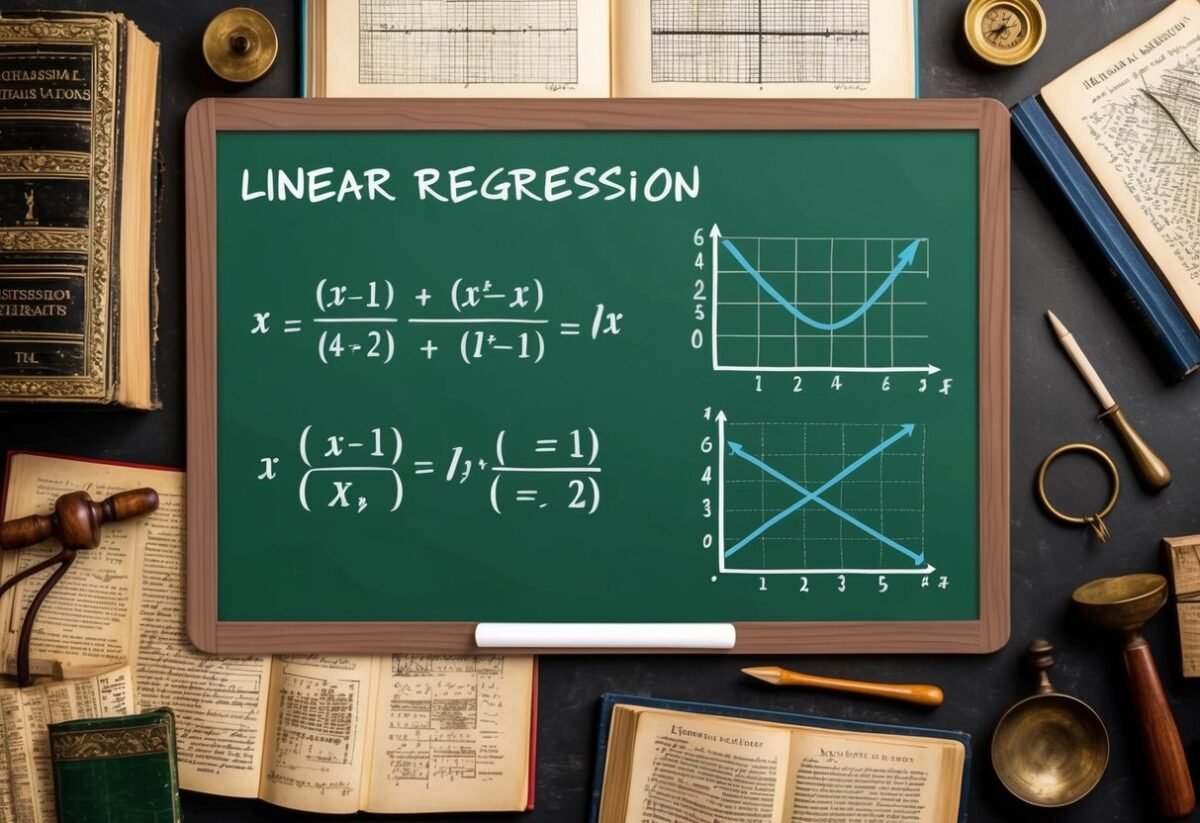
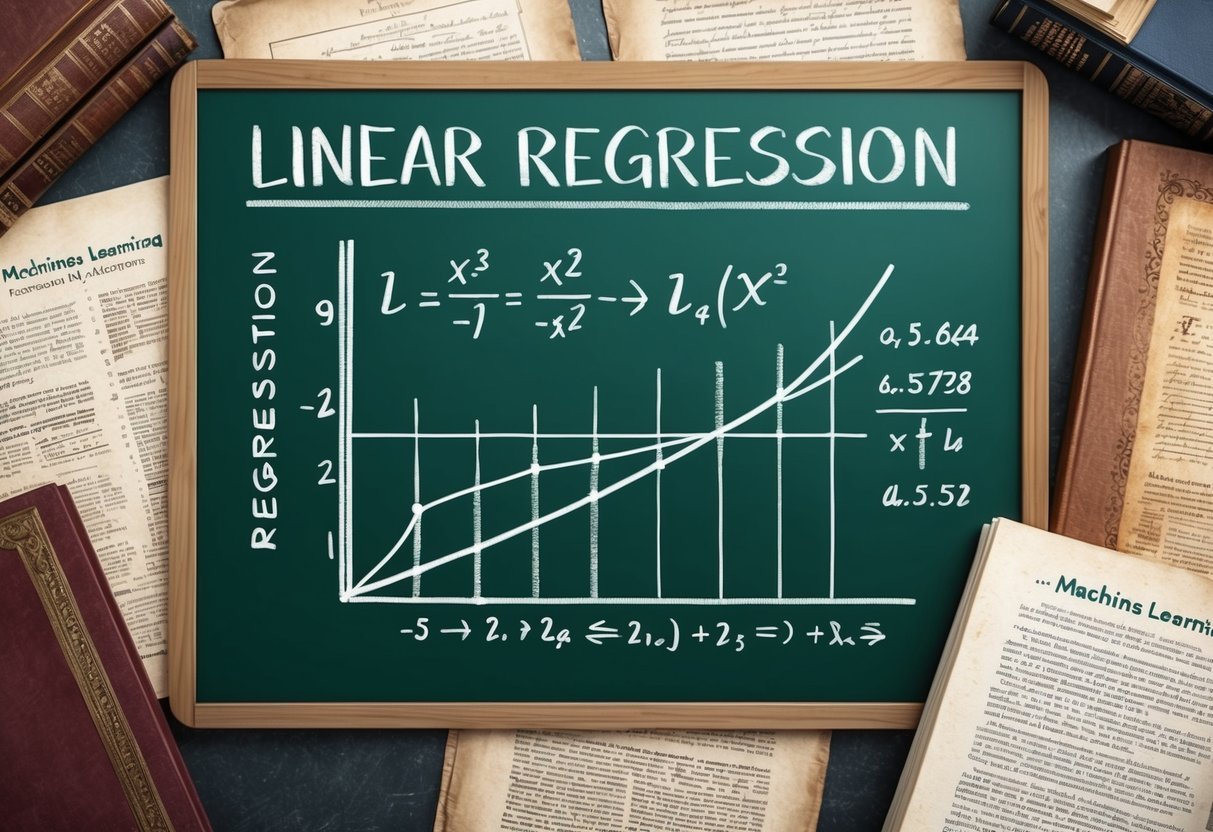
A chalkboard with equations and graphs depicting linear regression, surrounded by historical mathematical texts and tools

Linear regression relies on a combination of methods to establish a relationship between variables. Key aspects include the least squares method, cost functions, and gradient descent, each playing a crucial role in fine-tuning predictions and understanding data trends.

Understanding Least Squares Method

The least squares method is a foundational technique used in linear regression to minimize the differences between observed and predicted values. It involves finding the best-fit line by minimizing the sum of squared differences between data points and the line itself. This ensures that the line represents data trends as accurately as possible.

In practice, this means adjusting the slope and intercept of the line to reduce the overall error. The use of the least squares approach is critical in determining how well the line fits the data, facilitating accurate predictions. Its straightforward application has made it a core component of various statistical analyses.

Interpreting the Cost Function

The cost function, often represented as the mean squared error (MSE), evaluates how well a regression model predicts the data. It calculates the average of the squared differences between the actual and predicted values. The aim is to minimize this value to improve model accuracy.

A lower cost function value indicates a model that predicts data effectively. It is crucial in assessing model performance and guiding adjustments in model parameters. By continually refining the cost function, researchers and data analysts can enhance predictions, making it indispensable for accurate modeling.

Gradient Descent in Linear Regression

Gradient descent is an optimization algorithm that adjusts model parameters to minimize the cost function. By iteratively moving towards the steepest descent, it fine-tunes both the slope and intercept to achieve the lowest possible cost.

This process involves calculating the gradient (slope) of the cost function and updating parameters accordingly. It’s especially beneficial for large datasets where manual adjustments are impractical. Gradient descent uses a learning rate to determine step size, balancing between speed and accuracy. Through its use, linear regression models become more reliable and accurate, ensuring well-fitted results to the given data.

Extending to Multiple Variables

Expanding from simple to multiple linear regression allows for the modeling of relationships between one dependent variable and several independent variables. This approach improves the model’s predictive ability by incorporating more data points, allowing for nuanced insight.

Transition to Multiple Linear Regression

When moving from simple to multiple linear regression, the complexity increases as more independent variables are introduced to the model. In simple linear regression, the relationship between two variables is represented by a straight line. However, multiple linear regression uses a plane or hyperplane to fit the data. This process involves solving for coefficients that best describe the linear relationship between the combination of independent variables and the dependent variable.

Each coefficient in a multiple regression model represents the change in the dependent variable for a one-unit change in an independent variable, assuming other variables remain constant. This ability to account for the simultaneous influence of multiple factors makes multiple linear regression a cornerstone of statistical modeling and predictive analytics. By extending beyond a single dimension, it allows analysts to draw deeper insights and make more accurate predictions.

Handling Multiple Independent Variables

Incorporating multiple independent variables requires careful consideration of each variable’s significance to the model. Multivariate linear regression models can become complex due to interactions between variables. Therefore, ensuring that each variable contributes meaningfully is crucial. Analysts typically use statistical techniques like calculating correlation coefficients to understand these relationships before including them in a model.

Regularization methods, such as ridge regression and lasso, help manage multicollinearity by penalizing the size of coefficients, ensuring more stable and accurate models. Handling multiple variables involves balancing the complexity of the model with its predictive accuracy. Access to more data and computing power helps in efficiently analyzing large data sets with many variables. This enables detailed predictions and offers comprehensive insights across various fields like economics, biology, and machine learning.

Leveraging Statistical Principles

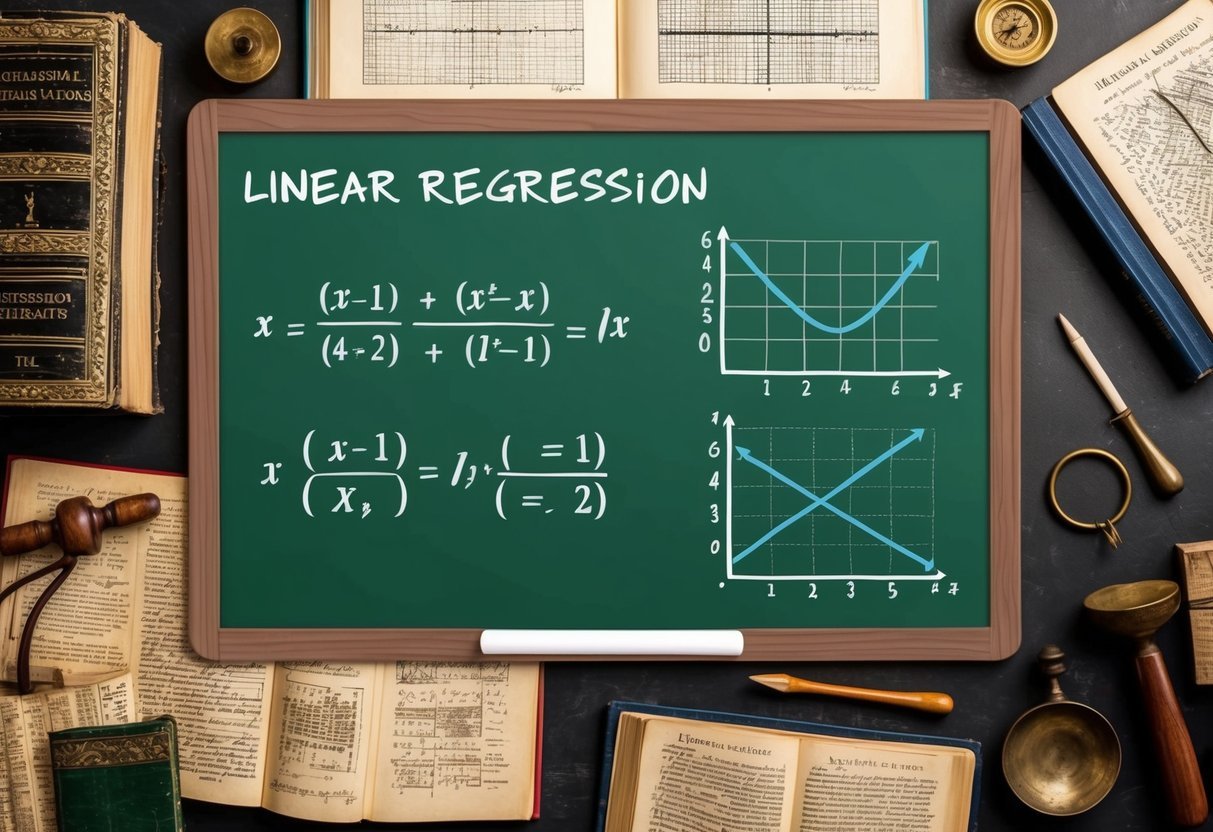
A chalkboard with equations and graphs depicting linear regression, surrounded by statistical textbooks and historical algorithm diagrams

Linear regression is a valuable tool in statistics, used to discover relationships between data points. By understanding regression analysis and correlations, one can make informed predictions and uncover patterns within the data.

Analyzing Data Points and Correlation

Data points can help in understanding the connection between different variables. Correlation measures the strength and direction of this connection. When examining data, it is crucial to determine how closely variables are related, as a strong or weak correlation can impact predictions.

A scatter plot visually represents this relationship by plotting data points on a graph. This visual can help identify trends or outliers. If data points align closely around a line, there is a strong correlation. Such analysis allows researchers to make predictions based on observed data patterns, emphasizing the importance of correlation in statistical models.

Importance of Regression Analysis

Regression analysis is key in understanding how one variable affects another within a dataset. It goes beyond simple correlation by providing a method to model relationships between variables. This can help in predicting outcomes or understanding the impact of changes in data.

In regression analysis, a line of best fit is determined, which minimizes the distance between data points and the line. This line provides a clear mathematical model of the relationship between variables. By using regression analysis, researchers can quantify the strength of these relationships, enhancing decision-making in various fields.

Refining Accuracy and Predictions

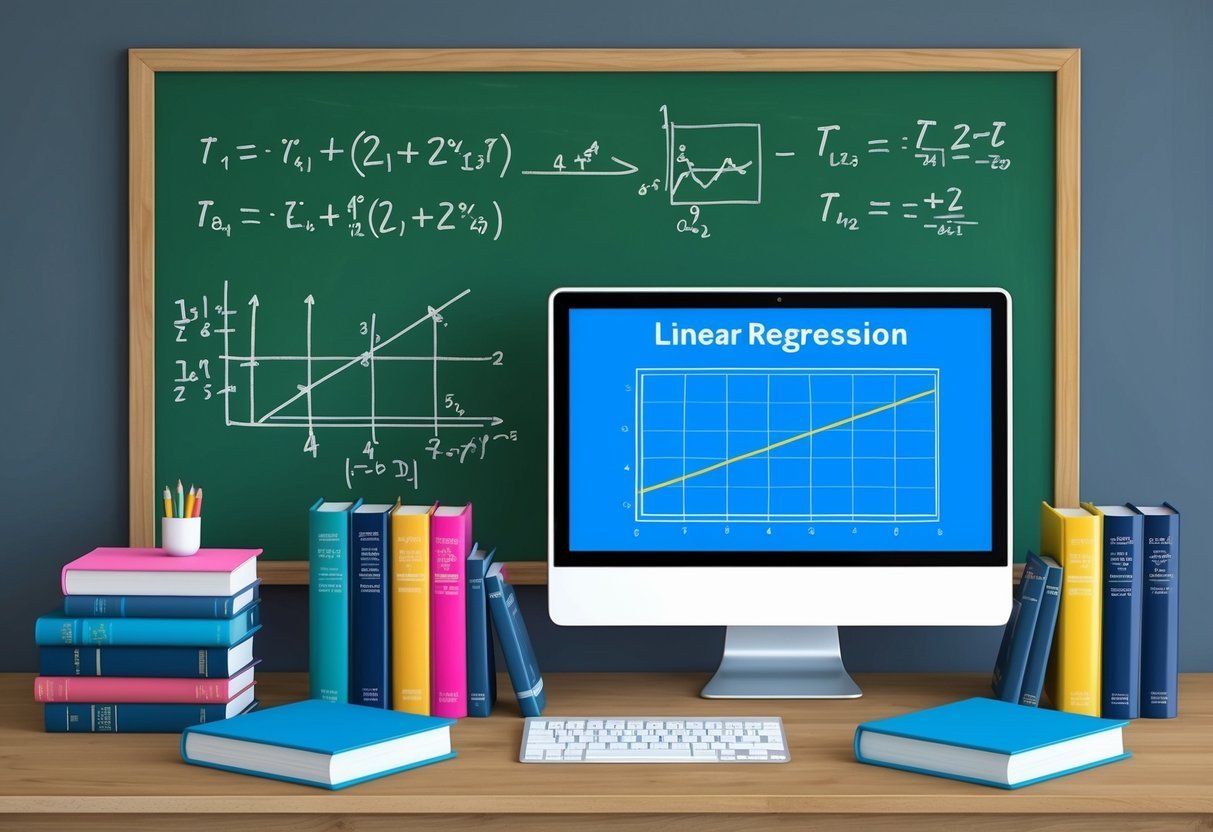
A chalkboard filled with equations and graphs, surrounded by books on statistics and computer science. A computer screen displaying a linear regression algorithm in action

Improving predictions in linear regression involves handling outliers and using techniques like regularization to optimize models. These strategies ensure better fitting to data while preventing overfitting.

Dealing with Outliers and Noise

Outliers can significantly impact the accuracy of a linear regression model. They may skew the best fit line, leading to incorrect predictions. Identifying and managing outliers is crucial. Techniques such as statistical tests can help detect these points.

Noise in data, which refers to random errors or variability, can also affect the model. Techniques like smoothing and filtering reduce noise. By addressing both outliers and noise, the model can provide more reliable results.

Optimization with Regularization Techniques

Regularization techniques help to prevent overfitting, a common issue where a model performs well on training data but poorly on unseen data. Ridge regression and lasso regression are popular methods used for this purpose.

Ridge regression adds a penalty to the loss function based on the square of the coefficients, helping to minimize extreme values. Lasso regression, on the other hand, uses the absolute value of coefficients, which can lead to some coefficients being zeroed out, effectively selecting the most important predictors.

Both techniques aim to refine the balance between fitting the training data and maintaining generalization for better predictions.

Practical Implementation in Machine Learning

A chalkboard with equations and graphs of linear regression, surrounded by historical documents and books on machine learning algorithms

Linear regression is a fundamental tool in machine learning for predicting continuous outcomes. Practical applications involve understanding its role within ML frameworks and applying techniques related to learning algorithms and learning rates.

Role of Linear Regression in ML

Linear regression is essential in machine learning as it helps predict values by modeling relationships between dependent and independent variables. It drives many practical applications like forecasting, resource estimation, and even financial modeling. The model seeks to establish a linear equation where a dependent variable is predicted from one or more independent variables.

A regression coefficient quantifies the strength and direction of this relationship. By using training data, the model learns these coefficients. The process of fitting a linear regression model in frameworks like Scikit Learn is straightforward, making it accessible and widely used.

Learning Algorithm and Learning Rate

The core of linear regression in practical machine learning hinges on the learning algorithm. Gradient descent is widely used, minimizing errors by iteratively updating model parameters. Adjustments are controlled by the learning rate, a critical parameter that decides how much to change the weights in response to the estimated error.

Choosing the right learning rate influences how quickly and accurately the model converges. A rate too high can overshoot the minimum error point, while a rate too low can result in a slow convergence. Thus, balancing this rate is crucial for achieving optimal regression coefficients and model performance. This iterative process is essential for efficient and effective model training.

Optimization Algorithms

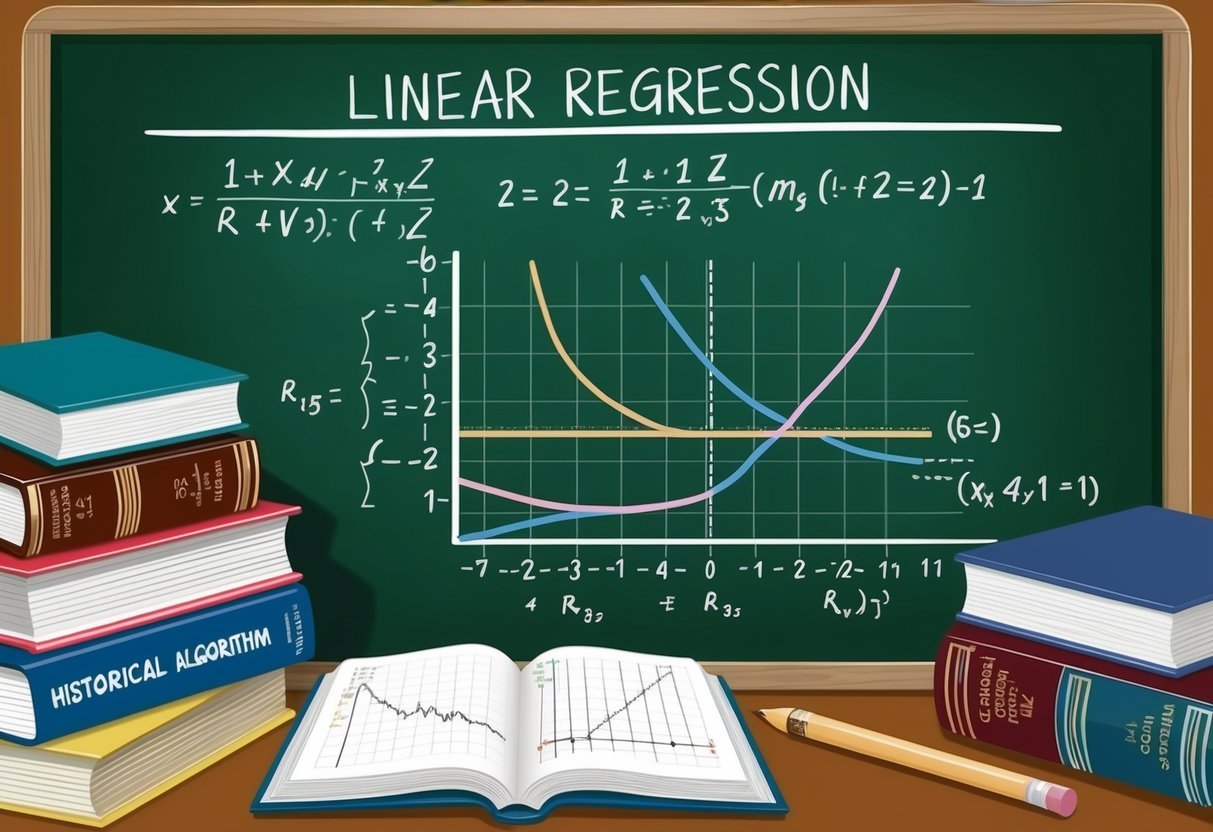
A chalkboard filled with equations and graphs, surrounded by books on optimization algorithms and linear regression

Optimization algorithms play a crucial role in linear regression. They help find the best fit line by adjusting the model parameters. This section highlights the workings of gradient descent, its variations, and how loss functions and partial derivatives are used in optimization.

Gradient Descent Variants

Gradient descent is an optimization algorithm that minimizes the cost function by iteratively adjusting parameters. It calculates the partial derivative of the cost function concerning each parameter to determine the direction of movement. There are several variants of gradient descent.

  • Batch Gradient Descent: This uses the entire dataset to calculate the gradient. While accurate, it can be slow for large datasets.

  • Stochastic Gradient Descent (SGD): This algorithm uses one random data point per iteration. It is faster but less stable than batch gradient descent.

  • Mini-batch Gradient Descent: This combines batch and SGD by using a small subset of the dataset. It balances speed and accuracy efficiently, making it popular in practice.

These variants help tune the learning process and improve model performance.

Loss Functions and Partial Derivatives

A loss function measures how well a model’s predictions match actual outcomes. Common choices include the mean squared error for linear regression. The aim is to reduce this error by adjusting model parameters.

Partial derivatives are essential in this process. They indicate how changes in each parameter affect the loss function. Calculating these derivatives provides a direction to update model parameters to minimize loss.

Optimization algorithms use these derivatives to guide parameter updates. Ensuring the loss function value decreases after each iteration is key to training a model effectively. By iteratively using the gradient of the loss function, the algorithm finds a local minimum, optimizing the model.

Coding Linear Regression with Python

Python is widely used to implement linear regression due to its powerful libraries that simplify the process. Key components include using Python libraries like NumPy and SciPy to handle calculations and data manipulation efficiently.

Python Libraries for Linear Regression

Python offers a variety of libraries that make implementing linear regression straightforward and efficient.

NumPy is crucial for handling arrays and performing mathematical operations needed for regression. It supports multi-dimensional data and offers high-performance functionalities.

Additionally, Scikit-learn is a robust machine learning library built on NumPy. It is particularly popular for its ease of use and comprehensive tools for regression tasks.

Another useful library is Pandas, which assists in data manipulation and preparation, ensuring datasets are ready for analysis.

Together, these libraries create a powerful toolkit for building linear regression models in Python.

Python Implementation of a Regression Model

When implementing a regression model in Python, the first step is to prepare the data, typically using Pandas for data cleaning and organizing.

After data preparation, use Scikit-learn to split the data into training and testing sets.

The model is created using the LinearRegression class from Scikit-learn, which fits the training data.

Here’s a simple example:

from sklearn.model_selection import train_test_split
from sklearn.linear_model import LinearRegression
import pandas as pd

data = pd.read_csv("data.csv")
X = data[['feature1', 'feature2']]
y = data['target']

X_train, X_test, y_train, y_test = train_test_split(X, y, test_size=0.2, random_state=42)

model = LinearRegression()
model.fit(X_train, y_train)

This code snippet outlines how data can be prepared and fed into a linear regression model using Scikit-learn, which leverages the powerful capabilities of both NumPy and Pandas for efficient computation and data handling.

Advanced Linear Regression Models

Advanced linear regression models extend the basic linear regression to address more complex relationships and limitations. They often incorporate techniques like regularization and transformations to improve predictive accuracy and model performance.

Exploring Polynomial and Lasso Regression

Polynomial regression builds on linear regression by modeling the relationship between variables as an nth-degree polynomial. This approach captures non-linear patterns within the data, making it useful for datasets with curved trends.

Despite increasing the model’s flexibility, polynomial regression can risk overfitting, especially with high-degree polynomials.

Lasso regression, or Least Absolute Shrinkage and Selection Operator, adds regularization to the mix. It introduces a penalty on the coefficients of the variables, effectively shrinking some to zero.

This helps in feature selection, making the model easier to interpret while reducing the risk of overfitting.

Lasso regression can result in sparse models, retaining only the most significant variables, thus improving the model’s predictive power.

Insight into Ridge Regression

Ridge regression, another regularization technique, addresses issues such as multicollinearity. It adds a penalty equal to the square of the magnitude of coefficients to the cost function.

This technique helps by shrinking the coefficients but not necessarily setting any to zero.

The primary benefit of ridge regression is its ability to handle multicollinearity, which occurs when independent variables are highly correlated. It stabilizes the estimates and often enhances the predictive accuracy.

While ridge regression won’t simplify the model as Lasso does, it is valuable in scenarios where all predictors can offer some meaningful insights. This makes it well-suited for datasets with many variables contributing to the final predictive model.

Evaluating Model Performance

In evaluating linear regression models, understanding key metrics like the Residual Sum of Squares (RSS) and R Squared is vital. These metrics help determine how well a model fits the data and predict future outcomes.

Additionally, using error metrics ensures the reliability and validity of the model.

Understanding Residual Sum of Squares and R Squared

Residual Sum of Squares (RSS) measures the variation of data not explained by the model. Smaller RSS values suggest a better fit, implying the model accurately captures the data’s trends. In contrast, larger RSS indicates inadequacies in the model’s predictions.

R Squared, or the coefficient of determination, gauges how well model parameters predict actual outcomes by showing the proportion of variance explained.

An R Squared value close to 1 means a strong relationship between the predictors and the response variable, signaling effective model performance.

It’s important for practitioners to understand these measures which assess the quality and fitting of regression models accurately. Evaluating both RSS and R Squared provides a complete picture of a model’s capability.

Error Metrics and Model Validation

Error metrics such as Root Mean Squared Error (RMSE) and others are crucial in regression analysis. RMSE provides the average magnitude of prediction errors, serving as a gauge for model accuracy.

Lower RMSE signifies a more precise model.

These metrics are essential parts of model validation, which ensures models perform well under different conditions.

Validation involves comparing predicted results with actual data, checking if the model reliably captures trends without overfitting.

Using metrics like RMSE alongside validation techniques helps refine models for real-world applications. Proper validation establishes trust in model forecasts and parameter accuracy, ensuring robust decision-making in various fields.

Frequently Asked Questions

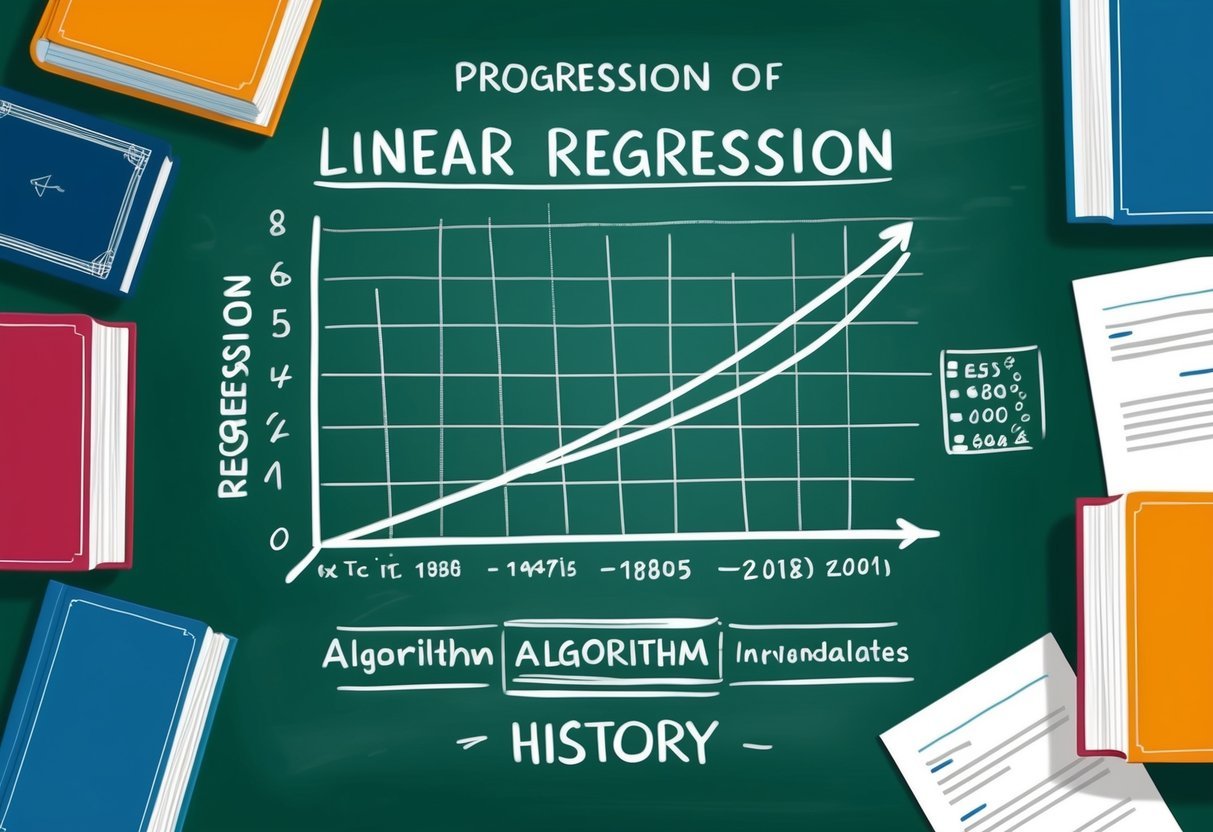
A chalkboard with a graph showing the progression of linear regression algorithm history, surrounded by books and research papers

Linear regression is an essential tool in machine learning, known for its ability to model relationships between variables. Here, you’ll find answers to common questions about its components, examples, variations, implementation steps, historical evolution, and significance.

What are the key components of a linear regression model in machine learning?

A linear regression model in machine learning primarily consists of variables—dependent and independent—the coefficients, and the intercept. The model predicts the dependent variable using the independent variables.

The model’s effectiveness is measured by its ability to minimize the distance between actual and predicted values.

Can you provide an example to explain how linear regression works?

Consider a dataset of students’ study hours and their corresponding test scores. By applying linear regression, a line of best fit can be drawn. This line helps predict a student’s test score based on their study hours.

The closer the data points are to this line, the more accurate the prediction.

How does multiple linear regression differ from simple linear regression?

Simple linear regression examines the relationship between two variables: one dependent and one independent. In contrast, multiple linear regression involves more than one independent variable.

This allows for modeling more complex relationships, as multiple factors are taken into account when predicting the outcome.

What are the main steps involved in implementing a linear regression algorithm?

Implementing a linear regression algorithm involves several key steps.

First, gather and prepare the dataset. Next, split the data into training and testing sets. Then, an algorithm calculates the best-fitting line.

Finally, the model’s accuracy is validated using error metrics like mean squared error.

How has linear regression evolved since its inception?

Linear regression has evolved significantly, from basic statistical applications to becoming integral in sophisticated machine learning models. Initially used for simple predictions, it now serves as a building block for complex algorithms and techniques in various fields such as finance, biology, and social sciences.

Why is linear regression considered crucial in predictive modeling?

Linear regression is crucial because of its simplicity, efficiency, and interpretability. It provides clear insights into data relationships, making it easier to understand and explain predictions.

This attribute makes it a preferred choice for many predictive modeling applications, especially when quick and straightforward predictions are needed.

Categories
Uncategorized

Azure Data Studio Export Table to CSV: Step-by-Step Guide

Understanding Azure Data Studio

Azure Data Studio is a powerful tool for data professionals. It offers a user-friendly interface and is designed for use across various operating systems.

It provides capabilities that make it a versatile choice compared to older tools.

Azure Data Studio vs. SQL Server Management Studio

Azure Data Studio (ADS) and SQL Server Management Studio (SSMS) are both used to manage SQL databases, but they have different features.

ADS is built with modern needs in mind, offering an appealing user interface and extensions like Jupyter notebooks. This makes it ideal for data analysis and visualization tasks.

In contrast, SSMS provides a more traditional experience with comprehensive database management and administrative functions. It is well-suited for database administrators who need a full range of SQL Server features.

ADS focuses on being lightweight and fast, which is beneficial for day-to-day data querying and scripting tasks.

Supported Operating Systems

Azure Data Studio supports multiple operating systems, providing flexibility for users. It can run on Windows, macOS, and Linux, making it accessible to a wide range of professionals.

This cross-platform support allows teams using different systems to collaborate more effectively.

SQL Server Management Studio, on the other hand, is traditionally available only on Windows.

For users involved in cross-platform data operations, ADS provides the convenience and capability to work seamlessly across different environments. This flexibility ensures high productivity and efficient data management, regardless of the operating system.

Preparing Data for Export

Preparing data for export in Azure Data Studio involves a few critical steps. These steps ensure the data is ready for conversion into formats like CSV, Excel, or JSON.

Selecting the Database and Table

It is essential to choose the correct database and table in Azure Data Studio. This step ensures that users are working with the right data set.

Begin by opening the desired database in Azure Data Studio. Navigate through the list of databases and select the one containing your data.

Within the database, choose the appropriate table from which the data needs to be exported.

Ensuring the right selection prevents errors and makes the exporting process smoother. Double-checking these choices guarantees the correct data is prepared for export.

Using Select Query for Specific Data

To focus on specific data, a well-crafted select statement is important. This SQL query extracts the needed data from a table, allowing users to choose only relevant fields.

For instance, to export customer names and emails, the select query should point to these columns only.

Refining queries in this way helps minimize data volume, improving performance. The precision of the select query ensures clarity and relevance in exported files.

Adjusting queries can also help organize data into a more digestible format for export.

Understanding Data Types and Formats

Recognizing data types and selecting the correct export format, such as CSV or Excel, can impact data usability.

CSV format is often preferred for its simplicity and widespread compatibility. It handles plain text data effectively but may not support complex data types like certain SQL Server-specific formats.

Excel could be a better choice for data with intricate structures, preserving layout and formulas.

Knowledge of different formats ensures data integrity during translation from the database. Being mindful of the data types in the database helps choose the best export format.

Exporting Data to CSV

Exporting data to a CSV file in Azure Data Studio is a straightforward process that can be accomplished in a few different ways. Database administrators have the flexibility to choose between using the Export Wizard or the Save As CSV option, depending on their specific needs.

Using the Export Wizard

The Export Wizard is a powerful tool for database administrators who need to export data in a user-friendly manner. This feature can be accessed through SQL Server Management Studio (SSMS) and provides a step-by-step guide to export tables to a CSV file.

The wizard allows users to select the source data, specify the destination format—CSV in this case—and configure settings like delimiters and text qualifiers.

It is especially useful for handling large datasets, offering options to export entire tables or specific query results.

Users can easily navigate through the wizard’s interface to customize their export configurations. It provides a reliable method to ensure data can be shared or imported into other applications efficiently.

Save As CSV Option

The Save As CSV option in Azure Data Studio is a quick method to export results directly from a query.

After running a select statement, users can find icons on the notebook’s right margin to choose from different export formats, including CSV.

This functionality makes it easy to save query results as CSV without additional steps.

This option is particularly effective for quick exports, enabling data to be ready for immediate use or analysis in other programs. Database administrators favor this feature for its simplicity and speed, allowing them to efficiently handle tasks that do not require large-scale data transfers.

Advanced Export Techniques

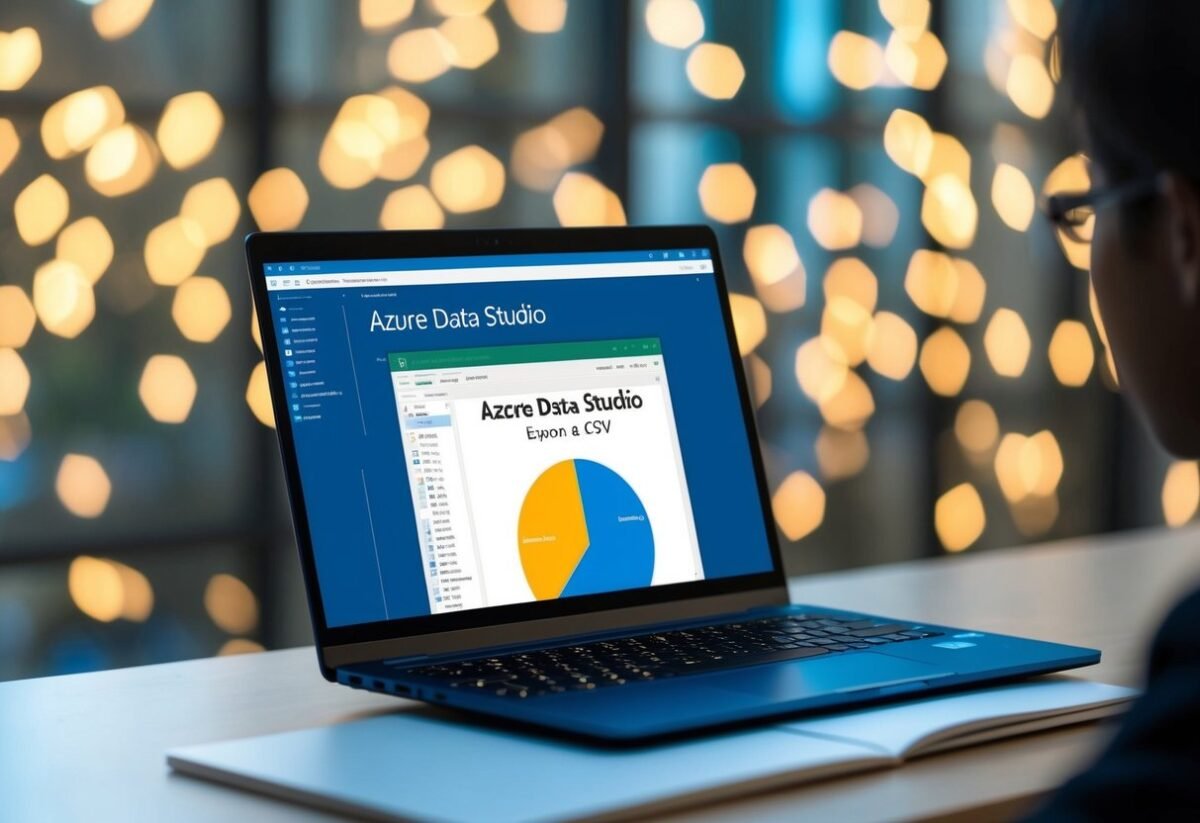
An open laptop displaying Azure Data Studio exporting a table to a CSV file

Advanced methods for exporting data from Azure Data Studio to CSV can streamline the process and enhance efficiency. These techniques include using PowerShell for precision tasks and automating export processes with scripts.

Exporting with PowerShell

PowerShell is a powerful tool for managing data exports. Users can write specific scripts to extract tables from Azure Data Studio, making the process quick and customizable.

By using PowerShell, exports can be automated without needing to access the GUI each time. This is especially useful for tasks requiring regular data extraction.

For instance, a user can set up a PowerShell script to export data from a SQL Server Import Extension. The script can also create backup copies by scheduling it to run at certain times.

This ensures data consistency without manual intervention.

Automating Exports with Scripts

Automation is a key aspect of managing exports efficiently. Writing scripts that automate the export process reduces manual errors and saves time.

Scripts can be designed to handle various tasks, such as exporting data on a specific schedule or integrating with other tools like Data Factory.

This approach helps in maintaining a consistent workflow, especially for large datasets.

Automating exports with scripts allows for seamless integration with other systems and can improve data handling capabilities. Scripts can be modified to include features like automatic data backup, which is crucial for protecting data integrity over time.

Post-Export Considerations

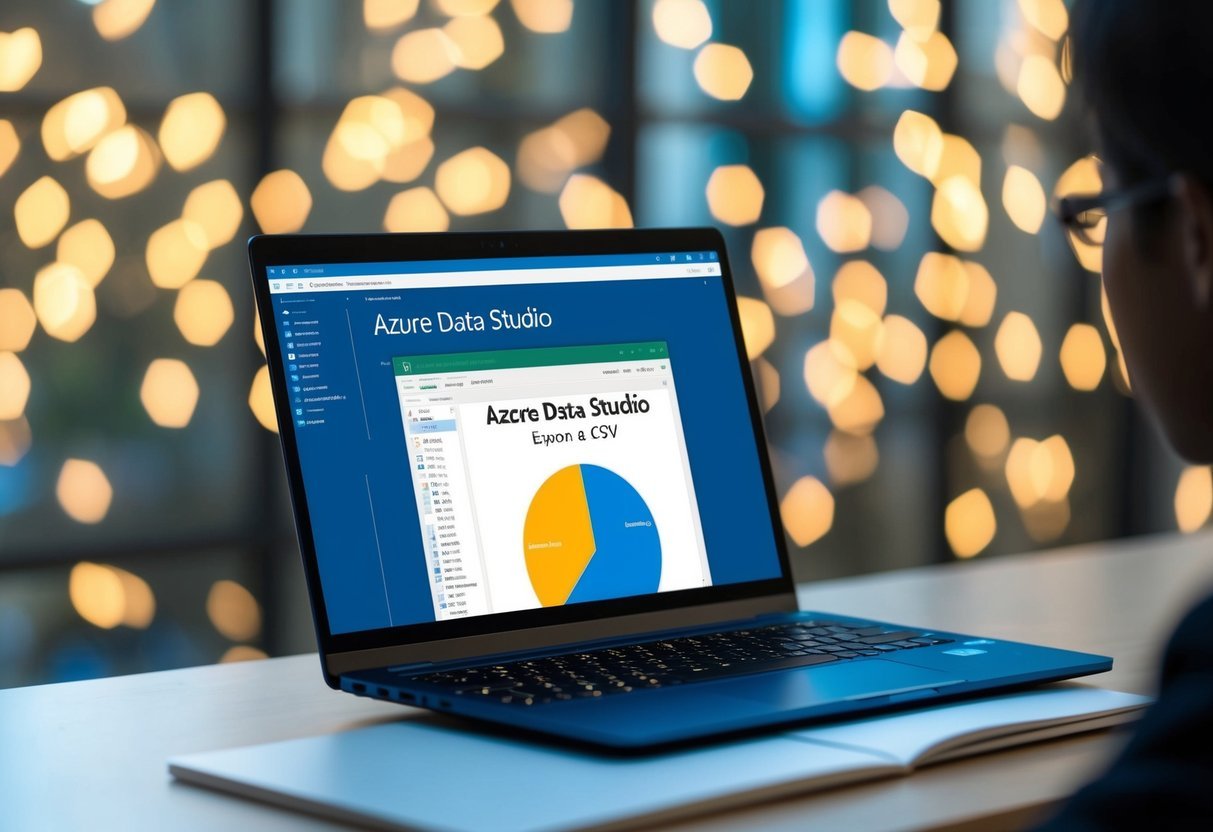
A laptop screen displaying Azure Data Studio with a table export to CSV

Exporting data from Azure Data Studio into a CSV file is a straightforward process. However, it’s essential to ensure that the data maintains its integrity and is well-managed after the export. This involves verifying data accuracy and organizing the exported files efficiently.

Verifying Data Integrity

After exporting data to a CSV file, it’s crucial to check its integrity. This involves comparing the CSV file data against the original database tables.

Check for missing rows, duplicate entries, or misaligned columns. Pay particular attention to the primary key fields, as these are critical for maintaining unique records.

Relational databases often rely on precise data structuring, so ensure the exported CSV reflects this structure accurately.

Validate any import data processes to ensure they align with the intended database name and structure. This helps prevent data mix-ups or corruption in later stages.

Managing Exported CSV Files

Once the CSV files are verified, managing them efficiently is key.

Organize these files using a consistent naming convention, perhaps including the database name or export date, to easily identify them later.

Consider setting up a dedicated folder hierarchy to store CSV files, grouping them by project or department.

Additionally, address any security concerns by implementing access controls or encryption if needed. This is particularly important if the data contains sensitive information.

Regularly back up your files to prevent data loss.

By ensuring proper file management, future data retrieval, analysis, or import processes will be more streamlined.

Importing CSV Data Back into SQL Server

A computer screen displaying SQL Server Azure Data Studio exporting a table to CSV format

Importing CSV data into SQL Server can be done efficiently with tools that handle various file types, such as CSV, Excel, JSON, and XML. Using these methods ensures data is correctly formatted and inserted into the desired SQL table.

Using the Import Wizard

The Import Wizard in Azure Data Studio provides a user-friendly interface to import CSV files into SQL Server. This tool guides users through a step-by-step process, making it easier for those who may not be familiar with SQL commands.

Users can select their CSV file, map columns to the appropriate SQL fields, and specify data types to ensure accurate data import.

The wizard also allows adjustments for format settings, like delimiters and text qualifiers, which are important for correctly interpreting the data.

The SQL Server Import Wizard is designed for convenience and is integrated with Azure Data Studio, making it accessible for many users. It supports complex data types and can handle large datasets, ensuring that even extensive files are managed efficiently.

Importing Flat Files

The Import Flat File Wizard is another feature that simplifies importing CSV and other flat file formats into SQL Server. This tool automatically detects data types and schema, reducing manual setup and potential errors.

It is particularly useful for importing files that have a consistent format.

To import a flat file, users select the file and destination table, and the wizard performs schema detection to match the CSV structure.

This process minimizes errors by eliminating mismatches in data types or column counts.

It’s ideal for users who deal with recurring imports of flat files. The tool also supports adjustments after the initial import, allowing fine-tuning without repeated manual input.

By using the Import Flat File Wizard, users can quickly integrate data from CSV files into their SQL Server databases.

Frequently Asked Questions

An open laptop displaying the interface of Azure Data Studio, with the "Export Table to CSV" feature highlighted and ready to be used

Exporting data from Azure Data Studio is a crucial skill for database management. This section addresses common questions regarding exporting tables to CSV, importing data, and more.

What are the steps to export a table to a CSV file in Azure Data Studio?

To export a table to a CSV file, execute the desired SQL query and ensure results are displayed. Click on the save icon beside the results grid, and choose the CSV format option.

This straightforward process allows users to download and save query results as a CSV file directly from Azure Data Studio to CSV format.

Can you export query results to Excel from Azure Data Studio?

Yes, after running a query, you can export results to Excel. Once the query results appear, click the export button on the right margin and select the Excel option.

This provides an efficient way to handle data analysis within Excel from Azure Data Studio.

How do I export an entire database schema using Azure Data Studio?

To export an entire database schema, use the export wizard within Azure Data Studio. This feature may allow you to configure and save the database schema.

Ensure full access to necessary permissions for a smooth export.

What is the process for exporting a database to a SQL file with Azure Data Studio?

Exporting a database to a SQL file can involve using built-in tools in Azure Data Studio. Although primarily for querying and visualizations, users can script out elements of the database to SQL files by using extensions or command-line tools within the platform.

How can you import data from a CSV file into Azure Data Studio?

To import data from a CSV file, use the import wizard. Open the desired database, select the import option, and follow the steps.

The wizard allows for column mapping and data type selections to ensure accurate data incorporation.

Is it possible to export connection settings from Azure Data Studio?

Exportation of connection settings is generally not supported natively. However, users can manually document these settings. Alternatively, they can use external tools for configuration file management. These tools store connection details securely for use across different environments.

Categories
Uncategorized

Learning DAX – Table and Filter Functions Explained

Understanding DAX Basics

Data Analysis Expressions (DAX) is a library of functions and operators used for data analysis in Power BI, Excel, and more. It helps professionals create powerful calculations.

DAX Syntax involves formulas that include functions, operators, and statements. These elements combine to perform tasks on data sets.

Functions are key in DAX. They perform calculations like SUM, AVERAGE, or FILTER. These functions can work with various data types like numbers, text, and dates.

Errors can occur if the syntax is incorrect. Syntax errors are common for beginners. It is important to understand the required format.

Operators like +, -, *, and / allow combinations of functions and data. They enable calculations across different tables.

Statements in DAX are used for logical operations such as IF statements. These help in decision-making within formulas.

To avoid errors, understanding the formula syntax is crucial. This includes knowing how to parenthesize and nesting functions correctly.

DAX supports various data types like integers, decimals, and text. Correct usage of these ensures effective calculations.

Exploring DAX Functions and Their Uses

Data Analysis Expressions (DAX) functions are essential for creating dynamic calculations and data analysis in tools like Power BI. They offer a wide range of capabilities, from aggregations to logical reasoning. Understanding these functions enhances one’s ability to perform advanced data manipulations.

Aggregation Functions

Aggregation functions in DAX help summarize and analyze data across tables or datasets. Common examples include SUM, AVERAGE, and COUNTROWS.

The SUM function adds up all values in a given column. It is useful for calculating totals or combining numerical data.

COUNTROWS counts the number of rows in a table, allowing users to understand dataset size quickly. These functions enable users to derive meaningful insights from large datasets by focusing on key numerical metrics.

Logical Functions

DAX also includes logical functions that help control the flow of calculations based on specific conditions. Functions like IF, AND, and OR are fundamental.

The IF function evaluates a condition and returns different results depending on whether the condition is true or false.

These functions help create complex calculations by allowing decisions to be made within formulas. They play a crucial role in setting criteria that adjust outputs based on data inputs.

Mathematical Functions

Mathematical functions within DAX provide the capability to perform calculations that go beyond simple math. They include functions like ROUND, INT, and ABS, which manipulate numerical data to suit specific needs.

The ABS function returns the absolute value of a number, useful in scenarios where directional values (positive or negative) need to be standardized. By using these functions, users can transform data effectively to meet analytical requirements.

Statistical Functions

Statistical functions in DAX give users tools for analyzing data patterns and distributions. Examples are COUNT, MEDIAN, VAR, and STDEV.

These functions help in assessing variability and central tendencies within datasets.

For instance, the MEDIAN function finds the middle value in a set of numbers, which can be critical for analyses focused on central tendency rather than averages. Statistical functions are essential for understanding and interpreting complex data distributions.

Deep Dive into Calculated Columns and Measures

A person working at a desk surrounded by computer monitors and papers, studying DAX functions

Calculated columns and measures in DAX are powerful tools used to analyze data. Calculated columns provide static data at a row level, while measures offer dynamic summaries based on context. Understanding these differences helps optimize the performance and usability of Power BI and Excel reports.

Creating a Calculated Column

A calculated column adds a new column to a table, where each row contains values based on DAX formulas. Calculated columns are evaluated in a row context, meaning each row is calculated separately.

For example, if a table contains product prices and quantities, a calculated column might multiply these to find total sales per product.

Creating a calculated column is straightforward in Power BI or Excel. Users simply select the table, click on “New Column,” and enter the DAX formula.

Since calculated columns are stored in the data model, they can impact performance, especially with large datasets. Therefore, they should be used when static data is sufficient for analysis, like categorizing or sorting rows.

Calculated columns are particularly useful for data that doesn’t change often, as they allow for a one-time calculation instead of dynamic updates every time the data is accessed.

Defining Measures

Measures, unlike calculated columns, perform calculations based on the filter context. This makes them dynamic and ideal for aggregations like sums, averages, or counts.

Measures adjust their computation according to user interactions, such as selecting filters or slicers, making them essential for dynamic reporting.

To define a measure, users choose “New Measure” and input a DAX formula.

Measures are not stored as additional columns, which makes them efficient for handling large datasets. They primarily differ from calculated columns in that they use both row and filter contexts to determine results.

This adaptability means they can reflect different outcomes based on current filters, providing insightful data analytics without storing extra information.

The agility of measures lies in their ability to use functions like CALCULATE, allowing for complex expressions that adjust dynamically. Thus, they are highly suited for real-time insights within dashboards.

Mastering Contexts in DAX: Row vs Filter Context

Row context is essential in DAX calculations. It refers to the current row being processed in a table. When a function like SUMX is used, it moves through each row, evaluating expressions for each one.

Filter context is a bit different. It integrates filters applied to data models, like those from slicers or manually added filters in a report.

Evaluation contexts combine both row and filter contexts to calculate a result.

When performing DAX calculations, understanding the interaction between row and filter context is crucial.

Row context doesn’t automatically apply filters, but filter context can effectively limit the data visible to the calculation.

Here’s a summary of key differences:

Aspect Row Context Filter Context
Applies To Individual row in a table Defined filters in a model
Initiated By Iterative functions like SUMX Filters from slicers or measures
Combined Context Limited by current row Includes all current filters

Manipulating these contexts allows precise control over data, crucial for advanced use of DAX in applications like Power BI. With proper mastery, creating dynamic and interactive reports becomes more effective and efficient.

Leveraging DAX for Time Intelligence Analysis

A person studying a book on DAX with a laptop open, surrounded by charts and graphs

DAX provides robust capabilities for time intelligence, enabling users to track and analyze data over specific periods. These techniques are crucial for evaluating metrics like sales over time, comparing periods, and performing detailed time-based calculations.

Understanding Time Intelligence Functions

DAX offers several time intelligence functions that are essential for analyzing date-related data.

Functions like DATESYTD, DATESMTD, and DATESQTD help calculate totals from the start of a year, month, or quarter. These are useful for creating year-to-date or month-to-date summaries.

The PREVIOUSQUARTER function allows examining sales or other metrics from the last quarter, enabling a comparison between current and prior periods.

Another important function is SAMEPERIODLASTYEAR, which compares metrics for the same timeframe in the past year. This is particularly useful for identifying seasonal trends in sales data.

Implementing these functions can assist in forecasting and strategic planning.

Advanced Time-Based Calculations

Advanced calculations incorporate more complex scenarios like shifting date ranges or aggregating data across non-standard periods.

Techniques such as moving averages smooth out short-term fluctuations in sales data to reveal long-term trends. Calculations like cumulative totals can show total sales over time, providing insights into growth patterns.

Additionally, using custom calendars in DAX allows businesses to define fiscal years or custom period ranges.

Functions like PARALLELPERIOD can calculate data from parallel periods, aiding in performance tracking over custom timelines. These advanced tools enable precise and tailored analyses, essential for in-depth business intelligence and decision-making.

Effective Use of Filter Functions in DAX

Filter functions in DAX are essential for creating dynamic calculations and handling data models efficiently. Understanding how to use functions like ALL and CALCULATE can enhance data insights.

Utilizing the ALL Function

The ALL function plays a crucial role in DAX by removing filters from columns or entire tables. This function proves beneficial when calculations need to consider all available data, regardless of existing filters.

For instance, combining ALL with CALCULATE can help calculate total sales without regional filters. It enables comparisons and better insights into local performance versus global trends.

Another variant, ALLEXCEPT, is helpful when all columns need filtering removal except specific ones, allowing for more refined data analysis.

Demystifying the CALCULATE Function

The CALCULATE function transforms the filter context in which data is evaluated. As a powerful tool, it adjusts the data being considered for visualizations and calculations.

By working with FILTER, users can modify and refine datasets, tailoring analytics to meet specific needs.

CALCULATE enables advanced scenarios, such as adjusting profit calculations by excluding shipping costs. This change is achievable by embedding other functions like FILTER within CALCULATE, demonstrating its adaptability and strength.

Mastering CALCULATE empowers users to harness DAX’s full potential, offering precise and insightful data analysis.

The Role of Values and Relationships in DAX

In DAX, managing data effectively relies on understanding values and how tables relate to each other. This includes handling distinct values in calculations and using relationships between tables to perform complex data manipulations.

Working with Distinct Values

DAX provides functions like DISTINCT and VALUES to extract unique entries from a column or table. These functions are crucial when creating measures that depend on unique data points.

For example, using CALCULATE with DISTINCT helps filter data for specific analyses.

Distinct values are essential in scenarios such as counting unique customers or evaluating sales from distinct regions. This approach ensures precise and meaningful results by avoiding duplicate impacts on calculations.

Leveraging Related Tables

Relationships between tables in DAX allow for advanced data modeling. Functions like RELATEDTABLE enable users to access and combine data from different tables based on predefined relationships. This function is often used in scenarios where calculations need context from another related table.

By establishing relationships, users can create dynamic and responsive reports. This setup helps in filtering and summarizing data efficiently, allowing calculations to span across multiple tables.

For instance, one can summarize sales data while drawing in attributes like product categories stored in separate tables.

Understanding these concepts enhances data manipulation, simplifies complex queries, and improves the accuracy of business intelligence solutions.

Working with Tables: Understanding DAX Table Functions

DAX table functions are essential for creating and manipulating tables within data models. They allow users to create calculated tables and perform table manipulation using filter functions and other DAX tools.

Creating a Calculated Table

Calculated tables are an effective way to generate new tables in your data model using DAX expressions. These tables are defined by a DAX formula, making them dynamic and responsive to changes in your data.

To create a calculated table, users often rely on functions like CALCULATETABLE. This function allows you to define the contents of the table using expression and filter parameters.

For example, CALCULATETABLE can create a filtered subset of an existing table.

Using calculated tables, analysts can perform what-if analysis or group and summarize data efficiently. The flexibility provided by calculated tables helps in crafting tailored data solutions to fit specific business needs.

Exploring Table Manipulation Functions

Table manipulation in DAX involves using functions that allow the transformation and organization of data. Functions like SELECTCOLUMNS and ADDCOLUMNS specify and calculate new columns in a table.

SELECTCOLUMNS extracts specific columns, while ADDCOLUMNS allows the addition of computed columns.

Another critical function is FILTER, which is useful for narrowing down table data based on conditions.

By employing functions like these, users can refine large datasets to match their analytical requirements.

Using table manipulation functions, professionals can shape data models to improve analytical capabilities. This flexibility can result in more meaningful insights by structuring data in useful formats.

Optimizing DAX for Better Performance

Improving DAX performance often begins with understanding its optimization strategies. DAX, or Data Analysis Expressions, is a powerful tool for data modeling and analysis. It’s used with Microsoft products like Excel and Power BI to perform complex calculations.

Best Practices for Optimization:

  • Use filters wisely to focus on relevant data. Filtering data efficiently reduces processing time.

  • Avoid using large tables when smaller tables can serve the same purpose. This decrease in data size can lead to better performance.

  • Precalculate results when possible. Precalculating can save significant time, especially in complicated calculations.

Table and Filter Functions:

Function Usage
FILTER Applies conditions on data
CALCULATE Modifies a filter context
SUMMARIZE Creates a summary of data

Learning to effectively utilize these and other functions is key to optimizing performance. Each function has its specific use case in optimizing queries and reporting speed.

Understanding the impact of query design can also enhance performance. Efficient queries lead to shorter processing times and faster results.

For example, knowing when to use calculated columns versus measures can greatly affect speed and accuracy.

Developers should always focus on minimizing the use of complex functions that can slow down performance. It’s important to test and refine DAX expressions regularly to ensure optimal results.

Integrating DAX with Power BI and Excel

Integrating DAX with Power BI and Excel enhances data analysis capabilities significantly. This approach enables powerful data modeling, visualization, and the creation of insightful reports.

Utilizing DAX in Power BI

Power BI users can leverage DAX functions to perform complex calculations and create dynamic visuals. These functions can be used with Power BI Desktop to build and customize data models.

Users can create measures and calculated columns to perform precise data analysis.

In Power BI, DAX’s CALCULATE function is essential for modifying filter contexts. Another useful function is FILTER, which allows narrowing down data to specific requirements.

These features help in building interactive dashboards that reflect real-time changes in data, making them extremely powerful for business intelligence tasks.

Applying DAX in Excel Scenarios

In Excel, DAX is often used with Power Pivot to enhance Excel’s analytical abilities. Power Pivot allows users to manage large data sets and perform advanced calculations not typically possible with standard Excel formulas.

Users can integrate tables easily and use DAX for complex aggregations.

DAX functions like SUMX or RELATED extend Excel’s functionality by enabling cross-table calculations and more intricate analyses.

Excel scenarios benefit significantly from DAX when it comes to summarizing, forecasting, and gaining insights from complex data sets.

By using these tools together, analysts can maximize their data evaluation capabilities efficiently.

DAX Error Handling and Troubleshooting

In DAX, managing errors effectively is crucial for accurate data analysis. Common issues include syntax errors, which occur when the code does not follow the proper structure.

Using tools like the formula bar in Power BI can highlight these errors, allowing users to correct them quickly.

Another aspect of DAX is error handling, which involves using functions like IFERROR to manage errors gracefully. This function allows developers to specify a result when a formula encounters an error, ensuring that calculations continue smoothly.

Troubleshooting in DAX often involves checking if the formula is using the correct column names. It’s important to use fully qualified column names to avoid ambiguity, especially in large data models.

Employing conditional logic is key to effective DAX programming. For instance, using the SWITCH function can simplify complex logic, making it easier to read and debug.

Understanding these functions can help minimize errors and improve readability.

To ensure robust DAX code, regularly test functions with different data sets. This practice helps identify hidden errors, allowing for more reliable results. Awareness and proper handling of errors significantly enhance the performance and reliability of DAX calculations.

Advancing Skills with Practical DAX Examples

Enhancing DAX abilities involves mastering real-world applications and understanding various use cases. Practicing with realistic data sets helps to develop confidence in applying DAX functions.

Example 1: Calculating Total Sales
To find the total sales in a dataset, they can use the SUM function. For instance, using SUM(Sales[Amount]) adds up all sales amounts. This fundamental operation forms the building block for more complex calculations.

Example 2: Filtering Data
The FILTER function is crucial for narrowing data. An example might be using FILTER(Sales, Sales[Amount] > 1000) to see sales above a threshold. Such filtering is essential in business analysis for targeting specific data segments.

Tabular Data Manipulation
Working with tables often requires creating calculated columns or measures.

Calculated columns can be created with simple DAX expressions like Sales[Discounted Price] = Sales[Amount] * 0.9. These columns update in real-time as data changes.

Real-World Applications
In business intelligence, DAX is used in tools like Power BI. Companies leverage DAX for dashboard creation and interactive reporting, which aids in strategic decision-making.

DAX’s capabilities extend to creating dynamic measures, enabling users to compare current sales to previous periods seamlessly. By incorporating functions like CALCULATE and ALL, one can evaluate data across multiple criteria, providing deeper insights into business trends.

Mastering these skills allows practitioners to unlock the full potential of analytics platforms, enhancing their ability to derive valuable insights from data.

Frequently Asked Questions

Learning DAX, particularly table and filter functions, is crucial for anyone working with data in Power BI. This section addresses common questions, covering basic table functions, techniques for building complex filters, and methods to optimize filter functions for efficient data processing.

What are the basic table functions to understand when starting with DAX in Power BI?

Newcomers to DAX should familiarize themselves with functions like FILTER, ALL, and CALCULATETABLE. These functions form the foundation for manipulating and analyzing datasets.

The FILTER function, for instance, helps apply conditions to data, while ALL removes filters from a specific column or table.

How can you utilize DAX to filter data using multiple conditions?

DAX allows the use of logical operators to apply multiple conditions in filters. Using AND and OR within the FILTER function enables users to refine datasets precisely.

These operators make it possible to handle complex queries by combining several conditions that a dataset must satisfy.

Can you provide examples of common filter expressions in DAX?

Common DAX filter expressions often include the use of CALCULATE with conditions. For instance, CALCULATE(SUM(Sales), Sales[Region] = “West”) tallies sales only for a specific region.

This way, users can derive insights specific to various criteria by applying direct conditions within functions.

What techniques are used to create complex filters within DAX?

To create complex filters, users often combine functions such as FILTER and CALCULATE with nested conditions. Using nested conditions inside CALCULATETABLE can also refine results further.

Testing and layering conditions enables precise data manipulation and helps achieve the desired queries.

How vital is the understanding of filter context in mastering DAX for Power BI?

Understanding filter context is essential in mastering DAX, as it affects how calculations are performed in different scenarios. It determines which data is being used for any given calculation.

Deep comprehension of filter context allows for more accurate and efficient data analysis.

What are the best practices for optimizing DAX filter functions in large datasets?

For optimizing DAX filter functions, it’s crucial to minimize the use of resource-intensive operations. Using lazy calculations, maintaining simplicity in expressions, and reducing unnecessary filtering can improve performance.

Accurate indexing and summary tables also help streamline processing in large datasets.

Categories
Uncategorized

Learning about Merge Sort and How to Implement in Python: A Comprehensive Guide

Understanding Merge Sort

Merge Sort is a popular sorting algorithm known for its efficiency and reliability. It follows the divide-and-conquer strategy, which means it works by dividing a problem into smaller sub-problems, solving them independently, and then combining their solutions.

The algorithm splits an array into two halves, repeatedly doing this until each sub-array contains a single element. At this point, these elements are considered sorted.

Next, the algorithm merges the sorted sub-arrays to produce new sorted arrays. This process is repeated until the entire array is sorted.

One of the key benefits of Merge Sort is its stability. Being a stable sort, it maintains the relative order of equal elements, which can be important in cases where the original order carries meaning.

Merge Sort Key Features

  • Time Complexity: O(n log n) for all cases (best, average, worst).
  • Space Complexity: Requires additional storage proportional to the array size.
  • Stability: Keeps the order of equal elements consistent.

Merge Sort is often compared with other sorting algorithms such as Quick Sort and Bubble Sort. Its predictable performance makes it an excellent choice for larger datasets or when memory usage can be accommodated.

By employing the divide and conquer algorithm structure, Merge Sort remains an essential tool in the collection of sorting algorithms, providing consistent results and predictable performance. For more details on implementation, visit Merge Sort: A Quick Tutorial and Implementation Guide.

Basics of Divide and Conquer in Sorting

Divide-and-conquer is a common strategy used in sorting algorithms like merge sort. This approach involves breaking down a problem into smaller, more manageable parts, then solving those parts and combining them. In sorting, this typically means dividing a list into sub-arrays, sorting those, and merging them back together to form a sorted array.

Splitting the List

The first step in divide-and-conquer sorting is splitting the list. In merge sort, the unsorted list is divided into two halves until each sub-array contains a single element. This process continues recursively. By breaking the list down, it’s easier to manage and sort smaller pieces rather than dealing with a large unsorted list at once.

For example, consider a list of eight numbers. It gets split into two lists of four numbers each and then those are split further into lists of two and finally into single elements.

This step is crucial because it simplifies the merging process later. A completely divided list allows for more efficient subsequent operations and accurate sorted results.

Sub-Array Management

Once the list is split into sub-arrays, each sub-array is managed separately. This involves sorting each sub-array before merging them back together into a sorted array.

The merge function plays a pivotal role, operating on the assumption that each sub-array is already sorted. It compares elements from each sub-array, selecting the smallest currently available item to build a new sorted array.

Managing these sub-arrays effectively is key, for ensuring accuracy and efficiency in sorted outputs. It reduces complexity when dealing with larger data sets. This process not only optimizes sorting but also makes the merge sort algorithm highly effective, especially for larger data sets, due to its time complexity of O(n log n).

The Merge Procedure Explained

The merge procedure in merge sort is essential for combining sorted subarrays to form a single, sorted list. This step involves a clear process that ensures efficiency and stability in sorting the entire dataset.

Merging Subarrays

During the merging of subarrays, the merge function plays a critical role. First, it takes two sorted subarrays. For example, consider an array divided into arr[l..m] and arr[m+1..r]. The merge function compares the smallest elements from both subarrays.

The smaller element is added to a new temporary array. This comparison continues until all elements from one subarray are exhausted. Subsequently, any remaining elements from the other subarray are directly copied to the temporary array. This systematic merging results in a single sorted sequence.

Creating a Sorted List

Once the subarrays are merged, the next step is forming a sorted list. The merge function ensures that all elements are in order by continually checking and inserting the smallest available element into the temporary list.

Once merged, this list replaces the original unsorted section of the array. This temporary sorted list maintains the stability of the sort, meaning it preserves the original order of identical items. This final sorted sequence represents the successful sorting of elements, ready for further processing or evaluation by the program.

Analysis of Time Complexity

In analyzing the time complexity of Merge Sort, it’s essential to explore different scenarios it may encounter and how it compares to other sorting algorithms. Knowing these details helps in understanding its efficiency.

Best, Average, and Worst Cases

Merge Sort consistently performs with a time complexity of O(n log n) across best, average, and worst cases. This is because it always divides the array into halves and requires linear time to merge them back. Unlike other algorithms, Merge Sort doesn’t have a worst-case scenario more complex than its average, making it a reliable choice for sorting large datasets.

This makes Merge Sort more predictable. For arrays that aren’t already sorted or those with complex ordering, it maintains its efficiency. Even in cases where many sorting algorithms slow down, Merge Sort demonstrates its stability and performance advantage by maintaining a lower upper limit on operations needed.

Comparing with Other Sorting Algorithms

When compared to other algorithms like QuickSort, Merge Sort offers more consistent performance. QuickSort has a best-case time complexity of O(n log n) but can degrade to O(n²) if not properly optimized or if the data is poorly distributed. This indicates that for certain datasets, QuickSort may require more operations and time than Merge Sort.

A key advantage of Merge Sort is its stability and predictability. It performs steadily regardless of the initial data configuration. In contrast, Selection Sort or Bubble Sort often appear slower due to their O(n²) complexity. These attributes give Merge Sort an edge in environments where consistent operation speed is crucial.

Space Complexity Considerations

Space complexity is an important aspect when analyzing algorithms. It refers to the amount of memory space an algorithm requires during its execution. Understanding space complexity helps in evaluating the efficiency of sorting algorithms.

The space complexity of merge sort is O(n). This means the algorithm needs additional memory equal to the size of the input array. This extra space is used to store temporary arrays during the merging process.

Merge sort is particularly useful for external sorting, which is sorting large datasets that are too big to fit in main memory. In such scenarios, merge sort can be adapted to work efficiently by writing parts of the sorted data to disk during the process.

Memory space considerations are crucial when deciding on the appropriate algorithm for a task. Although merge sort is efficient for large datasets, its linear space requirement may not be optimal for smaller in-memory datasets where other algorithms, like quicksort, might be more suitable.

Merge Sort Implementation in Python

Merge sort is a popular algorithm due to its efficiency and predictability. It works by dividing an array into halves, sorting them, and merging them back together in order.

Python Program Essentials

To implement merge sort in Python, several key components must be in place. Begin by importing necessary libraries, though Python’s built-in functions often suffice. Understanding the basic data structure, such as lists, is crucial since merge sort primarily works by altering list elements.

Defining variables and ensuring proper input handling are fundamental. Start with an unsorted list and plan how it will be divided. The merge sort algorithm involves splitting lists continuously until each sub-list contains a single element. This division forms the backbone of the algorithm. By focusing on smaller parts, it handles the elements efficiently.

Include inline comments in your code to ensure clarity, and leverage Python’s syntax to write clean, efficient code. A proper setup lays the groundwork for a smooth implementation.

Writing the Recursive Function

The key to merge sort is its recursive nature. The recursive function repeatedly splits the array until single elements remain. This base case is crucial—it stops the recursion once there’s only one element. Use the function’s parameters to track the sub-array boundaries.

The recursive function calls itself for each half of the array. Once the splitting is complete, the merge function comes into play. It merges sorted sub-arrays back into a single sorted array. This crucial operation assembles the original list in order.

Efficiency comes from managing these splits and merges effectively. It’s essential to ensure stability by preserving the order of equal elements. This characteristic makes merge sort a reliable choice, aligning with theoretical predictions on its performance.

Developing a Stable Sorting Solution

Merge sort is a prime example of a stable sorting algorithm. “Stable sort” means that it maintains the relative order of equal elements. This is especially helpful when sorting arrays containing duplicate values or custom objects with identical keys.

For example, consider sorting a list of students by grade, where several students have the same grade. A stable sorting method like merge sort ensures these students remain in the same order they appeared in the original list. This property is crucial for applications where the original data order provides additional context.

Merge sort works by dividing the array into smaller sub-arrays, sorting them, and combining them back together. This approach, known as “divide and conquer,” makes it efficient as well.

Merge sort uses extra space in order to handle this splitting and merging, which is a trade-off for achieving stability. Despite this, its ability to sort data consistently makes it valuable for various situations, especially when working with custom objects that carry context-sensitive details. More about merge sort can be found in this Python program for merge sort guide.

For situations that require both stability and efficiency, merge sort serves as a solid choice. It processes data methodically, maintaining stable order while being capable of handling large datasets. This makes it ideal for real-world applications where data integrity and order consistency are priorities.

Efficiency and Performance

Merge sort is known for its efficiency, especially on large datasets. It uses a divide-and-conquer approach, which splits the data into smaller subarrays, sorts them, and then merges them back together.

The time complexity of merge sort is O(n log n). This is consistent across best, average, and worst-case scenarios. This makes it an attractive choice for situations where performance is crucial.

While the time complexity is efficient, merge sort has a drawback in terms of space complexity. It requires additional memory for temporary arrays used in the merging process, leading to a space complexity of O(n).

Merge sort is also a stable sorting algorithm. This means that if two elements are equal, their original order is preserved in the sorted output. This property is essential in scenarios where the order of equal elements matters.

In terms of practical implementation, merge sort can be executed in Python either recursively or iteratively. Both methods strive to achieve the same sorting performance but require different coding structures.

For tasks requiring parallel processing, merge sort is advantageous. Its ability to independently handle subarrays makes it a suitable candidate for parallel execution, enhancing its efficiency further. This characteristic is beneficial in environments that leverage multi-core processing.

Recursion in Merge Sort

Merge sort is a divide-and-conquer algorithm. It works by breaking down a list into smaller parts and then sorting those parts recursively.

The recursive function in merge sort splits an array into two halves. This is the “divide” part of the algorithm. Each half is then processed separately.

Once each half is divided, the algorithm continues to break them down until it reaches individual elements. These single elements are naturally sorted.

After reaching the smallest list size, the merging begins. This is the “conquer” part of the algorithm. The merge step combines these small, sorted lists into larger sorted lists.

In Python, a recursive function calls itself to handle each division. It contains a base case to stop the recursion. Usually, this base case is when the list has zero or one element.

The advantage of merge sort’s recursion process is that it efficiently handles large data sets. Each recursive call reduces the problem size, keeping the process structured and manageable.

For more details on how merge sort divides and processes each step, one can refer to this guide.

Advanced Concepts

Merge sort can be better understood by exploring its more intricate variations. The bottom-up merge sort is a key concept that brings a fresh perspective to the traditional divide-and-conquer approach.

Bottom-Up Merge Sort

In the bottom-up approach, the merge sort algorithm begins by sorting smaller subarrays and gradually builds up to larger arrays. Instead of recursive division, it systematically merges pairs of elements into sorted sequences, which are then merged into larger ones. This method is less reliant on the stack, unlike the top-down approach.

This technique is especially effective in scenarios involving external sorting, where large datasets that do not fit into memory are sorted. By breaking the dataset into smaller chunks that are sorted and merged, it optimizes resource usage. This method is valuable when dealing with large files in data-heavy applications. The iterative nature reduces the complexity of recursive calls, making it more suitable for certain system architectures.

Applying Merge Sort to Real-World Problems

Merge sort is a popular sorting algorithm used in many computer science applications. Its ability to efficiently sort data makes it ideal for various real-world scenarios. In database systems, merge sort helps organize and retrieve data quickly, enhancing system performance.

For software engineers, merge sort offers a way to handle large data sets with precision. It’s especially useful in applications like data analysis, where sorting can significantly speed up data processing. Its stability ensures that identical elements maintain their relative order, an advantage over other algorithms.

Another common use is in file systems for external sorting. It manages large files by breaking them into smaller, sortable chunks. Once sorted, these chunks are merged back together, forming an organized whole.

Merge sort’s application extends to search algorithms, where having sorted data allows for faster searches. It divides data into smaller sections, sorting and combining them efficiently, which aids in quick data access and management.

Though merge sort requires additional memory for merging processes, its predictable performance, characterized by a time complexity of O(n log n), makes it a reliable choice. This complexity remains consistent, regardless of data order, providing an advantage in predictable environments.

Frequently Asked Questions

Merge sort is a powerful sorting algorithm with distinct steps for implementation, examples of both iterative and recursive methods, and specific time complexity considerations.

What are the steps involved in implementing a merge sort algorithm in Python?

In the merge sort algorithm, the main steps include dividing the list into two halves, sorting each half, and then merging these sorted halves back together. This approach is commonly referred to as “divide and conquer.”

Can you provide an example of a merge sort implementation in Python?

An example of a merge sort in Python involves using a function to split the list, recursively sorting the sublists, and then merging them in sorted order. To see a detailed guide, check out the merge sort implementation guide.

How does recursive merge sort work in Python, and how do you write it?

Recursive merge sort involves calling a function on smaller sections of the list until you reach lists of one element. It sorts each section and then combines them in order. This method ensures an organized way to handle sorting efficiently.

What are the differences between iterative and recursive merge sort implementations in Python?

Recursive merge sort uses a divide and conquer strategy, calling itself with smaller arrays. Iterative merge sort, on the other hand, uses loops to manage the split and merge tasks without recursive calls. Understanding how each method approaches the problem helps in selecting the right one for your needs.

How can one analyze the time complexity of the merge sort algorithm in Python?

Merge sort has a time complexity of O(n log n), making it efficient for large datasets. This complexity arises because the array is divided multiple times, and each division involves merging sorted lists. For more on efficiency, refer to the merge sort advantages.

What are some common pitfalls or mistakes to avoid when implementing merge sort in Python?

Common mistakes include improperly merging lists or failing to correctly handle base cases in recursion.

It’s important to ensure the merge function maintains the order and handles sorting accurately.

Avoiding these issues ensures the algorithm functions correctly and efficiently.

Categories
Uncategorized

Create SQL Server Notebooks in Azure Data Studio: A Step-by-Step Guide

Setting Up Azure Data Studio for SQL Server Notebooks

Setting up Azure Data Studio to work with SQL Server notebooks involves specific steps to ensure smooth operation.

Key aspects include installing the software and configuring connections to SQL Server instances for efficient database management.

Installation and Configuration

To start, download and install Azure Data Studio. The application is available for various operating systems, including Windows, macOS, and Linux.

Installation is straightforward; just follow the prompts to complete the setup.

Once installed, open Azure Data Studio. Navigate to File > Preferences to configure the environment.

Customizing settings like themes or key bindings can enhance usability.

Make sure to install any necessary extensions. Some popular ones include SQL Server Management Studio (SSMS) and database dashboard widgets.

These enhance functionality and offer tools for monitoring and managing SQL Server instances.

Connecting to SQL Server Instances

Connecting to SQL Server instances is the next crucial step.

In Azure Data Studio, select New Connection from the Connections pane.

Enter the server name and authentication type. Windows Authentication is often used in secure environments.

For easier management, organize connections into a server group. This can be done during setup by choosing a group name in the connection dialog box.

After configuring these settings, test the connection to ensure it’s working.

This involves verifying the ability to run basic queries and view database structures, ensuring everything is set up correctly.

Use Azure Data Studio’s quickstart guide to troubleshoot any connection issues.

Creating and Managing Notebooks in Azure Data Studio

Azure Data Studio (ADS) provides a flexible environment for working with notebooks. Users can create SQL notebooks to visualize data and use Git for efficient version control. These tools streamline the development and sharing of insights.

Create a Notebook

To create a notebook in Azure Data Studio, users can start by connecting to a SQL Server or other supported data sources.

They should navigate to the File menu and select New Notebook. This will open a new file with a .ipynb extension, which supports both text and code cells.

When a notebook is opened, it requires a kernel to execute the code.

In most cases, users choose the SQL kernel for database interactions, allowing real-time query execution and results display.

They can embed their SQL queries, and alongside, they can add markdown text to document their processes.

For more detailed steps, see the guide on creating SQL Server notebooks.

Managing Notebook Files with Git

Managing notebook files using Git in Azure Data Studio allows seamless collaboration.

Git integration facilitates version control right from the ADS interface.

Users can make changes, commit, and push these updates to remote repositories like GitHub, thereby maintaining a history of modifications.

With Git, users can track different versions of their notebooks and collaborate with team members.

They can perform operations like cloning a repository, checking status, and merging changes directly within ADS.

This integration ensures that all edits are automatically tracked, preventing overwrites or loss of data.

The streamlined workflow makes it easy for teams to maintain consistency in projects.

For complete management capabilities, refer to the Git integration guide.

Working with Code and Queries in Notebooks

Creating and managing code within notebooks in Azure Data Studio offers extensive possibilities. Users can seamlessly integrate T-SQL and Python scripts while leveraging tools like code snippets and Markdown to enhance readability and functionality.

Writing and Executing T-SQL Code

In Azure Data Studio, users can easily execute T-SQL code directly within a notebook. This is achieved by selecting the SQL kernel option, which allows users to run SQL queries and T-SQL scripts efficiently.

By doing so, database administrators and developers can interact with SQL Server databases without leaving the IDE.

Users can enter SQL code into a cell and execute it to view results immediately.

This interactive approach facilitates real-time data exploration and testing. Moreover, it supports the creation of comprehensive database documentation, combining query results with descriptive text.

Integrating Python Scripts

Notebooks can also run Python scripts, which is useful for data analysis tasks.

By choosing the Python kernel, users can write Python code alongside their SQL code.

This integration is beneficial for data scientists who may need to perform advanced data processing or visualization.

The Python kernel allows running scripts that interact with the database, enabling users to fetch data, process it, and even generate plots or charts.

This seamless integration makes Azure Data Studio a versatile tool for professionals combining data engineering and analytics tasks.

Leveraging Code Snippets and Markdown

Azure Data Studio supports the use of code snippets, which allow users to quickly insert reusable pieces of code.

This feature helps streamline the development process by reducing the need to rewrite common queries or scripts. Users can access these snippets from a library or create their own for repetitive tasks.

Markdown language is another powerful feature, enabling users to add formatted text, lists, and images to their notebooks.

This functionality is ideal for documenting processes, explanations, or insights derived from the executed code.

With Markdown, the notebook becomes a comprehensive document that communicates not just results but insights, supported by both code and text.

Visualizing and Presenting Data

A laptop open to an SQL server notebook in Azure Data Studio, with charts and graphs displayed on the screen

Visualizing and presenting data in SQL Server notebooks with Azure Data Studio involves incorporating various elements such as query results, images, and markdown text. This enhances clarity and engagement for readers, making complex data more understandable.

Incorporating Query Results and Images

In Azure Data Studio, users can run SQL queries and directly display the results within the notebook. This feature is crucial for presenting data findings in a seamless, integrated manner.

After executing a query, the results are shown in tabular format, which users can copy or save.

Images can also be embedded to complement the data. Users might include charts generated from query outputs.

For those using Visual Studio Code, image functionality extends to saving or copying results into other applications such as Word or Excel.

This dual capability of integrating data tables and visual elements increases the notebook’s utility for sharing insights.

Using Markdown for Document Structuring

Markdown is a powerful tool for structuring SQL Server notebooks. It allows the inclusion of formatted text, links, and even inline images to document and explain data analysis findings comprehensively.

This format supports headers, lists, and tables, which organize content logically and make it reader-friendly.

For example, users can insert links directly into the text to direct readers to more detailed resources or related content.

The flexibility of markdown emphasizes clarity and aids in the smooth navigation of complex topics. By combining markdown with query results and images, users create interactive documents that not only inform but engage.

Advanced Notebook Features for Database Administration

A person using a laptop to create SQL server notebooks in Azure Data Studio

Azure Data Studio not only allows creating SQL Server notebooks, but it also provides advanced features that enhance database administration tasks. These features include database scripting, version control, and task automation.

Database Scripting and Stored Procedures

Notebooks can streamline scripting by allowing DBAs to write and execute a query directly within the SQL editor.

This setup is ideal for complex script executions such as creating a table or accessing stored procedures. Using notebooks, they can manage operations like defining a primary key or checking active processes with tools like sp_who.

Scripts and results can be documented in a single file, making it easy to share insights with team members.

This integration of code and results helps in maintaining transparency in database operations.

Version Control Integration and Collaboration

Collaborating and maintaining version control is much easier with notebooks in Azure Data Studio.

Integration with tools like Git enables DBAs to track changes in their scripts. They can commit code, share updates, and collaborate on database administration tasks more effectively.

This integration ensures that changes are documented, and earlier versions of scripts can be retrieved if needed.

Sharing notebooks through Git allows teams to work together remotely, aligning database changes with project goals.

Automating Repetitive Tasks with PowerShell

Automating repetitive tasks is crucial for efficiency.

Notebooks support PowerShell scripts, enabling DBAs to automate processes like scheduled backups or monitoring database health.

By embedding these scripts in a notebook, they can automate tasks that would otherwise take time if done manually.

This feature reduces human error and ensures that necessary administration tasks are consistently performed.

Automations help in maintaining the database’s performance without constant manual intervention.

Using PowerShell within notebooks, DBAs can effectively manage their workload, focusing more on strategic planning rather than routine maintenance.

Frequently Asked Questions

A person using a computer to create SQL server notebooks in Azure Data Studio

This section addresses common inquiries about using SQL Server notebooks in Azure Data Studio. It covers setting up notebooks, integrating Python, managing multiple connections, finding examples, and utilizing various capabilities for managing SQL databases.

How can I set up a new SQL Server notebook in Azure Data Studio?

Setting up a new SQL Server notebook in Azure Data Studio involves opening the application and selecting “New Notebook” from the File menu.

Users must ensure the correct SQL kernel is selected before connecting to the desired SQL Server instance.

What steps are involved in connecting a Python notebook to SQL Server within Azure Data Studio?

To connect a Python notebook to SQL Server in Azure Data Studio, users should first create a new notebook and set the kernel to Python. Then, they can use Python libraries, such as pyodbc or sqlalchemy, to establish a connection.

Can multiple connections be managed within a single notebook in Azure Data Studio?

Yes, Azure Data Studio allows users to manage multiple connections in a single notebook. This feature is useful for accessing different databases or servers within the same document, enhancing the flexibility of data analysis and management tasks.

Where can I find examples of SQL Server notebooks for Azure Data Studio?

Examples of SQL Server notebooks for Azure Data Studio can be found in the Azure documentation.

This resource provides sample notebooks that demonstrate various scenarios and functionalities available in the application.

What are the capabilities of Azure Data Studio when it comes to managing SQL notebooks?

Azure Data Studio offers features like live code execution, the inclusion of rich text, and visualization capabilities within SQL notebooks.

Users can perform data cleaning, transformation, statistical analysis, and more, making it a versatile tool for data management tasks.

How do you create and manage a SQL database using Azure Data Studio notebooks?

Creating and managing a SQL database using Azure Data Studio notebooks involves writing and executing SQL scripts within a notebook.

Users can create tables, insert data, perform queries, and visualize results, all within the interactive and user-friendly environment of the notebook interface.

Categories
Uncategorized

Learning Power BI – Optimization Tools for Enhanced Data Analysis

Understanding Power BI Components

Power BI is a powerful tool used for data visualization and business intelligence. It contains key components that help users analyze and present data effectively.

These components include Power BI Desktop, data models, and visuals, each playing a crucial role in creating a comprehensive user experience.

Overview of Power BI Desktop

Power BI Desktop is a comprehensive tool for creating interactive reports and dashboards. Users can import data from various sources, including Excel, databases, and cloud services.

It facilitates data transformation and enables users to clean, model, and visualize data in a user-friendly interface. The software supports the creation of calculated columns and measures, enhancing data analysis capabilities.

By using the drag-and-drop feature, users can efficiently design their reports. Additionally, Power BI Desktop allows for seamless integration with Power BI services, enabling sharing and collaboration on reports and dashboards.

Roles of Data Models in Power BI

Data models serve as the backbone of Power BI, organizing data systematically for analysis. They involve creating relationships between tables and applying complex calculations, known as DAX (Data Analysis Expressions).

A strong data model enhances the performance and accuracy of reports. In Power BI, the semantic model plays a significant role in simplifying data interactions, representing complex business logic in an understandable format.

This model allows users to perform advanced calculations and generate insights from diverse datasets efficiently. By structuring a robust data model, organizations can ensure comprehensive data integrity and accuracy in their analytics.

Visuals and User Experience

Visuals in Power BI are critical for converting data into meaningful insights. They allow users to create interactive charts, graphs, and maps that enhance understanding of trends and patterns.

Power BI provides a variety of visuals, including bar charts, pie charts, and line graphs, that can be customized to fit specific needs.

The visualizations enable a more intuitive user experience, allowing stakeholders to grasp complex data insights quickly. Through reports that include slicers and filters, users can interact with data and explore different dimensions effectively.

An emphasis on user experience ensures that reports not only look appealing but also are accessible and straightforward to navigate for all users.

Optimizing Data Models for Performance

Optimizing data models in Power BI involves using techniques that enhance performance by improving relationships and managing cardinality.

Improving Model Relationships

Model relationships define how tables are connected in Power BI. Establishing clear and efficient relationships can significantly impact the performance of semantic models.

Reducing unnecessary many-to-many connections helps streamline data processing. Users should aim to minimize complex relationships for quicker queries.

Utilizing proper relationship types like one-to-many and ensuring correct data model alignment can prevent performance bottlenecks. Leveraging star schemas, where possible, can simplify relationships and enhance overall efficiency.

Setting up filters and cross-filter directions correctly ensures the right semantics in data flow.

Managing Cardinality and Hierarchies

Cardinality deals with the uniqueness of data values in columns. High cardinality can slow down data processing.

It is crucial to identify and manage columns with large numbers of unique values effectively. Reducing detail in such columns when possible can also help improve performance.

Hierarchies organize data into levels, making analysis easier. Properly designed hierarchies allow users to drill down into data efficiently.

Aligning hierarchies with business logic and regularly reviewing them is vital for maintaining an optimized model. Using visuals that handle hierarchies adeptly enhances the user’s interaction with data reports.

Introduction to DAX for Power BI

A laptop displaying a Power BI dashboard with DAX formulas, surrounded by optimization tools and charts

DAX, or Data Analysis Expressions, is crucial for leveraging the full potential of Microsoft Power BI. It allows the creation of powerful calculations and analyses for robust data models.

Understanding DAX Queries

DAX queries allow users to explore and analyze data in Power BI. These queries help in filtering, sorting, and calculating data values.

A good understanding of how DAX queries work can significantly improve data analysis efforts.

DAX queries are written in DAX Studio, which is an excellent tool for optimizing and testing these queries.

An important feature is its ability to quickly preview data and results, making it easier to identify trends and patterns.

Knowing how to effectively write and execute DAX queries lets users extract meaningful insights from large datasets.

Creating Efficient Measures

Measures in DAX are used for calculations and aggregations within a data model in Power BI. They are dynamic and change based on the context of the data they interact with.

Creating efficient measures is vital for performance optimization.

Proper use of DAX calculations can significantly enhance the efficiency of these measures.

Understanding the context within which a measure operates is key to ensuring its accuracy and performance.

Effective measures help in drawing clear, precise insights from data and lead to more informed decision-making.

Effective Data Loading and Transformation

Efficient data loading and transformation in Power BI involves mastering techniques that ensure smooth and optimal performance. Understanding how to extract and load data impacts the overall functionality and speed of the business intelligence system.

Data Extraction Techniques

Data extraction is crucial in preparing data for analysis. Techniques involve importing data from various sources such as databases, spreadsheets, and cloud services.

Power BI users often use Power Query for this task due to its advanced functionalities.

Power Query allows users to filter, clean, and shape data before it reaches the Power BI environment. Implementing these processes at the extraction stage reduces unnecessary data load, thus enhancing performance.

Incremental data loads ensure only updated data is processed, saving time and resources.

Automated extraction setups through connectors and APIs can streamline data import, ensuring accuracy and timeliness. Choosing the right extraction approach depends on data volume, source type, and frequency of updates required by the user.

Load Processes and Impact on Performance

Data loading involves bringing the transformed data into Power BI for analysis and visualization. This process can significantly affect performance, depending on how efficiently it is managed.

Using DirectQuery or Import Mode impacts loading speed. DirectQuery loads data on-demand, reducing initial load time but requiring constant connection to the data source.

In contrast, Import Mode brings the entire dataset into Power BI, which can improve speed but increases memory usage.

Understanding and managing column store indexing in Power BI helps in maintaining performance levels.

Efficient load processes often involve simplifying data models by removing unnecessary columns and tables, optimizing the speed at which the reports can be generated.

Proper load strategy can greatly enhance user experience and report generation times.

Leveraging Advanced Aggregation Strategies

Advanced aggregation strategies in Power BI enable users to enhance performance and efficiency in data analysis. By focusing on optimizing the data model and leveraging aggregations, businesses can achieve faster and more insightful analytics.

Utilizing Aggregations in Power BI

Aggregations in Power BI allow users to improve query performance by summarizing data at different levels. This is particularly useful when dealing with large datasets.

In Power BI, aggregations can be set up to pre-calculate results, reducing the need to repeatedly compute totals or averages. This speeds up the queries and enhances the overall user experience.

The use of aggregations involves creating a new table structure where summarized data is stored, enabling quicker access.

Optimizing DAX queries by aligning them with these aggregations can further boost performance. This approach integrates seamlessly with the data model, ensuring efficient data processing and retrieval.

Query Performance Tuning Techniques

A computer screen displaying a Power BI dashboard with various optimization tools and performance tuning techniques

Efficient query performance is crucial for optimizing Power BI models. Two key methods include optimizing query execution and using variables in DAX to enhance performance tuning.

Optimizing Query Execution

Efficient query execution impacts overall performance. To optimize, users should focus on minimizing data transformations and reducing the number of columns and rows processed.

Using the best data source query capabilities helps achieve this.

Always choose direct queries over importing the entire dataset. This reduces memory usage and speeds up processing. Implementing incremental data refreshes can also limit the amount of data processed.

Review query folding, ensuring it occurs whenever possible. Query folding allows transformations to be passed back to the data source, reducing load on Power BI.

Using Variables in DAX Optimization

Introducing variables in DAX formulas can streamline performance by preventing redundant calculations.

Use variables to store values or results of a complex expression that are used multiple times in a measure.

Variables are created using the VAR keyword. By capturing intermediate calculations, they can make DAX expressions easier to read and maintain.

Variables improve formula efficiency significantly by ensuring the reuse of computed values and avoiding repeated calculations.

Use them in complex measures to enhance readability and optimize performance. This ensures calculations are executed only once, preventing unnecessary repeats and improving query performance.

Exploring External Tools for Power BI

Power BI users can greatly enhance their analytical capabilities by integrating external tools. These tools, like DAX Studio and Tabular Editor, provide features outside of Power BI’s native offerings. Additionally, Performance Analyzer helps users gain insights into their reports’ efficiency.

Integrating DAX Studio and Tabular Editor

DAX Studio is an essential tool for Power BI users, allowing them to write, debug, and optimize DAX queries with ease. It provides detailed query performance statistics and enhances model performance evaluation.

Tabular Editor complements this by offering advanced model development capabilities. Users can manage measures, tables, and relationships effortlessly. It supports batch editing, making repetitive tasks faster and more efficient.

Both tools improve workflow efficiency and provide deeper insights into Power BI models. Direct integration through the external tools menu in Power BI makes accessing these utilities straightforward.

Leveraging Performance Analyzer for Insights

Performance Analyzer in Power BI is crucial for identifying bottlenecks in reports. It breaks down report processing times into detailed segments, highlighting where optimizations are necessary.

Users can pinpoint slow-running visuals and complex calculations. The tool generates a performance log, which can be exported for further analysis in tools like DAX Studio.

By leveraging the insights gained, users can streamline report performance, reducing load times and enhancing the user experience. Combining Performance Analyzer with external tools ensures comprehensive optimization capabilities for Power BI reports.

Understanding Storage and Calculation Engines

Power BI uses different engines to handle data storage and calculations efficiently.

Understanding the roles and functions of these engines can improve the optimization of Power BI models.

The two main components are the formula engine and the storage engine, specifically Power BI’s VertiPaq engine.

Distinguishing Between Formula and Storage Engines

The formula engine and the storage engine in Power BI perform distinct tasks.

The formula engine is responsible for interpreting DAX (Data Analysis Expressions) queries. It executes the logical steps needed to calculate results but does not interact directly with the data storage.

In contrast, the storage engine handles the actual data retrieval. This engine is essential for accessing data from memory or disk, depending on how data is stored in Power BI. It communicates with the formula engine to supply the necessary data for calculations.

Efficiency in Power BI comes from the interplay between these two engines.

While the formula engine focuses on computation, the storage engine optimizes data access. Understanding the distinction allows users to better configure their Power BI reports for performance.

Optimizing Power BI’s VertiPaq Engine

Power BI’s VertiPaq engine is a crucial component of the storage engine system.

It compresses and caches data for faster processing. The VertiPaq engine uses in-memory technology to store a large amount of data efficiently, making it accessible quickly for calculations.

To optimize VertiPaq, minimizing column cardinality and removing unnecessary columns are effective strategies. Lower cardinality equals lower storage usage, speeding up data retrieval.

Further, maintaining only the most necessary relationships between tables reduces complexity. By focusing on simplifying data models, users can significantly enhance performance.

Power BI Accessibility: Consumers and Developers

A group of people learning and using optimization tools in Power BI

For those involved in business intelligence, Power BI offers powerful accessibility options for both consumers and developers. These tools are designed to integrate best practices and empower teams to make data-driven decisions efficiently.

Incorporating Business Intelligence Best Practices

Power BI supports incorporating best practices in business intelligence by providing interactive dashboards and reports.

With tools like Power BI, users can transform raw data into actionable insights using maps and graphs. The platform is web-based, allowing real-time data sharing across teams.

Interactive features are vital for making analysis results accessible to various users, enhancing decision-making processes. The use of visual tools like charts and tables makes complex data easier to understand. A well-structured dashboard helps streamline workflow and enhance productivity.

Empowering Teams with Power BI Solutions

Power BI solutions empower teams by enabling self-service analytics, where users can create their own reports without deep technical knowledge. This democratization of data access helps teams with diverse skill sets collaborate effectively. Users can customize their dashboards and reports based on specific needs, making it easier to track key performance indicators.

Teams benefit from sharing insights quickly through features that allow publishing Power BI content to different platforms. This shared accessibility ensures everyone stays informed and aligned with organizational goals.

Moreover, Power BI’s integration with various data sources allows seamless connection to other tools, ensuring flexibility and adaptability for businesses. This holistic approach ensures that teams can focus on strategic initiatives rather than data management tasks.

DirectQuery vs. Import Mode

DirectQuery and Import Mode in Power BI provide different ways to manage data. DirectQuery is useful for handling large datasets without needing to import them into memory completely, which can be beneficial when dealing with databases that have high cardinality. Import Mode, on the other hand, brings in data fully into Power BI, allowing for faster performance on pre-loaded data with efficient data queries.

Handling High Cardinality with DirectQuery

DirectQuery enables Power BI to connect directly to large databases without transferring the entire dataset. This is advantageous in scenarios with high cardinality, where there are numerous unique values. It keeps the report size manageable by querying the database in real time whenever someone interacts with the report.

Since it does not store data locally, users can always access the most current data. However, performance may rely on the speed of the underlying database and network connection. Query optimizations in the source database can help improve response times.

For those looking to explore more, DirectQuery Power BI reports can be designed with real-time data access in focus, integrating seamlessly with powerful backend databases.

Optimizing Import Mode Data Loads

Import Mode fully loads datasets into Power BI’s memory, allowing for swift and complex data operations. This is ideal when the dataset is not excessively large, ensuring users can extensively refine and visualize data without querying the database repeatedly.

Data loads in Import Mode should be efficiently optimized to reduce load times and memory consumption. Users can apply data compression and remove unnecessary columns before importing to minimize resource usage. Additionally, using more focused queries during the import process can improve input processing speeds.

For more information on using Import Mode in Power BI, see this Power BI cookbook.

Frequently Asked Questions

A computer screen displaying Power BI optimization tools with a list of frequently asked questions

Power BI optimization involves various strategies ranging from using built-in tools to improving skills through learning. Key approaches include enhancing report performance, optimizing data queries, and increasing the efficiency of the service itself.

How can you use the Performance Analyzer to optimize Power BI reports?

The Performance Analyzer tool in Power BI helps users identify bottlenecks in report performance. By recording and viewing the time taken for data query, DAX evaluation, and visual rendering, users can pinpoint areas that need improvement. Utilizing this feature is crucial for efficient report optimization.

What tips are there for DAX query optimization in Power BI?

To optimize DAX queries, it’s recommended to use variables to simplify calculations and reduce redundancy. Additionally, avoiding complex or unnecessary calculations can improve query speed. Being mindful of using filtered data sets can also make computations more efficient.

Which best practices should be followed for Power BI performance tuning?

Best practices for performance tuning include reducing the data model size and simplifying complex relationships. Keeping visuals to a minimum on reports can help increase performance. It’s also recommended to incrementally refresh data to optimize processing resources.

What steps can be taken to enhance data retrieval efficiency in Power BI?

Enhancing data retrieval involves using efficient data sources and query folding wherever possible. Filtering data at the source rather than in Power BI itself can reduce the load and improve speed. Using table indexing is another strategy to retrieve data efficiently.

How can one monitor and improve Power BI service performance?

Monitoring Power BI service performance can be achieved by utilizing the built-in usage metrics. These metrics provide insight into report usage patterns and can highlight performance issues. Regular checking and updating of gateway and server resources can contribute to improved performance.

What are key strategies to learn and improve skills in Power BI?

Improving Power BI skills involves joining learning communities and participating in structured courses.

Practical experience through hands-on projects significantly aids learning.

Reading books on data analysis with Power BI can further enhance user expertise.

Categories
Uncategorized

Most Used Windows Functions in SQL for Data Analysis

SQL window functions are an essential tool for anyone working with data analysis. These functions let you perform calculations across a specific set of rows known as a window, while still displaying individual row data.

This means users can analyze data without losing the unique details of each row, making it possible to generate insights that are both broad and deep.

A laptop screen displaying SQL queries and data tables

Among the most used SQL window functions is the ability to create running totals and cumulative sums, providing necessary insight into data trends over time.

Additionally, ranking data becomes straightforward with functions that can assign ranks to rows within specified partitions. This ranking capability allows analysts to compare data like sales or performance metrics across different groups easily.

Functions like LEAD and LAG also allow analysts to compare data from different rows without writing complex queries. These functions help in scenarios where understanding previous or next values in a dataset is crucial for understanding trends and patterns.

SQL window functions thus enable more robust and flexible data analysis.

Key Takeaways

  • SQL window functions allow detailed data analysis with individual row views.
  • Ranking and cumulative operations are easily handled with these functions.
  • LEAD and LAG facilitate comparison of different rows in data analysis.

Understanding SQL Window Functions

SQL window functions are powerful tools for data analysis, allowing users to perform calculations across a set of table rows related to the current row. They are useful for tasks like ranking, calculating running totals, and finding moving averages, without collapsing the results into a single output.

Fundamentals of Window Functions

Window functions in SQL are essential for analyzing subsets of data without altering the base dataset. These functions operate over a window, which is defined by the OVER clause.

Unlike standard functions, they do not group and return fewer rows; instead, they return a result for each row in the window.

Common window functions include RANK(), ROW_NUMBER(), and SUM(). These functions help identify trends, patterns, and anomalies in data by operating over specific partitions.

Window Function Syntax Overview

The syntax of window functions involves using an aggregate or ranking function followed by the OVER clause.

An example is SUM(column_name) OVER (PARTITION BY category ORDER BY date). This calculates a running total for each category, ordered by date.

The syntax allows for great flexibility, enabling complex calculations within defined partitions or the entire dataset. Understanding this structure is crucial for utilizing the full potential of window functions, ensuring accurate and efficient data analysis.

The Over Clause and Its Components

The OVER clause is a critical part of window functions, as it determines the window frame for the calculations. It comprises optional components like PARTITION BY and ORDER BY.

  • PARTITION BY divides the result set into partitions to which the function is applied. For instance, calculating a rank within each department.
  • ORDER BY specifies the order of rows in each partition, crucial for functions like RANK() or ROW_NUMBER().

These components enable precise control over how data is processed, making window functions versatile and effective for various analytical tasks.

The Role of Data Partitioning

Data partitioning is an essential element in SQL window functions, particularly for data analysts. It allows operations on specific subsets of data without altering the overall dataset structure, improving the efficiency and clarity of analyses.

Partition By Clause Explained

The PARTITION BY clause is an integral part of many SQL window functions. It allows users to define distinct subsets of data known as partitions. Each partition operates independently of others during calculations.

This means you can perform computations on specific groups of data, such as sales by region or scores by student.

Within each partition, individual rows are retained, unlike traditional aggregate functions that summarize data into a single value. This functionality is vital for tasks requiring detailed insights across different data dimensions.

By using the PARTITION BY clause, data analysts can work more efficiently, segmenting and analyzing complex datasets with ease.

Examples of Data Partitioning

A common use of data partitioning in SQL is ranking functions, such as ROW_NUMBER, RANK, and DENSE_RANK. These functions use partitions to rank items within a group based on specific criteria.

For instance, sales associates might be ranked according to sales within each region, which aids in regional performance analysis.

The SQL window functions can also calculate running totals and averages within each partition. This helps in tracking metrics like cumulative sales over time within distinct market segments.

Partitioning ensures the accuracy and relevance of these calculations for decision-making processes. Data partitioning supports a deeper understanding of data by isolating meaningful patterns and trends within datasets.

Sorting Data with Order By

Sorting data is essential in SQL to organize the result set meaningfully. The ORDER BY clause in window functions helps achieve this by specifying how rows should be sorted within the result set.

Order By Clause in Window Functions

The ORDER BY clause is a powerful tool when used in SQL window functions. It organizes rows based on specified columns, dictating the sequence in which data is presented.

When combined with PARTITION BY, the ORDER BY clause sorts data within each partition separately, offering more granular control over data presentation.

This is especially important in window functions like ROW_NUMBER() and RANK(), which rely on sorted order to assign rankings correctly.

For instance, using ORDER BY with the SUM() window function produces a cumulative sum, benefiting from a structured sequence for accurate calculations.

Implementing Sorting in Analysis

Effective data analysis often starts with ordering data logically. The ORDER BY clause ensures that rows are processed in a specific sequence, aiding various analysis needs such as trend analysis or ranking.

In complex queries, the order determined by the ORDER BY clause can influence how aggregate calculations are performed, impacting the final output.

While SQL Server sometimes returns results as per the ORDER BY in the OVER clause, this is not always guaranteed. Different query plans may alter this order based on optimization choices, as discussed in this SQL analysis. This flexibility requires careful consideration in complex analyses where row order is crucial.

Creating Running Totals and Cumulative Sums

When analyzing data in SQL, creating running totals and cumulative sums is essential. These calculations help track totals over time, such as cumulative sales or expenses. This section explores how to use SQL functions to achieve these calculations, emphasizing clarity and practical application.

Cumulative Sum with SUM Function

The SUM() function plays a crucial role in calculating cumulative sums. By using it with the OVER() clause, it is possible to add values sequentially over rows.

This approach works well for financial data like expenses or revenues because it provides a step-by-step addition of each row’s value to an accumulating total.

For example, calculating cumulative total sales requires ordering data by date and then applying the SUM() function. The syntax looks like this:

SELECT Date, 
       SalesAmount, 
       SUM(SalesAmount) OVER(ORDER BY Date) AS CumulativeSales 
FROM SalesData;

This queries the SalesData table to compute a running tally of sales amounts by date. The result is a clear representation of how sales accumulate over time, valuable for financial trends analysis.

Calculating Running Totals in SQL

Running totals compute the progressive sum of values in a result set. Like cumulative sums, they require the use of window functions.

In SQL Server, this involves applying SUM() with an OVER() clause containing PARTITION BY or ORDER BY clauses. This calculation adds structure to data analysis, as it organizes results within groups or sequences.

For instance, calculating a running total of sales by date can be done using:

SELECT Date, 
       SalesAmount, 
       SUM(SalesAmount) OVER(ORDER BY Date ROWS BETWEEN UNBOUNDED PRECEDING AND CURRENT ROW) AS RunningTotal 
FROM SalesData;

This SQL command adds each SalesAmount to the sum from all previous rows. Running totals give businesses insight into trends and changes over time, helping in strategic decision-making and performance analysis.

Ranking Data with SQL Functions

A computer screen displaying SQL code with various functions, surrounded by data charts and graphs for analysis

SQL provides powerful tools for ranking data, essential for analysis and comparison. These tools, like RANK(), DENSE_RANK(), and ROW_NUMBER(), help users assign ranks to rows based on specific criteria. Understanding these functions is crucial for tasks such as competitive analysis and performance evaluation.

Understanding RANK, DENSE_RANK, and ROW_NUMBER

The RANK() function assigns a unique rank to each row within a partition of a result set. If there is a tie, the next rank is skipped. For example, if two rows are both ranked 1, the next row gets rank 3.

DENSE_RANK() operates similarly but does not leave gaps in ranking. This means if two rows share rank 1, the subsequent row will have rank 2. This method ensures a continuous sequence without skips, which can be useful when a precise order without gaps is important.

The ROW_NUMBER() function gives a unique number to each row, without considering ties, making it ideal for cases where every row needs a distinct sequence number.

These functions are essential tools in SQL for sorting, prioritizing, and organizing data.

Using Ranking Functions for Competitive Analysis

In competitive analysis, ranking functions are invaluable for comparing data, such as sales teams, product performances, or website traffic. By using SQL’s ranking functions, analysts can quickly determine top performers and identify underperforming areas.

For example, using RANK() can highlight top sales representatives within each region by assigning sales ranks. This kind of analysis benefits companies in understanding which employees or products consistently outperform others.

Using DENSE_RANK() is useful when the focus is on identifying all entities that rank at certain levels, like top 10% performers.

ROW_NUMBER() can help in assigning enumerations for precise record management or reporting, aiding in detailed data analysis and consistent data organization. These functions enhance the ability to derive actionable insights from data.

Leveraging LEAD and LAG for Data Analysis

A person using a computer to analyze data with SQL functions like LEAD and LAG

Using LEAD and LAG functions in SQL can enhance data analysis by efficiently accessing and comparing different rows in a dataset. These functions are particularly useful in monitoring patterns, such as changes in sales data or employee performance over time.

Comparing Values with LEAD and LAG

The LEAD and LAG functions help retrieve data from subsequent or preceding rows. This ability allows for easy comparison between current values and those in surrounding rows.

The LEAD() function fetches data from future rows, letting analysts look ahead in a dataset. In contrast, the LAG() function accesses prior data from earlier rows, providing a historical perspective.

These functions streamline data analysis by eliminating complicated self-joins.

For instance, sales analysts can compare current sales figures with previous and future data without complex queries. Both LEAD and LAG functions enable insights into trends and patterns by examining changes within a sequence of data.

Applications in Sales and Employee Data

In sales analysis, LEAD and LAG functions provide a way to track changes over time. By examining sales data, businesses can spot trends such as rising or falling sales.

For example, LEAD() allows analysts to view the next period’s sales, while LAG() provides information about past sales. This insight is crucial for adjusting marketing or production strategies.

Similarly, in employee data analysis, these functions can show performance changes. For instance, tracking productivity or attendance records becomes straightforward with LEAD and LAG.

Managers can see how current performance compares to past trends. Using the LEAD and LAG functions ensures efficient data analysis without unnecessary complexity. This approach enhances decision-making related to employee management and development.

Computing Averages and Moving Averages

A computer screen displaying a SQL query for computing averages and moving averages, with various data points and charts

Averages are fundamental in analyzing data as they offer a simple way to summarize data sets. Moving averages help identify trends over time by smoothing out fluctuations in data.

Calculating Average Values with AVG

The SQL function AVG() is used to find the average value of a numerical column. It’s one of the most common functions in SQL, making it easy to calculate the mean of a set of numbers.

For instance, to find the average sales in a sales table, SELECT AVG(sales_amount) FROM sales would suffice.

It’s important for analysts to ensure that the data set is clean and doesn’t contain outlier values that could skew results. AVG is versatile and can be combined with other clauses like GROUP BY to compute averages for groups of data.

This is helpful when calculating average sales per region or average test scores per class.

Understanding Moving Averages in Trend Analysis

A moving average is essential for spotting trends in time series data. Unlike simple averages, moving averages account for data changes over particular intervals.

This helps smooth out short-term fluctuations and highlight longer-term trends.

In SQL, moving averages can be calculated using window functions, which allow computation across specific data windows. For example, calculating a 7-day moving average of sales can reveal weekly sales trends without day-to-day noise.

The OVER() clause in SQL helps define these windows effectively.

Moving averages are crucial in fields like finance and inventory management, where understanding past trends is key to decision-making. They help provide clarity by revealing underlying patterns and are a staple in trend analysis.

Advanced Grouping with NTILE and Other Functions

A computer screen displaying SQL code with NTILE and other functions, surrounded by charts and graphs for data analysis

In SQL, advanced grouping methods enhance data analysis by dividing datasets into specific categories. Functions like NTILE(), percent_rank, and value window functions play a crucial role in this process.

Dividing Data into Percentiles with NTILE

The NTILE() function helps in dividing a dataset into a specified number of groups, or “tiles.” This is often useful for ranking data into percentiles.

For instance, when running NTILE(100) on a dataset, each row is assigned a percentile rank. This function is crucial in scenarios where understanding the distribution of data is important.

By using NTILE(), users can quickly identify how data points compare against the entire dataset, making it a valuable tool in statistical analysis.

Working with Aggregate and Value Window Functions

Aggregate and value window functions extend the capabilities of traditional SQL grouping operations. Functions like SUM(), AVG(), and COUNT() become more powerful when combined with OVER() clauses, allowing calculations over specific windows of data rather than entire datasets.

In terms of value window functions, they return single or multiple values from within the window. For example, PERCENT_RANK helps in calculating the relative rank of a row within a partition.

These functions are helpful for complex data assessments, such as calculating rolling averages or rank comparisons, providing deeper insights without disrupting the natural order of data rows.

Practical Use Cases for Window Functions

A computer screen displaying SQL code with various window functions being used to analyze data

Using SQL window functions can significantly enhance data analysis by allowing more detailed insights into datasets. These functions help in breaking down complex information, such as sales trends or financial data, by ranking, averaging, or summing values within specified partitions.

Analyzing Trends in Sales and Marketing Data

Window functions are highly useful for analyzing sales data and understanding market trends. They allow the ranking of sales figures across different departments or regions.

For instance, a RANK() function can organize sales data to identify top-performing products within a region, offering insights into what drives revenue.

Cumulative totals, using SUM() over a partition, enable businesses to see total sales growth over time.

This shows the effectiveness of marketing campaigns or seasonal sales strategies without combining separate queries. Analytical insights gained are more integrated and straightforward, allowing swift interpretation of trends.

Employing Window Functions in Financial Analysis

In financial analysis, window functions can be used to calculate running totals, averages, and rank financial performance.

For example, calculating the cumulative sum of a company’s total salary expenses can be done using SUM() within a moving partition, revealing cost trends.

Functions like AVG() help determine average revenue over specified time periods, which can be key in forecasting and budgeting processes.

NTILE() can group revenue data to find quartiles, providing a deeper dive into financial performance across different business units. This aids in clear, data-driven decision-making.

Optimizing and Troubleshooting Window Functions

A computer screen displaying various SQL window functions being analyzed and optimized

When using SQL window functions, focusing on optimization and avoiding common errors is key to efficient data analysis. By following best practices and understanding potential pitfalls, users can leverage these functions effectively.

Best Practices for Efficient Window Function Queries

To ensure efficient execution of window function queries, users should pay attention to syntax and performance. It’s useful to start by selecting only necessary columns. This reduces the data volume and speeds up processing.

Using partitioning effectively can also improve performance, as it segments the data into meaningful subsets.

Indexing can significantly boost efficiency when dealing with large datasets. It aids in faster data retrieval, especially when combined with a well-structured partition by clause.

Additionally, arranging datasets with an appropriate order by clause helps maintain efficient processing flow.

Practicing query optimization ensures that unnecessary computations are minimized. This involves revising query logic to avoid redundant calculations and checking if the same results can be achieved with simpler queries.

Monitoring query execution plans can pinpoint areas where performance might be lagging.

Common Pitfalls and How to Avoid Them

Common issues with SQL window functions often involve incorrect syntax and inefficient query structures. A prevalent mistake is using window functions without appropriate partitioning, leading to slower performance.

Partitions should be set up thoughtfully to process only relevant data segments.

Another issue is excessively complex queries. Overly nested or layered window functions can lead to unreadability and slow execution.

Keeping queries straightforward and breaking down complex queries into smaller, manageable parts often resolves this problem.

Data analysts should also be cautious of errors stemming from order by clauses. These can cause unexpected output if not correctly specified.

Regularly checking and testing window functions ensures they return the expected results and catch potential errors early in the process.

Frequently Asked Questions

A computer screen with multiple open windows displaying SQL functions for data analysis

SQL window functions are incredibly useful for performing complex calculations and analyses on data. They allow for operations like ranking, calculating running totals, and managing data windows with the use of specific clauses.

What are the different types of window functions available in SQL for data analysis?

Window functions in SQL include aggregate functions, ranking functions, and value functions. Each type serves a specific purpose in data analysis, such as calculating sums or averages over a set window of data, assigning ranks to rows, or retrieving values based on row sorting.

How do you use window functions in SQL to calculate running totals?

To calculate running totals, a window function such as SUM() can be used along with the OVER() clause. The function will accumulate values from the start of a dataset to the current row, helping analysts track cumulative sums within a data set.

Can you provide examples of how SQL window functions can be used to perform rankings?

SQL window functions like RANK() or DENSE_RANK() are commonly employed for ranking. They assign rankings to each row within a partition of a result set.

This is especially useful in scenarios where ordering results and resolving rank ties are important factors.

What is the purpose of the PARTITION BY clause in SQL window functions?

The PARTITION BY clause is used to divide result sets into partitions. Within each partition, window functions perform calculations independently.

This allows for more granular analysis, such as computing running totals or averages for specific groups within a larger dataset.

How do OVER() and RANGE/ROWS clauses work within SQL window functions?

The OVER() clause defines windowing for functions, specifying the bounds within which the function operates. The RANGE and ROWS specifications within OVER() further refine this by setting limits on the number of rows or range of values considered in calculations.

In what scenarios would you use frame specification in SQL window functions?

Frame specification comes into play when precise control over the window frame is required. It allows specifying exactly which rows are included in a calculation, making it ideal for running totals, moving averages, or any analysis where boundaries need adjusting around the current row.

Categories
Uncategorized

Learning DAX – Formatting Data with Functions for Effective Analysis

Data Analysis Expressions (DAX) is an essential tool for anyone working with Power BI, Analysis Services, or Power Pivot. With the ability to create robust formulas, DAX enhances data analysis capabilities, helping users unlock deeper insights.

Using DAX functions effectively can make complex data models more manageable.

A computer screen displaying a spreadsheet with DAX formulas and charts, surrounded by open textbooks and a notebook with handwritten notes

Learning to format data with DAX functions allows users to present data more clearly and gain meaningful interpretations. Whether it’s applying aggregate functions or creating calculated columns, understanding these functions will lead to more powerful data visualizations.

This introduction sets the stage for exploring the benefits of mastering DAX for more efficient data analysis.

1) Column formatting with FORMAT()

The FORMAT() function in DAX is a useful tool for adjusting how data appears in columns. It allows the user to apply specific formatting without changing the underlying data.

This can be especially helpful when working with numerical data or dates, where clarity in display is important.

Using FORMAT(), numbers can be displayed in various ways. For instance, one can show a number as currency or a percentage. This is done by specifying the desired format within the function, so users can read and understand the data more easily.

FORMAT() is versatile and works with different data types.

When formatting dates, FORMAT() can transform a column containing date values into a more readable format. For example, a date such as “20240115” can be shown as “January 15, 2024” using a custom format string. This makes the data much simpler to interpret in reports or dashboards.

One limitation of FORMAT() is that it might affect performance, especially with large datasets. Applying complex formats to extensive data can slow down data refresh times.

Thus, using FORMAT() wisely and testing its effect on performance is advisable for efficient data handling.

In practice, users often use FORMAT() alongside other DAX functions to create calculated columns and measures. This function enhances the presentation of data without altering the original dataset.

It is an essential part of creating a polished and professional-looking data report. For more in-depth exploration, Microsoft provides detailed information about the FORMAT function in DAX.

2) Adding dates using FORMAT()

The FORMAT() function in DAX is an essential tool for formatting dates in Power BI. It allows users to convert date serial numbers into readable formats.

This function can display dates according to the system’s settings or user-defined formats. It makes reporting more insightful by presenting data in a clear manner.

To format a date in Power BI, users can apply the FORMAT() function with a custom date format string. For example, using FORMAT([Date Column], "dd/MM/yyyy") changes the formatting to day/month/year. This helps in aligning report visuals with regional or organizational standards.

Additionally, the FORMAT() function is versatile. It can be used with other functions like MAX() to format aggregated date values in a dataset. This ability is useful for summarizing data without losing the context provided by the proper date display.

Another feature is the use of special characters, like the backslash (), within the format string. This allows specific characters to be displayed as-is in the resulting date format, offering further customization to meet specific reporting needs.

In practice, the FORMAT() function is simple to use. You only need to apply it to the date column you want to format.

By doing so, users can ensure their reports are both accurate and appealing, improving overall data comprehension.

For those looking to create custom date formats, Power BI also offers alternative methods using other tools, like Power Query. These methods provide additional flexibility for handling diverse data requirements across different projects.

3) Decimal precision with ROUND()

In DAX, the ROUND function is crucial for controlling decimal precision. When numbers need to be rounded to a specific number of decimal places, this function is the go-to choice.

It can help present data more cleanly and consistently, which is important in many analytical scenarios.

Users can set the number of decimal places by specifying the num_digits argument. When num_digits is greater than zero, the number is rounded to the right of the decimal point. If it is zero, the number is rounded to the nearest whole number.

Should num_digits be negative, the function rounds to the left of the decimal point.

Knowing how to use the ROUND function correctly helps in scenarios where precise figures are essential. For example, financial computations often need round numbers to avoid small discrepancies in reports.

By using the ROUND function correctly, a user can ensure accuracy and clarity in data representation.

The ROUND function is versatile and works well in various DAX scenarios. Whether rounding up to the nearest integer or trimming decimals to save space in reports, ROUND handles these tasks efficiently.

For needs where numbers should always round upwards, alternatives like ROUNDUP may be more suitable.

4) Currency Display Using FORMAT()

The FORMAT() function in DAX is a powerful tool for adjusting how numbers are displayed. It is especially helpful when dealing with currency values.

This function converts numeric values into text with a specific format.

To display numbers as currency, use the FORMAT() function by specifying the desired currency format. For example, FORMAT([Amount], "C") converts a numeric field called Amount into a currency format. This expression automatically applies the default currency symbol based on the system’s locale settings.

In cases where a specific currency symbol is needed, the FORMAT() function can include a custom format string. For instance, to display an amount in British Pounds, use FORMAT([Amount], "£#,###.00"). This ensures that the currency symbol is consistent with the user’s needs.

While using FORMAT() for currency displays, be aware that it changes numeric values into text. This means that these formatted values can’t be used in some calculations or visuals that require numeric data.

It’s crucial to consider this limitation when designing reports, as seen in PowerTechTips.

Additionally, when using FORMAT() in conjunction with other functions, such as SWITCH(), users may encounter issues with blank values.

To address this, consider alternative methods or adjustments to the formatting approach, as discussed in the Microsoft Fabric Community.

5) Uppercase transformation with UPPER()

The UPPER function in DAX is a useful tool for changing text to uppercase. This can be helpful when there is a need to standardize text formats in a dataset.

By applying the UPPER function, the case of the text becomes consistent, which is often important for reporting or data analysis tasks.

The syntax of the UPPER function is simple: UPPER(text). It takes a single argument, which is the text or column you want to convert. For example, if there is a column called [ProductCode], using UPPER([ProductCode]) will convert all letters in that column to uppercase.

In situations where case-insensitive comparisons are needed, using the UPPER function can be an advantage. It ensures that all text is in the same case before comparisons, reducing errors.

This makes data handling and matching more reliable and efficient when working with large datasets.

Applying the UPPER function allows for better data standardization. When integrating data from different sources with varying text formats, transforming all text to uppercase can simplify the process.

This uniform approach makes it easier to merge and analyze data without worrying about inconsistencies in text capitalization.

For more examples and step-by-step instructions, visit Power BI Docs.

6) Trimming spaces with TRIM()

The TRIM() function in DAX is a helpful tool to clean up text data. It is designed to remove extra spaces from the beginning and end of a string, while keeping single spaces between words intact.

This makes it especially useful for tidying up data that might contain unexpected spaces.

One key aspect of the TRIM() function is its handling of ASCII and Unicode spaces. While it primarily trims the ASCII space (value 32), it also considers the nonbreaking space character commonly found in web content.

This ensures that no unwanted spaces interfere with data processing.

For Power BI users, applying TRIM() to an entire column can be done easily. By creating a calculated column, users can apply the TRIM() function to clean data throughout a dataset. This is an efficient way to prepare text for reports or analysis.

In Power Query, trimming spaces is straightforward. The Text.Trim function by default removes all leading and trailing spaces, and users can also specify specific characters to be trimmed if needed.

This flexibility makes it easier to manage different data cleaning scenarios.

Utilizing the TRIM() function in DAX contributes to more accurate data analysis. By removing unnecessary spaces, users can ensure that comparisons and calculations are based on clean, consistent data.

This function is a valuable addition to a data analyst’s toolkit, ensuring neat and precise text handling.

7) Replacing text using SUBSTITUTE()

The SUBSTITUTE() function in DAX is a tool for replacing text in a string. This function is useful when you need to swap specific parts of text within columns. For instance, it allows users to change product codes or correct spelling errors in datasets.

The function is case-sensitive. This means that upper and lower case letters are treated differently. If the text to replace does not match in case, the SUBSTITUTE() function will not perform the replacement.

A user can replace all occurrences or specify a particular instance to change. If no instance is provided, all occurrences of the text will be substituted.

When you need more control over which exact text gets replaced, this feature is quite handy.

This function is not supported in DirectQuery mode for calculated columns or row-level security. As such, users should plan accordingly if they intend to use it under those conditions.

For more detailed usage, the DAX Guide provides explanations about employing SUBSTITUTE() for changing specific text, contrasting it with functions like REPLACE that focus on altering text by location within a string.

Using SUBSTITUTE() effectively can streamline data presentation by ensuring consistency across large datasets. Its functionality is particularly beneficial in fields where uniform text formatting is crucial.

8) Finding string length with LEN()

In DAX, the LEN function is a straightforward tool used to find the length of a text string. This function counts the number of characters in a given text.

It is helpful for evaluating text fields and can identify inconsistencies or prepare data for further analysis.

The LEN function can be used in Power BI to manage text data effectively. For example, it can determine the length of entries in a column, such as product names, helping users spot errors or standardize data formats.

Using LEN is simple but powerful for managing data quality.

To use the LEN function in a calculation, you can apply it directly to a column or a text string. This makes it versatile for various scenarios, whether working with entire columns or specific text entries.

Understanding the syntax is crucial for effectively using the LEN function. The function syntax is straightforward, simplified by providing the text or column you wish to evaluate within the function.

This ensures easy integration into DAX formulas. You can read more about it in this guide to the LEN function.

LEN treats each character equally, counting them one by one. This characteristic is particularly useful when processing mixed-language text or text with special characters.

Every character, regardless of language, contributes to the total character count, ensuring accuracy in analyses. More details on the function can be found in Microsoft’s documentation.

Using LEN within Power BI or other data analysis platforms can streamline the process of text analysis. With its simple yet effective capabilities, it remains a frequently used tool among data professionals seeking clarity and accuracy in their datasets.

9) Extracting substrings using MID()

A computer screen displaying a code editor with the text "MID() Learning DAX – Formatting data with functions" highlighted

The MID() function in DAX is valuable for extracting specific parts of a text string. This function allows users to retrieve a sequence of characters from a larger text, starting at any position within the string.

To use MID(), you need three arguments: the text you want to extract from, the starting position, and the length of the substring. This resembles substring functions in other programming languages.

For instance, consider the task of extracting a part of a customer’s email address in a dataset. By specifying the starting character and the number of characters needed, the MID() function can efficiently provide the desired segment.

This is especially useful for analyzing and manipulating text data given diverse tasks.

The MID function not only aids in data formatting but also helps in analyzing structured information like product codes or customer identifiers. By using this function, users can break down complex strings into manageable parts, enhancing data clarity.

In Power BI, those using the MID() function can handle text data with ease and precision. Such capabilities make it a favored choice for data professionals who work with text fields extensively in their data analysis tasks.

This function is versatile and a staple for text parsing tasks.

To dive deeper into practical examples of using the MID function, exploring resources such as this guide on the MID function in Power BI can be beneficial.

10) Text concatenation with CONCATENATE()

In DAX, the CONCATENATE function is used to join two text strings into one. This function is helpful when combining values from different columns or adding custom text to existing data.

It’s important to note that CONCATENATE can only join two strings at a time.

For more advanced scenarios, the CONCATENATEX function is useful. Unlike CONCATENATE, CONCATENATEX allows looping through a table and combining multiple values. This can be beneficial for tasks that require complex string creation, making it a powerful tool in Power BI.

The use of the ampersand (&) is another method for string concatenation in DAX. This approach can be quicker for simple tasks and is quite flexible.

It behaves similarly to the CONCATENATE function but is often easier to read and implement in formulas.

Formatting is key when numerical values are involved in concatenation. The FORMAT function can convert numbers to text with specific formats, ensuring consistent results.

For example, using FORMAT within CONCATENATE allows controlling how numbers appear, such as adding currency symbols or ensuring the correct number of decimal places.

Understanding DAX in Power BI

Data Analysis Expressions, commonly known as DAX, are crucial for effective data modeling in Power BI. It provides users with a suite of functions and capabilities that can transform data by using simple formulas and expressions.

Key Features of DAX

DAX offers a wide range of capabilities to enhance any Power BI model. It includes functions for aggregation, which allow users to calculate sums, averages, and other statistical values.

DAX also supports filtering, which helps in focusing on specific data subsets without altering the entire dataset.

Time intelligence functions are another key feature, useful for analysis over dates and times, enabling month-to-date and year-over-year comparisons.

Furthermore, relational functions enable users to look up and retrieve data across tables, leveraging Power BI’s relational model.

Importance of Data Formatting

Formatting data correctly in Power BI with DAX is essential as it impacts readability and analysis accuracy.

Proper data formatting ensures that numbers, dates, and texts appear in the desired style, which is critical for making reports understandable to stakeholders.

Data types can be specified in DAX, helping users manage text, numbers, dates, and more, based on the context of analysis. Formatting also allows for custom calculations, letting users create new measures or calculated columns tailored for specific needs.

Effective formatting aligns with business requirements, enhancing clarity and delivering insights efficiently.

Formatting Techniques Using DAX Functions

DAX provides versatile tools to shape how data is displayed. Through functions like TEXT and FORMAT, users can transform raw data into a more readable form, enhancing both analysis and presentation.

These functions are particularly useful for tailoring the visual appeal of reports in Power BI.

Applying TEXT Functions

The TEXT functions in DAX allow users to change data types into text strings. This capability is crucial when working with dates or currency values.

For example, using the TEXT function, dates can be converted into a text format like “12-Dec-2024,” making it easier to read.

These functions also help in concatenating different data values. By combining strings, users can create custom labels for reports. This approach enhances how information is conveyed, especially when displaying calculated results.

Another key use is in converting numeric values into text labels. For instance, turning a sales figure of 1200 into a string with a suffix like “units” helps create clearer reports.

The functions enable tailoring output within tables and charts, making data presentation concise and informative.

Using FORMAT for Visual Aesthetics

The FORMAT function is particularly powerful for customizing how numbers and dates appear in reports. This function can change numerical data into formats like currency, percentages, or predefined date formats.

In Power BI, it plays a vital role in making reports visually appealing by ensuring consistency in data representation.

Users often apply FORMAT to improve readability. For instance, displaying large numbers with commas as thousands separators, such as “1,000,000,” improves comprehension.

Custom date formats like “MM/DD/YYYY” can also be implemented for better clarity.

This function enhances data visualization, allowing for visually structured tables and charts. By using FORMAT, numerical and date-driven data becomes more accessible to readers, facilitating clear communication in reports.

Frequently Asked Questions

This section addresses common queries about using DAX functions for data formatting. It explains the difference between DAX and Excel formulas, and how to manipulate text and numbers in Power BI.

How can I use the FORMAT function in DAX to customize numerical data output?

The FORMAT function in DAX allows flexible customization of numerical data. For instance, displaying numbers as currency or percentages becomes straightforward.

By specifying a format string, users can manage how numbers are displayed based on their needs, enhancing data interpretation.

What are the differences between DAX functions and Excel formulas?

DAX functions are specifically designed for data modeling and calculations in Power BI, Excel Power Pivot, and SQL Server Analysis Services.

While Excel formulas are cell-based and used for direct spreadsheet manipulation, DAX operates in columnar or table contexts, offering a more powerful, scalable approach for large data sets.

Can you list some common DAX functions for data transformation in Power BI?

Common DAX functions include CALCULATE, SUM, AVERAGE, and FILTER. These functions help transform data by allowing users to aggregate, filter, and manipulate data effectively within Power BI, facilitating deeper insights and analysis.

How do you format dates in DAX using dd/mm/yyyy format?

In DAX, dates can be formatted using the FORMAT function. To represent a date in the dd/mm/yyyy format, one can use: FORMAT(date, "dd/mm/yyyy").

This ensures that date values are consistently displayed in the desired format across reports.

What is the best approach to learning DAX for Power BI?

Starting with the basics of DAX syntax and understanding fundamental concepts is crucial. Practical exercises, online tutorials, and official DAX guides provide solid grounding.

Experimenting with real datasets in Power BI also enhances learning and understanding of DAX applications.

How can text strings be manipulated and formatted using DAX functions?

DAX offers several functions for text manipulation. For example, UPPER and LOWER for changing case, CONCATENATE for joining strings, and LEN for finding string length.

Formatting text strings in reports is essential for clarity and presentation. It allows users to tailor outputs according to their needs.