
Understanding Indexes
Indexes are crucial for speeding up SQL queries by allowing databases to locate data quickly and efficiently. They optimize data retrieval processes and are an essential part of database management for any data analyst or SQL developer.
Definition and Types of Indexes
Indexes are data structures that improve the speed of data retrieval operations on a database table. They work similarly to a book’s index, helping to locate information swiftly.
There are several types of indexes, including unique indexes, which ensure all indexed values are distinct, and full-text indexes, used for searching textual data. A B-tree structure is common for indexing, efficiently supporting search operations.
How Indexes Enhance Data Retrieval
Indexes significantly enhance data retrieval by reducing the number of data records that need to be examined. Utilizing binary search, an index can quickly locate the exact position of data in a database, minimizing the need for a full table scan.
When indexes are correctly implemented, they can dramatically boost query performance, allowing databases to handle larger datasets with ease. It’s critical to maintain indexes to ensure they perform optimally over time.
Clustered vs. Non-Clustered Indexes
Clustered indexes sort and store the data rows of a table based on the index key values. There can only be one clustered index per table because the data rows themselves are stored in order.
In contrast, non-clustered indexes store pointers to the data rather than the actual data, allowing for multiple non-clustered indexes on a single table. This makes non-clustered indexing ideal for frequently queried columns that aren’t the primary key.
Each strategy offers distinct advantages depending on the specific database requirements and workload.
Basics of SQL Queries
In SQL, queries allow users to interact with databases by retrieving or manipulating data. Mastering the basics such as the structure of queries and essential clauses like SELECT, FROM, and WHERE is crucial. Understanding how to join tables can greatly enhance the ability to extract relevant insights.
Structure of a Basic SQL Query
An SQL query typically includes several key components. The SELECT statement specifies the columns to return.
Following this, the FROM clause designates the tables involved.
For instance, SELECT * FROM employees retrieves all columns from the “employees” table. The * wildcard captures every column without needing to list each explicitly, which is useful for quick data exploration.
However, it’s important to select specific columns when dealing with large datasets to enhance performance.
The WHERE clause refines the query by adding conditions. An example is WHERE salary > 50000, which will filter the results to only include employees earning more than $50,000.
This structure is foundational knowledge for conducting efficient database queries.
Using Select, From, and Where Clauses
In SQL, the SELECT clause specifies which data to pull from the database. It can target specific columns or use SELECT * for all columns.
The FROM clause indicates which tables to search, essential for defining the query’s context.
For example, SELECT name, department FROM employees chooses the “name” and “department” columns from the “employees” table.
The WHERE clause specifies criteria for filtering data. It uses conditions, such as WHERE department = 'Sales', to narrow down results.
Effectively combining these three clauses is at the core of forming powerful and precise SQL queries that return the desired data efficiently.
Understanding Join Operations
Joining operations are crucial when working with multi-table database queries. Joins connect tables based on related columns.
An INNER JOIN is a popular type that fetches only the combined rows where there is a match between the tables involved.
For instance, fetching employee names and their department details could involve:
SELECT employees.name, departments.department_name
FROM employees
INNER JOIN departments ON employees.department_id = departments.id;
This command retrieves names and department titles for employees whose departments have matching IDs. Understanding these operations is essential for tasks where data spans across multiple tables.
Index Use in Query Optimization
Indexing plays a crucial role in query optimization by improving query performance. A well-implemented index can significantly reduce data retrieval time. This section covers how the query optimizer uses indexes, how to assess the execution plan, and when to apply indexes.
The Role of the Query Optimizer
The query optimizer is a vital component of a database management system. It determines the most efficient way to execute a SQL query by considering multiple execution strategies.
Among these strategies, using indexes is often preferred to minimize processing time.
When a query is executed, the optimizer evaluates whether indexes can speed up data retrieval. By accessing only the necessary records, it reduces the need for full table scans.
This approach helps in speeding up query performance, especially for large datasets. The optimizer makes use of statistical information about data distribution in the indexed columns to decide on the most efficient path.
Analyzing the Query Execution Plan
Analyzing the query execution plan helps understand how SQL queries are processed. This plan offers a step-by-step breakdown of the operations the database performs to execute a query. It indicates the components of the query, such as joins and filters, and whether indexes are being utilized.
To evaluate this plan, database administrators often use the EXPLAIN command or a similar tool.
This analysis can reveal whether an index is being used effectively. If the execution plan shows a table scan instead of an index scan, it might indicate that an index could enhance performance.
By examining factors like cost, cardinality, and estimated rows, one can assess query optimization opportunities.
When to Use Indexes in Queries
Knowing when to use indexes is crucial for optimizing SQL queries. Indexes are most beneficial for columns frequently involved in search conditions, joins, or ordering operations. They should be applied to columns that help filter queries efficiently, reducing data retrieval times.
However, use indexes judiciously. Creating an index for every column can lead to maintenance overhead and increased storage needs.
An index should be considered if it improves frequently executed queries by significantly reducing execution time. Balancing the benefits of quick data access with the costs of index maintenance is essential for effective query optimization.
Creating Effective Indexes
Creating effective indexes is essential for improving database performance and optimizing SQL query execution. This involves using strategies that consider index types and leveraging best practices that enhance query speed.
Strategies for Index Creation
When creating indexes, several strategies can significantly enhance their effectiveness.
First, understanding the data and query patterns is crucial. Identifying frequently used columns in WHERE clauses, joins, and ORDER BY clauses can guide index creation.
It’s also important to prioritize adding indexes to columns with a high degree of uniqueness, as these provide more efficient query results.
Using non-clustered indexes can be beneficial, especially for improving the performance of read-heavy operations. For example, the article on SQL Server performance suggests experimenting with column order within the indexes can impact performance.
Lastly, it’s necessary to balance index benefits against the overhead they add to data modification operations.
Indexing Best Practices
Adhering to best practices when indexing ensures optimal database performance.
Regularly monitor and maintain indexes by checking index usage statistics. This can help in deciding whether to reorganize or rebuild indexes when necessary.
The process of reorganizing is less intensive and useful for low fragmentation levels, while rebuilding is suitable for highly fragmented indexes.
Consider composite indexes for queries involving multiple columns, like those in the Data Analyst’s Guide to SQL Indexing. These can cover more efficiently, compared to multiple single-column indexes.
Minimize the number of indexes as they can slow down INSERT, UPDATE, and DELETE operations. Properly managing these ensures a balance between query speed and data modification performance.
SQL Indexing Techniques
SQL indexing is crucial for improving database query performance. Understanding the different types of indexes and how to implement them enhances data retrieval speed and efficiency. Important aspects include choosing the right index type and considering the selectivity of index keys.
Implementing Clustered Indexes
A clustered index organizes the rows of a table based on the key values of the index. This makes data access faster because the data is stored in the order of the index.
In SQL databases, each table can have only one clustered index because it determines the physical order of data.
Clustered indexes are best for columns that are frequently used in range queries, such as dates or sequential identifiers. This is because they ensure the data is stored in a sorted manner that aligns with how these queries are processed.
As a rule of thumb, consider the column’s data type and size when creating a clustered index. For example, smaller and unique columns often result in more efficient indexes.
Non-Clustered Index Strategies
Non-clustered indexes create a separate structure within a database, which holds a sorted list of certain columns and a reference to the memory address of the actual data. Unlike clustered indexes, a table can have multiple non-clustered indexes. This flexibility allows for more specialized indexing strategies to improve performance.
These indexes are useful for columns frequently involved in JOIN, WHERE, or ORDER BY clauses.
Their ability to include additional columns in the index, sometimes called included columns, can improve performance by reducing the need to access the main table data. Non-clustered indexes are particularly effective when combined with other techniques to optimize query speed.
Considering Selectivity and Index Keys
Selectivity refers to how well an index can uniquely identify rows in a table. High selectivity means that the index keys pinpoint specific rows effectively, making queries faster.
The more unique the values in the indexed column, the higher the selectivity. Selectivity is a critical principle for ensuring effective indexing.
When designing indexes, carefully choose the index keys to ensure high selectivity. Opt for columns that have a wide range of unique values.
Also, consider the query patterns to determine which columns are frequently used in filter conditions. This can help in deciding which columns to index, improving overall query performance.
Query Performance Enhancement

Improving query performance involves more than just using indexes. It requires smart use of SQL clauses like DISTINCT, GROUP BY, and others to efficiently manage data. Here’s how these can be optimized.
Rational Use of DISTINCT and GROUP BY
Using DISTINCT helps in removing duplicate records from query results. It’s crucial to apply it thoughtfully to avoid unnecessary processing.
Instead of using DISTINCT on entire rows, limit its application to specific columns when possible. This approach reduces the computational load.
GROUP BY is effective for aggregating data. To optimize its use, ensure the columns in the GROUP BY clause are indexed. This indexing can significantly enhance the speed of data retrieval by providing direct access paths.
Optimizing Subqueries and Joins
Subqueries and query joins are fundamental yet can affect performance if not properly managed.
Nesting subqueries within each other can lead to slow execution times. It is often beneficial to rewrite nested subqueries using JOINS when possible. Joins are efficient and provide direct data relationships.
Proper indexing on columns used in joins improves their speed.
Narrow down the data with indexing to make joins more efficient by reducing the amount of data to scan. Cross-check that indexes match the columns used in the join conditions to ensure optimal performance.
Limiting Data with TOP and LIMIT Clauses
TOP and LIMIT clauses are essential for controlling the volume of data returned in results. They reduce the server’s workload by fetching only a subset of the data.
To use these effectively, implement them alongside indexed search columns to speed up data retrieval.
Keep queries concise, targeting only relevant data. When retrieving large datasets, these clauses are invaluable for focusing on a small, manageable portion. They significantly enhance query performance by minimizing unnecessary data load and processing time.
Advanced SQL Query Techniques

Advanced SQL techniques are essential for optimizing database performance and handling complex data queries efficiently.
Techniques like using UNION ALL and EXISTS clauses, effective indexing with complex queries, and leveraging data analytics and aggregation can significantly enhance query speed and precision.
Utilizing Union All and Exists Clauses
The use of UNION ALL and EXISTS clauses can lead to significant improvements in query performance.
While UNION ALL combines the results of two queries without removing duplicates, it is faster than UNION because it skips the sorting and comparison process.
On the other hand, the EXISTS clause checks for the presence of rows in a subquery, which is advantageous for checking conditions and improving performance.
When combined with proper indexing, EXISTS can help avoid unnecessary scans, increasing efficiency. Understanding when and how to implement these clauses can reduce execution times and optimize resource usage.
Indexing and Complex Queries
Indexing plays a crucial role in speeding up complex queries. By creating indexes on appropriate columns, you can drastically reduce search time for large datasets.
For instance, a non-clustered index can improve performance by allowing the database engine to quickly locate specific data.
Indexing becomes even more critical when dealing with complex queries involving multiple tables and conditions.
To improve efficiency, always analyze query execution plans to identify bottlenecks and optimize your index strategy. This ensures that the database can quickly retrieve and join data without unnecessary delay.
Working with Data Analytics and Aggregation
Data analytics and aggregation functions, such as SUM, COUNT, or AVG, are widely used in SQL for extracting meaningful insights.
When working with large datasets, properly ordered aggregation processes can significantly enhance performance. Methods like grouping data before applying analytics functions can lead to substantial time savings.
Advanced techniques might also involve optimizing indexes for maximum performance, ensuring that analytic functions process efficiently.
By using aggregate functions wisely and keeping datasets organized, SQL queries can deliver fast and precise results, meeting the demands of sophisticated data analysis tasks.
SQL Performance Monitoring
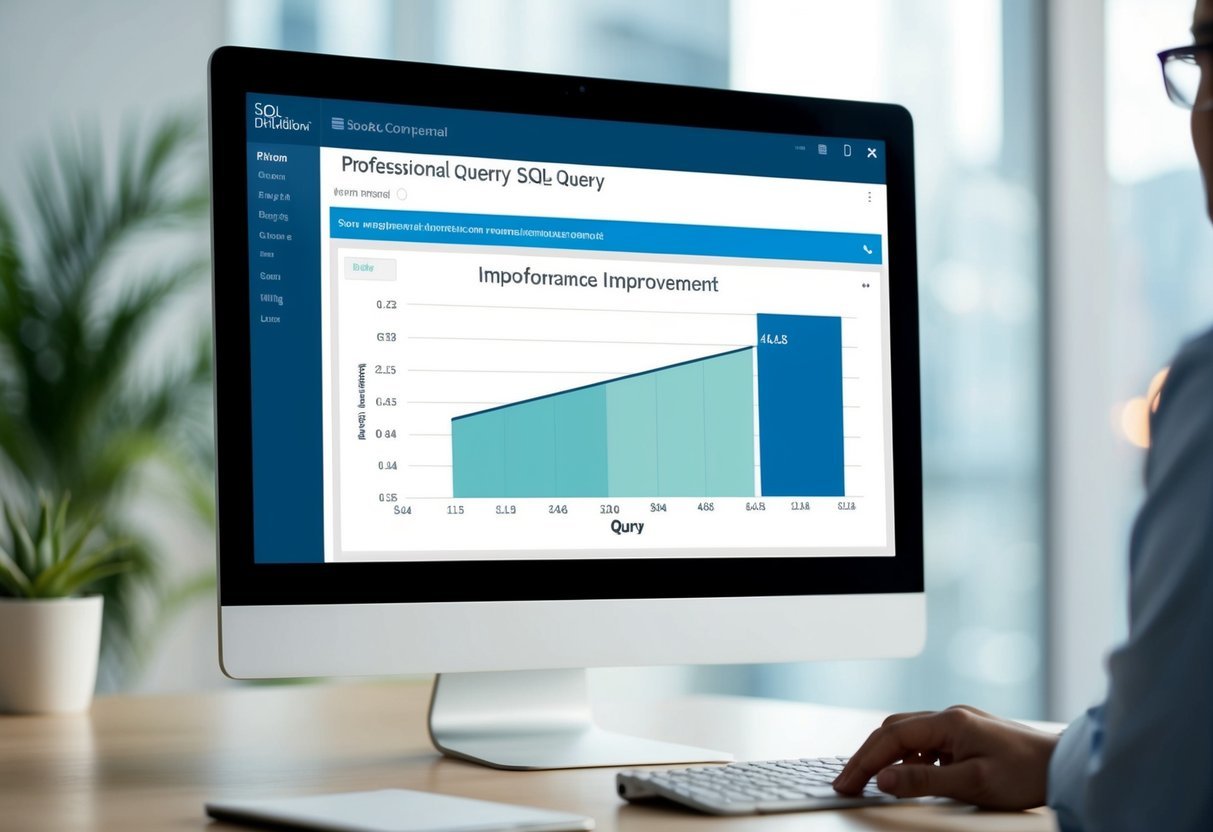
Monitoring the performance of SQL queries is essential to optimizing database speed and efficiency. This involves using various tools to track how queries perform and analyzing metrics to identify and resolve issues that affect database performance.
Tools for Monitoring Database Performance
Several tools can help monitor database performance effectively. Dynamic Management Views (DMVs) in SQL Server provide insights into query execution and resource usage. They help in tracking slow-running queries and identifying bottlenecks.
Another tool is SQL Server Profiler, which allows users to capture and analyze server events. This tool is useful for understanding time complexity and identifying inefficient queries.
For more automated solutions, there are services like SolarWinds Database Performance Analyzer and New Relic, which offer real-time monitoring and alerting.
Using these tools can provide a clear picture of how the database performs under different loads and help in implementing necessary improvements.
To speed up SQL queries, monitoring tools are crucial as they provide a baseline for measuring subsequent enhancements.
Interpreting Performance Metrics
Understanding performance metrics is crucial for detecting problems that affect database efficiency. Metrics such as query execution time, CPU usage, and I/O operations provide insights into the database’s performance.
For instance, a consistently high CPU usage might indicate that queries aren’t running efficiently, potentially due to missing indexes.
Analyzing I/O operations can help identify slow disk access times, which can also contribute to performance issues.
Reviewing these metrics enables database administrators to make informed decisions about optimizing SQL performance.
Metrics can be accessed through built-in tools, such as sys.dm_db_index_usage_stats in SQL Server, or third-party monitoring solutions that provide comprehensive dashboards for easy interpretation.
Index Maintenance and Management

Effective management of SQL indexes is essential to keep databases running smoothly. Regular index maintenance can prevent fragmentation and ensure quick access to data.
Routine Index Rebuilding and Reorganizing
Indexes can become fragmented due to data modification operations such as inserts, updates, or deletes. Fragmentation can slow down queries, making maintenance vital.
Rebuilding and reorganizing indexes are two key approaches.
Rebuilding an index creates a new index and drops the old one. This method is more thorough, as it completely removes fragmentation but uses more resources. It is best performed during off-peak hours to avoid impacting database performance.
Reorganizing simply defragments the existing index and is less resource-intensive. While it doesn’t completely address all fragmentation, it is useful when system resources are limited or during peak hours when major operations are impractical.
Automating Index Maintenance Tasks
Automating index maintenance can save time and ensure regular upkeep.
Using automated scripts or SQL Server Management Studio (SSMS) tools, administrators can set schedules for index rebuilding or reorganizing.
This automation can be aligned with off-peak hours to reduce disruption.
Automating tasks also helps to consistently monitor performance and identify when indexes need attention. Tools can alert administrators when thresholds for fragmentation are reached, suggesting it’s time for action.
Setting up alerts and updates through automation minimizes manual intervention and supports a healthier database environment.
This proactive approach ensures that indexes remain efficient without needing constant direct oversight, allowing for a more streamlined workload management.
Working with Foreign Keys and Indexes
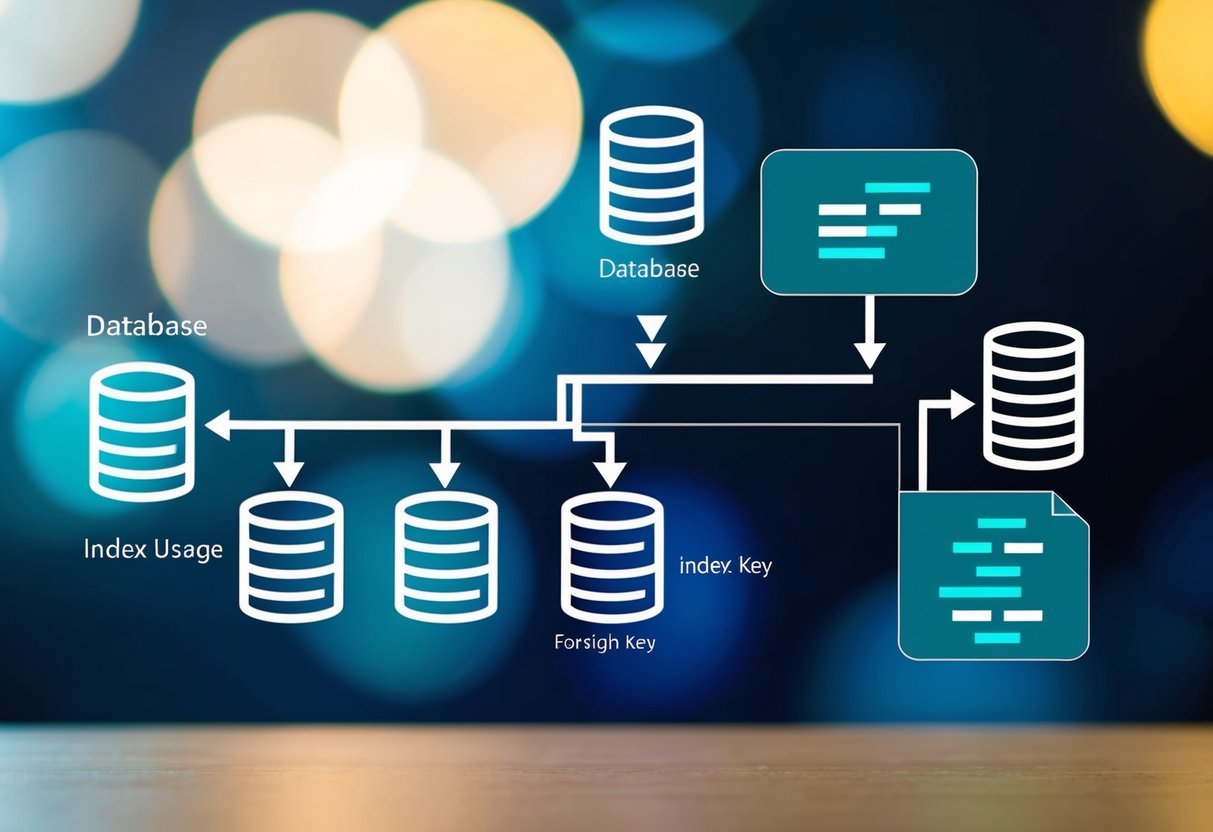
Indexes are crucial for enhancing SQL query performance, especially when dealing with foreign keys. Proper indexing can significantly speed up query execution by optimizing how the database manages join operations and foreign key constraints.
Optimizing Join Performance with Indexes
Foreign keys often play a key role in join operations between tables. To optimize join performance, adding indexes to foreign key columns can be beneficial.
By doing so, databases can quickly locate related rows, minimizing the time taken for join operations. This can be especially useful in complex queries that involve multiple tables.
Creating an index on a foreign key typically involves using the CREATE INDEX statement.
For example, in a database where orders are linked to customers through a foreign key, an index on the customer ID can help speed up joins significantly.
This indexing strategy is particularly effective when the foreign key column is frequently used in both JOIN and WHERE clauses.
Impact of Foreign Keys on Query Execution
Foreign keys ensure data integrity by establishing a relationship between tables. While important for maintaining consistency, they can affect query execution speed if not properly indexed.
Indexes on foreign key columns help improve query performance by reducing the computational load required to enforce these relationships during data retrieval.
Without indexes, foreign key constraints can slow down query execution by increasing the number of table scans needed to validate constraints.
Conversely, a well-placed index enables quicker lookups and efficient data access, enhancing overall performance.
Developers should monitor query execution plans to ensure that indexes on foreign keys actually contribute to improved performance. This proactive approach helps in identifying any issues and applying necessary adjustments early on.
Security Considerations in Indexing

When dealing with SQL indexes, it’s important to consider the security implications. Indexes can impact data access and compliance with data protection laws. Proper management is essential to maintaining security and compliance.
Ensuring Secure Data Access with Indexes
Indexes can potentially expose sensitive data if not managed carefully. They should be designed to grant access only to authorized users.
One way to ensure secure access is by implementing robust authentication and access controls. Role-based access is effective, as it allows you to assign permissions based on a user’s role in the organization. This limits unnecessary exposure to sensitive data.
Furthermore, monitoring and auditing access to indexes can help identify unauthorized use. Logging all access attempts provides a trail that can be analyzed for security breaches.
Encrypting indexed data is also advisable. By doing this, even if unauthorized access occurs, the data remains protected.
Securing data through encryption ensures that the practice aligns with best data security practices.
Indexing and Data Protection Compliance
Indexes must comply with data protection regulations like GDPR or HIPAA, which dictate how data should be handled. These laws often require regular audits to verify data security practices.
Therefore, compliance checks should include verifying that indexes do not inadvertently reveal sensitive information.
In some cases, manually verifying data privacy within indexes may be necessary.
Implementing security measures that automatically encrypt or anonymize sensitive information can greatly aid in compliance.
Regularly reviewing index usage for compliance ensure that only the minimum required data is indexed. This can be critical in minimizing legal risks related to data protection laws.
Ensuring compliance is not just about meeting legal standards but also maintaining trust with users.
Frequently Asked Questions

Using SQL indexes can greatly improve query speed, especially for large datasets. This section covers best practices, effective techniques for SQL Server, and tips for optimizing complex queries.
What are the best practices for optimizing SQL query performance on large tables?
Indexes are crucial for large tables as they act like roadmaps to data.
Regularly monitor indexes to ensure they are used efficiently, and consider the balance between read and write operations when deciding which columns to index.
Which query optimization techniques are most effective in SQL Server environments?
SQL Server provides several options to boost performance.
Appropriate indexing is essential, along with reviewing the execution plan to identify bottlenecks. Techniques like reorganizing or rebuilding indexes are effective in maintaining optimal performance.
Can you provide examples of how to enhance SQL query efficiency through optimization?
For instance, using indexes for frequently accessed columns can transform slow queries into faster ones.
Ensuring that queries are written to take advantage of existing indexes can also drastically reduce execution times.
How can one optimize a SQL query with multiple joins to reduce execution time?
Efficient multi-join queries often rely on indexed columns that participate in join conditions.
It’s important to check the query plan to ensure index usage. Also, reducing unnecessary columns in select lists can improve speed.
What steps should be taken to improve the performance of complex SQL queries in a DBMS?
Identifying expensive operations in your query plan is crucial.
Simplifying query structure, avoiding redundant calculations, and ensuring that filters and joins use indexed columns can mitigate performance issues in complex queries.
In which SQL operations do indexes play a crucial role to accelerate query speeds?
Indexes are particularly important for operations that involve searching, sorting, and filtering large volumes of data.
They help by swiftly locating relevant data without scanning entire tables, making them indispensable for performance tuning in SQL Server.