Understanding Correlated Subqueries
Correlated subqueries are a powerful feature in SQL that allows for more dynamic and efficient queries. These subqueries depend on the outer query for their execution, making them different from simple subqueries.
This section breaks down the key aspects of correlated subqueries. It highlights their definition, main differences from simple subqueries, and the crucial role of the outer query.
Definition of a Correlated Subquery
A correlated subquery is a type of query that references columns from the outer query, providing a unique approach to data retrieval. Unlike standard subqueries, a correlated subquery executes multiple times, once for each row evaluated by the outer query.
This dependency on the outer query for column values makes them essential for solving complex SQL problems.
The inner query runs repeatedly, tailoring its execution to each row processed by the outer query. This behavior allows for dynamic filtering and customized results, particularly useful when filtering data based on conditions of other tables.
It’s important to remember that each execution of the subquery utilizes current data from the outer query, enhancing the precision of the results.
Differences Between Simple and Correlated Subqueries
Simple and correlated subqueries differ mainly in their execution process and dependencies. A simple subquery runs independently and is executed once, with its result passed to the outer query.
In contrast, a correlated subquery depends on the outer query and executes repeatedly, as information from the outer query guides its processing.
Correlated subqueries are slower than simple subqueries because of their repeated execution. This execution pattern ensures that each iteration is uniquely tailored to the current row of the outer query, providing more detailed and context-specific results.
This difference in execution and dependency is key when choosing which type of subquery to use in SQL.
The Role of the Outer Query
The outer query holds significant importance in managing correlated subqueries. It defines the structure and scope of the data set on which the inner query operates.
By providing specific column values to the correlated subquery, the outer query enables context-sensitive evaluations that enhance the specificity and relevance of the results.
Without the outer query, a correlated subquery would lack context and derived values, limiting its practical application. The outer query essentially guides the inner query, allowing it to produce output tailored to specific conditions or relationships between tables.
This collaboration is critical for addressing complex queries efficiently and accurately.
SQL Foundations for Subqueries
In SQL, subqueries play an essential role in managing databases efficiently, allowing developers to nest queries within other queries. Key components include understanding the SQL language, mastering the SELECT statement, and utilizing the WHERE clause effectively.
Basics of the SQL Language
SQL, or Structured Query Language, is used for managing and manipulating relational databases. It forms the backbone of data retrieval and management tasks.
SQL skills are crucial for any SQL developer, as they enable tasks like querying, updating, and organizing data. The language includes commands like SELECT, INSERT, and DELETE, which are vital for interacting with data.
The syntax in SQL is straightforward, making it accessible for beginners. Commands are usually written in uppercase to distinguish them from database table names or data values. Comments are included using double hyphens to improve code readability.
SQL developers must become familiar with this structure to write effective queries.
The Select Statement
The SELECT statement is a fundamental component of SQL. It helps retrieve data from one or more database tables.
The statement begins with the keyword SELECT, followed by a list of columns to fetch data from. The use of wildcard ‘*’ allows for selecting all columns from a table without listing each one.
This statement can be expanded with conditions, ordering, and grouping to refine data retrieval. Mastery of the SELECT statement is essential for developing robust SQL skills, enhancing a developer’s ability to fetch precise results efficiently.
SQL developers need to practice these various options to deliver accurate outputs and analyze data effectively.
Understanding the Where Clause
The WHERE clause focuses on filtering records. It allows conditions to be specified for the records a query retrieves, significantly optimizing data selection.
For example, a developer might use this clause to find users over 18 from a large dataset.
Conditions in the WHERE clause can range from simple to complex, involving operators like ‘=’, ‘<>’, ‘>’, <=’ or logical operators such as AND, OR, and NOT.
Spending time on understanding this clause boosts efficiency and accuracy for SQL developers. Conditions ensure data integrity by enabling developers to focus on specific datasets, reducing processing time and improving performance.
The EXISTS Operator in SQL
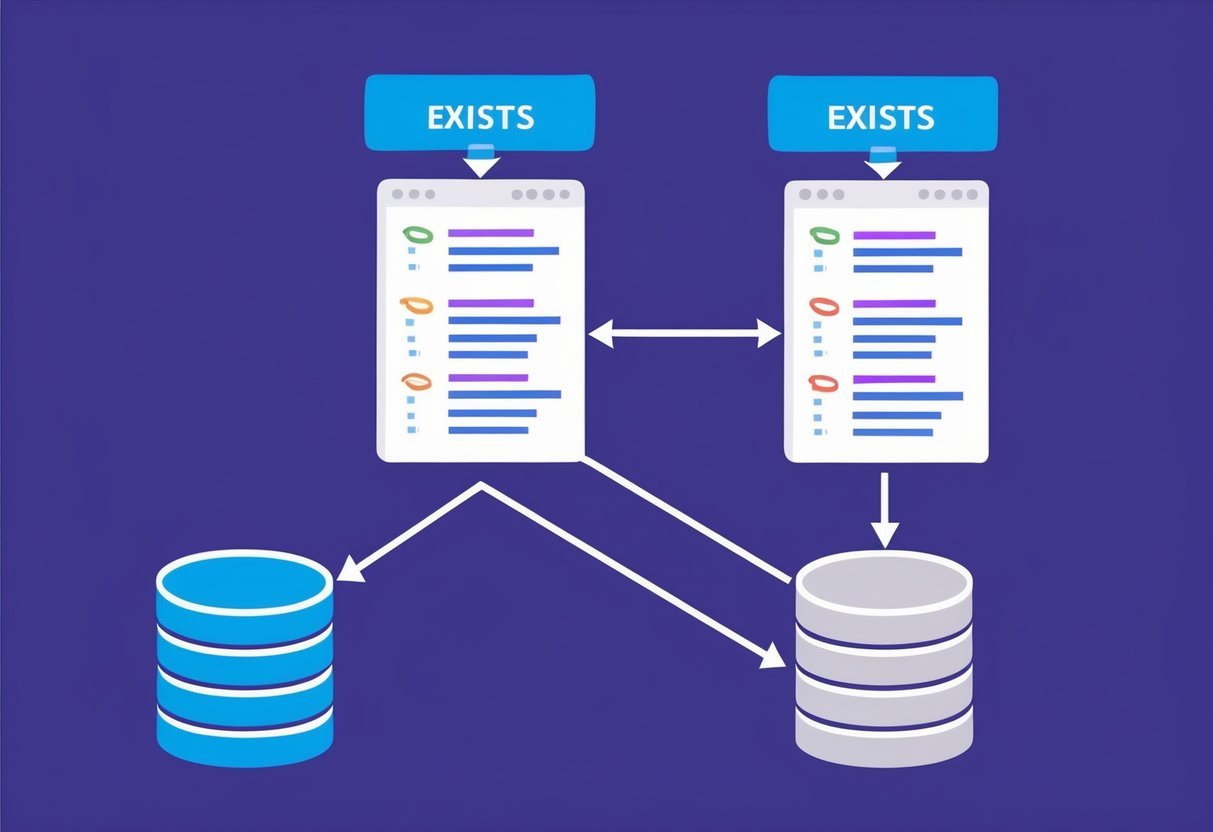
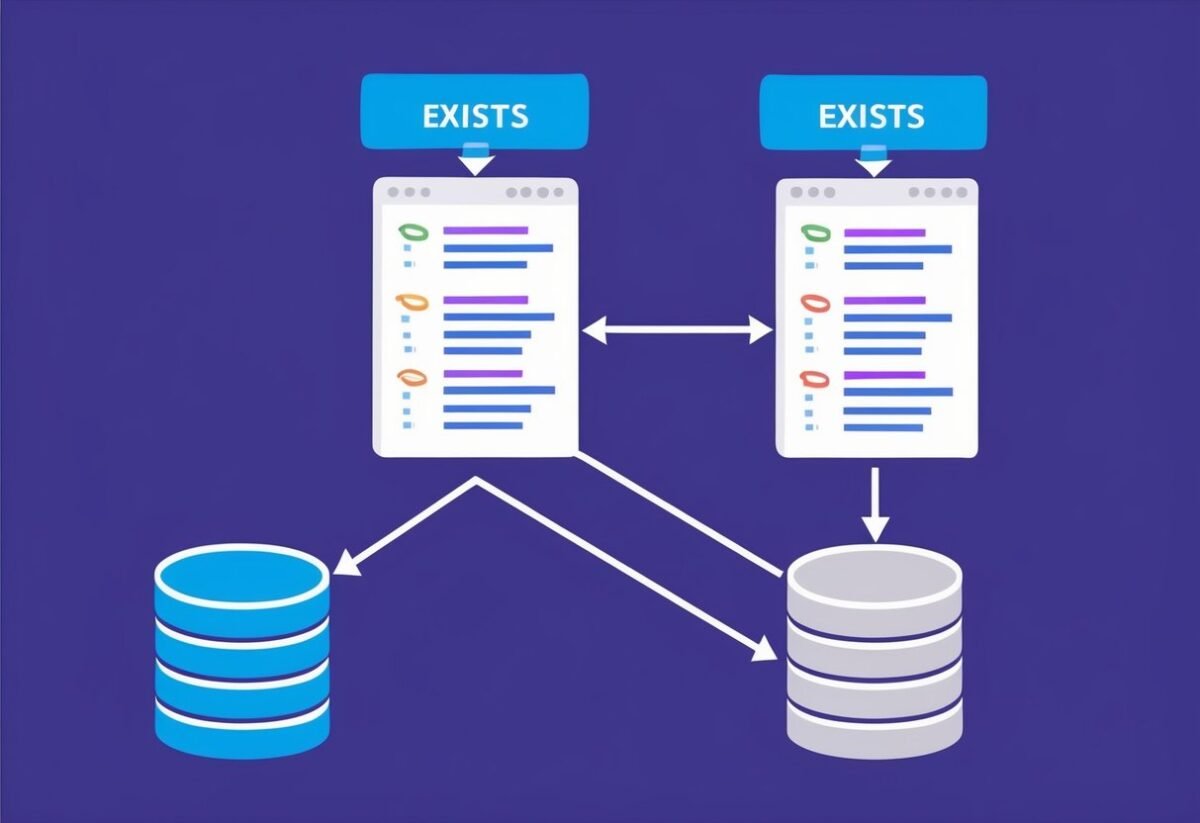
The EXISTS operator is crucial for efficient query execution in SQL, often used in correlated subqueries. It helps quickly determine if any result meets given criteria, optimizing processes and improving performance by halting further checks once a match is found. The NOT EXISTS variant implements a reverse logic to identify absence, enhancing filtering capabilities.
Utilizing EXISTS in Subqueries
The EXISTS operator is employed in SQL queries to test for the existence of rows that meet a specified condition. It’s particularly useful in correlated subqueries, where the subquery references columns from the outer query.
As soon as a row satisfying the subquery’s conditions is found, EXISTS returns TRUE. This makes it highly efficient for scenarios where finding any matching row suffices.
SQL queries using EXISTS can enhance performance because they stop processing further rows once a condition is met. For instance, when checking for employees in a department, if one match is confirmed, it proceeds without evaluating more.
Practical applications often involve testing relationships, such as confirming if an order has items or if a user belongs to a group, making it indispensable in database operations.
The Impact of NOT EXISTS
The NOT EXISTS operator functions oppositely to EXISTS. Instead of confirming the presence of rows, it checks for their absence.
When paired with a correlated subquery, NOT EXISTS becomes powerful for identifying rows in one dataset that do not have corresponding entries in another. If the subquery returns no rows, NOT EXISTS yields TRUE.
This operator aids in tasks like locating customers without orders or products not being sold. By confirming the lack of matching rows, it assists in cleaning data or identifying gaps across datasets.
Thanks to its ability to efficiently filter and highlight missing relationships, NOT EXISTS is essential for comprehensive data analysis.
SQL Joins Vs Subqueries
In SQL, both joins and subqueries are used to get data from multiple tables. Joins combine rows from two or more tables based on a related column, while subqueries nest a query within another query. They each have their own strengths depending on the specific requirements of a query.
When to Use Joins
Joins are ideal when you need data from two or more tables in a single result set without the need for additional filtering logic. They can efficiently retrieve data and are especially helpful when dealing with large datasets.
SQL joins come in several types—such as INNER JOIN, LEFT JOIN, RIGHT JOIN, and FULL OUTER JOIN—which provide flexibility in combining table columns.
In general, joins are used when:
- The data from both tables is needed together.
- There are attributes from both tables to be selected.
Example:
SELECT employees.name, department.name
FROM employees
JOIN department ON employees.dept_id = department.id;
This example links rows from the employees and department tables based on a shared key, dept_id.
Advantages of Correlated Subqueries
Correlated subqueries execute once for each row processed by the outer query. They are useful when the selection criteria of the subquery need to be adjusted according to the outer query’s row value. This allows for more dynamic data retrieval scenarios, adapting based on each specific case.
Correlated subqueries prove advantageous when:
- The task involves filtering or aggregating using logic specific to each row.
- Complex queries require data that interacts differently with each row of the outer query.
In SQL Server, these subqueries are not performed once but multiple times, which can be less efficient than a join. Still, they offer unique ways to handle complex data problems and cater to tasks not easily managed by a simple join.
Implementing Correlated Subqueries in SQL
Correlated subqueries are a powerful feature in SQL that allow a query to refer back to data in the main query. They are especially useful for comparisons involving complex conditions and relationships between tables, such as finding specific employees within departments.
Syntax and Structure
A SQL correlated subquery is a subquery that uses values from the outer query. The syntax usually involves placing the subquery within the WHERE or SELECT clause of the main query.
For example, a basic structure could look like this:
SELECT column1
FROM table1
WHERE column2 IN (
    SELECT column3
    FROM table2
    WHERE condition
);
In this case, the subquery depends on data from the outer query. Each row processed by the outer query will result in the inner query being executed again, creating a direct link between the queries.
While this makes them powerful, it also means they can be less efficient than other types of queries if not used carefully.
Correlated Subqueries in the Select Clause
Correlated subqueries can appear in the SELECT clause when you want specific calculations related to each row processed. This makes it possible to perform operations like finding average salaries or counting related data directly within rows.
Example:
SELECT e.name,
    (SELECT COUNT(*)
     FROM department d
     WHERE d.manager_id = e.id) AS managers_count
FROM employee e;
The subquery here counts departments managed by each employee by directly referencing the employee table. This query executes the subquery separately for each employee, returning a count of departments each manages.
It demonstrates how correlated subqueries can provide detailed insights directly within the query results.
Examples with Department and Employee Tables
Consider an organization with department and employee tables. A common task might be listing employees who earn more than the average salary of their department.
Example:
SELECT e.name
FROM employee e
WHERE e.salary > (
    SELECT AVG(salary)
    FROM employee
    WHERE department_id = e.department_id
);
In this query, the subquery computes the average salary for each department. It then compares each employee’s salary to this average, filtering for those who earn more.
The subquery’s reliance on department data underscores the dynamic link between the outer and inner queries, showing the functionality of correlated subqueries in a practical context. This structure allows for efficient data retrieval with specific conditions.
Analyzing Execution Performance
Understanding the execution performance of SQL correlated subqueries is crucial. Efficient execution can greatly improve performance when working with larger datasets. This involves identifying performance issues and applying optimization techniques.
Performance Considerations
When executing a correlated subquery, the inner query runs once for every row processed by the outer query. This can lead to performance bottlenecks, especially on large datasets.
For example, if an outer query involves 1,000 rows, the subquery executes 1,000 times, which impacts speed.
Correlated subqueries are beneficial for filtering and calculating complex queries, but they can be slower than joins.
Assessing execution plans helps in understanding the resource usage. Tools like SQL execution plans display how queries are executed, indicating costly operations.
Monitoring query performance can reveal issues. High CPU usage or long execution times suggest inefficiencies.
It’s important to weigh the complexity of correlated subqueries against their benefit for detailed, row-by-row evaluations. For large datasets, consider alternatives if performance concerns arise.
Optimizing Subquery Execution
Optimizing the execution of correlated subqueries involves various strategies.
One approach is ensuring proper indexing of columns used in subqueries. Indexes can significantly reduce the time taken to locate data in a table.
Re-evaluating and simplifying logic can also optimize performance. Sometimes, rewriting correlated subqueries into joins or using temporary tables can achieve similar results more efficiently.
For instance, replacing a correlated subquery with a standard join might reduce repeated computation.
In some cases, utilizing server-specific features like hash joins or parallel execution may enhance performance.
Regularly reviewing and profiling SQL execution plans reveals inefficient patterns, guiding necessary changes. For complex queries, considering all possible execution paths helps in finding the most optimal solution.
Database Management and Subqueries
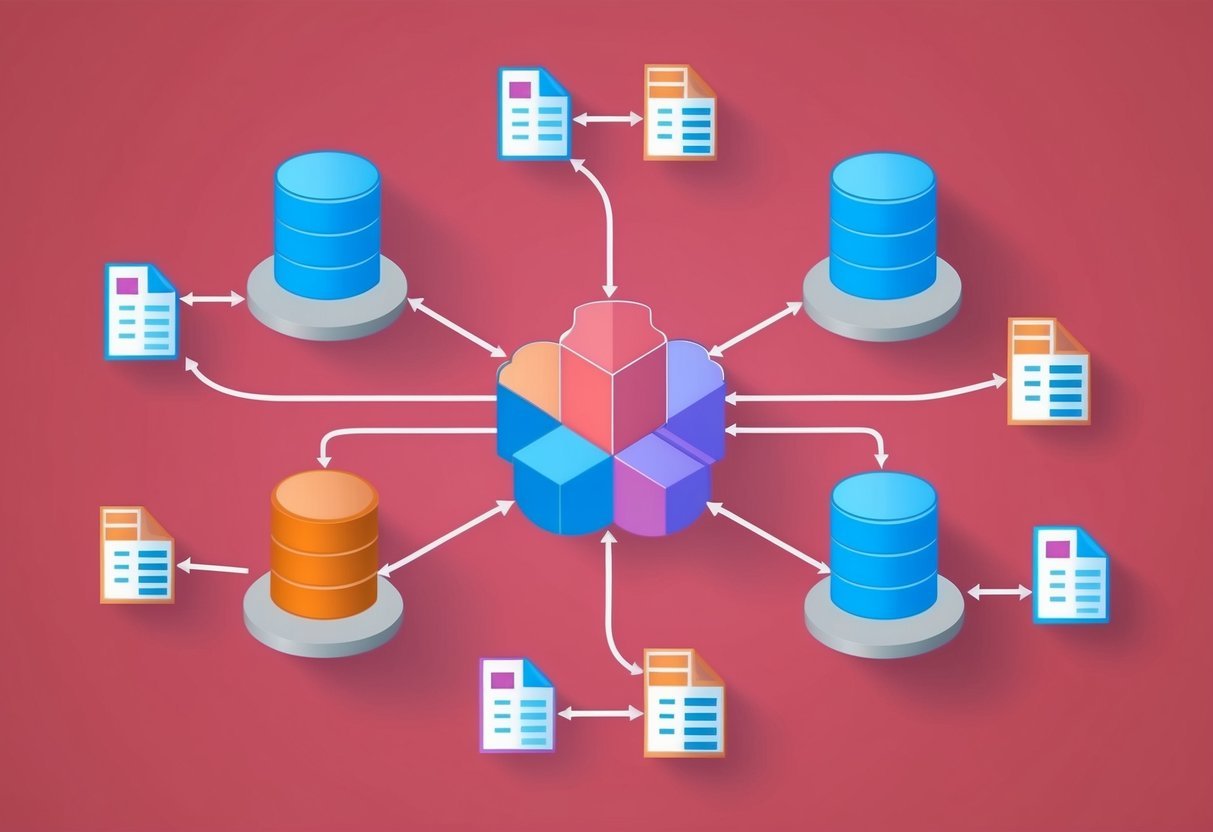
Subqueries play a vital role in SQL for enhancing database management tasks. They allow for dynamic querying and data manipulation, such as updating or deleting records.
Subqueries are efficient in complex operations like computing averages or checking conditions in nested queries to enable precise query results.
Applying Subqueries in Updates
In SQL, subqueries can be embedded within an update statement to refine data altering processes. This approach is useful when data update requirements depend on other table data.
For instance, updating employee salaries based on average salary comparisons can be achieved using a subquery. This takes advantage of aggregate functions like AVG to retrieve necessary benchmarks.
Consider a scenario where an employee’s salary needs adjustment if it falls below a company’s average. The update statement would incorporate a subquery to calculate the average, thereby ensuring adjustments are data-driven and aligned with existing records.
Example:
UPDATE employees
SET salary = salary * 1.1
WHERE salary < (SELECT AVG(salary) FROM employees);
Deleting Records with Subqueries
When it comes to record management, using a subquery in a delete statement allows for precise data control. This technique is particularly advantageous when deletion conditions depend on multiple tables.
For example, in a retail database, if you need to delete orders not present in the last year’s records, a subquery can dynamically identify these outdated entries. It ensures that deletions are based on specific criteria, reducing errors.
Subqueries assist in filtering data, making complex delete operations simpler and more reliable.
Example:
DELETE FROM orders
WHERE customer_id IN (SELECT customer_id FROM customers WHERE last_order_date < '2023-01-01');
Advanced SQL Subquery Techniques
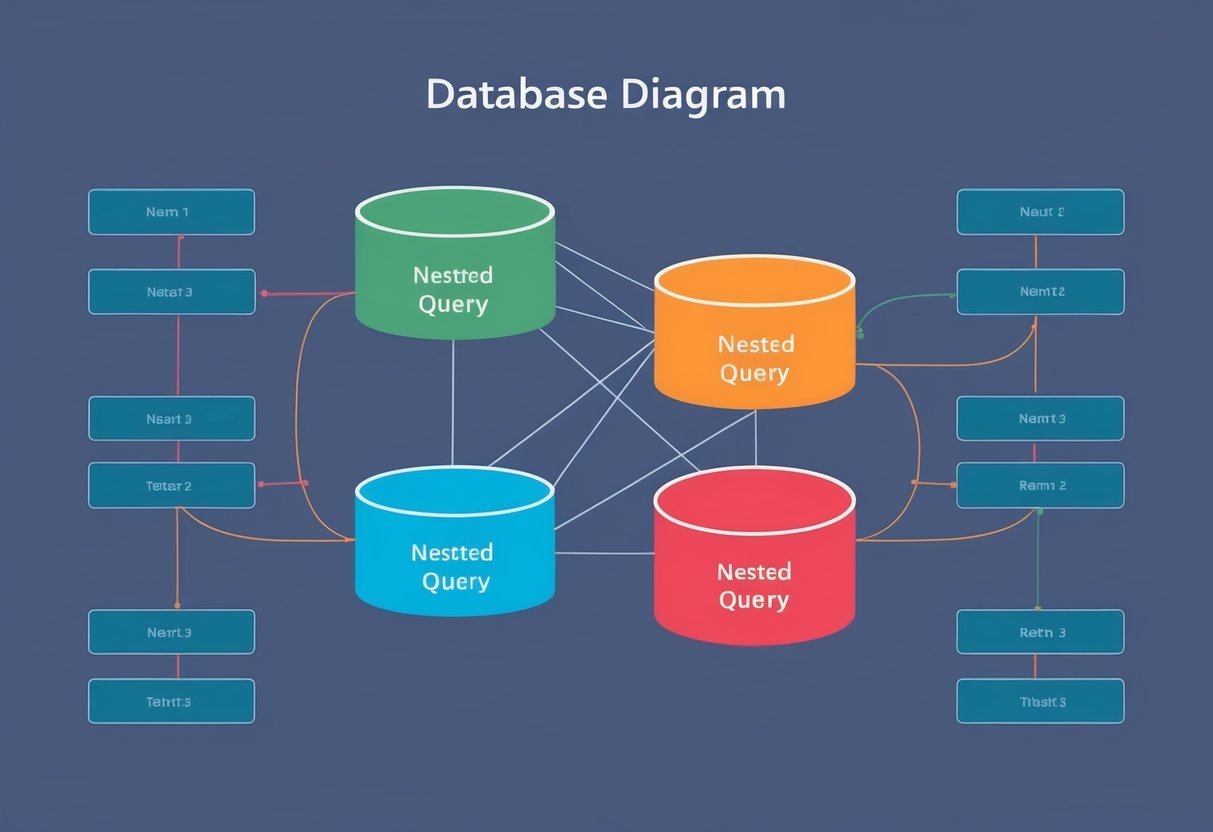
Advanced SQL subqueries enhance data management by allowing intricate data manipulation and retrieval. This involves using functions that summarize data and handling queries that involve references to the main query.
Using Aggregate Functions
Aggregating data helps simplify complex datasets by calculating sums, averages, counts, and more. An aggregate function like SUM, AVG, or COUNT processes multiple rows to provide summary results.
For example, when paired with a subquery, these functions can refine searches and insights.
These functions often work with the HAVING clause, which filters data after aggregation. A query might first group data using GROUP BY before summing items, then use a subquery to further refine these groups.
Handling Complex Correlated Subqueries
Correlated subqueries differ from regular subqueries because they reference columns from the outer query. This increases flexibility, allowing dynamic data handling. Each row from the outer query might trigger a unique execution of the subquery.
Understanding the execution plan is crucial when using these subqueries. They often execute as nested loop joins, processing each outer query row individually, which can affect performance.
Fine-tuning these queries and leveraging database optimizers is vital for efficiency. For further details, consider examining techniques discussed in comprehensive guides like on GeeksforGeeks.
Industries and Use Cases

Correlated subqueries with the EXISTS operator are valuable in various industries for data retrieval tasks that require dynamic filtering. In finance, they enhance salary analyses, while in human resources, they improve employee data management through refined data filtering.
Financial Sector Applications
In the financial sector, correlated subqueries are crucial for filtering large datasets and improving data accuracy. They help analysts evaluate customer transactions by querying sub-accounts with specific criteria. This kind of analysis can lead to better insights on payment_type trends.
Using these subqueries, institutions can also track average salary by department_id to detect disparities or anomalies. They improve decision-making in credit evaluations, risk management, and financial forecasting, allowing for precise and efficient analysis without needing complex joins.
Subqueries for Human Resources
For human resources, correlated subqueries simplify managing employee records and enable precise data filtering. HR departments can use them to sort employees by department_id or select those earning above a certain average salary. This makes it easier to identify trends or highlight potential issues in salary distribution.
Additionally, these subqueries can help tailor communications based on employee payment_type preferences. By providing clear insights into HR datasets, they improve payroll management and resource allocation. Subqueries offer a structured approach to extracting meaningful information, streamlining HR processes, and enhancing overall efficiency.
Improving SQL Queries for Data Analysis

Optimizing SQL queries is essential for analyzing large datasets efficiently. Key techniques involve writing efficient queries and employing effective data analysis patterns to enhance performance and ensure accurate results.
Writing Efficient Queries
When crafting an SQL query, it’s crucial to focus on performance and clarity. Avoid using SELECT * as it retrieves all columns, which can slow down the query. Instead, specify only the necessary columns in the main query. This can reduce data retrieval time and improve overall query speed.
Another strategy is to use indexing. Properly indexed columns can significantly boost performance by allowing the database to locate information quickly.
Additionally, using joins instead of subqueries can often lead to faster execution times. While subqueries are useful, they might cause delays if not managed carefully. In some cases, restructuring a query to use joins can result in more efficient data handling.
Data Analysis Patterns
Different patterns can be exploited to enhance SQL for data analysis. One such pattern involves correlated subqueries, which integrate values from the main query into the subquery.
Although these can be handy in certain situations, they might reduce performance as they are executed row by row. For better alternatives, consider using techniques like the APPLY operator, which can streamline these processes effectively in some databases.
Batch processing is another crucial pattern. By handling multiple rows of data in a single transaction, batch processing can improve the speed and efficiency of data analysis.
Additionally, leveraging window functions can provide insights into trends and aggregate data without complicating the SQL query structure. These patterns not only optimize performance but also enhance the clarity and precision of the results.
Learning Resources and SQL Courses

Finding the right resources for learning SQL subqueries, especially correlated subqueries, is important. Courses that offer practical exercises can greatly enhance SQL skills. Here are some insights to guide you in selecting courses and understanding their benefits.
Choosing the Right SQL Subqueries Course
When selecting a SQL subqueries course, it’s crucial to find a course that covers both basic and advanced concepts. A good choice would be an intermediate-level course. This level often includes both correlated and non-correlated subqueries.
Look for online platforms that offer hands-on practices and explanations on how subqueries work in real-world scenarios.
Courses like 10 Correlated Subquery Exercises on platforms such as LearnSQL.com are excellent. They provide practical exercises and solutions to deepen one’s grasp of SQL queries. Also, make sure that the course offers video content or other multimedia resources, as these can be more engaging.
Practical Exercises and Projects
In learning SQL, practical exercises and projects are essential for gaining a deep understanding of correlated subqueries. Practicing with exercises helps solidify theoretical knowledge by solving real-world problems.
Platforms like GeeksforGeeks offer extensive resources on SQL Correlated Subqueries, which are designed to handle complex data retrieval tasks.
Projects that simulate real database scenarios can also aid in developing SQL skills and understanding how correlated subqueries work. Engaging in practical projects forces learners to apply SQL concepts, promoting problem-solving skills.
Opt for courses that provide continuous feedback on exercises, as this helps track progress and identify areas where more practice is needed.
Frequently Asked Questions
Correlated subqueries offer unique benefits and can be combined with the EXISTS clause to improve query performance. These tools are used across various database systems like SQL Server and Oracle, each with specific use cases and impacts on performance.
What is a correlated subquery and how does it differ from a regular subquery?
A correlated subquery depends on the outer query for its values, meaning it can access columns in the outer query. In contrast, a regular subquery is independent and evaluated once before the main query.
How can one use the EXISTS clause in a correlated subquery within SQL Server?
In SQL Server, using the EXISTS clause in a correlated subquery allows for efficient checks. If a match is found, the search can stop, improving performance. For more detailed examples, check out this GeeksforGeeks article.
Can EXISTS and correlated subqueries be used together in Oracle databases, and if so, how?
Yes, they can be used together in Oracle. EXISTS enhances performance by terminating early when criteria are met, providing an effective way to filter data in correlated subqueries.
What are the performance implications of using correlated subqueries with EXISTS?
When EXISTS is used, it can significantly enhance query performance by stopping the search as soon as a criteria match occurs. This efficiency is particularly beneficial in large datasets, as described on Stack Overflow.
In what scenarios should a correlated subquery be used with the HAVING clause?
A correlated subquery can be combined with the HAVING clause to filter grouped records based on complex conditions. This combination is particularly useful in cases where group-based conditions must reference outer query data.
How do correlated subqueries operate when implemented in database management systems?
They operate by executing the subquery for each row in the outer query. This mechanism creates efficient data retrieval opportunities, although it can also lead to performance challenges if not managed well.
Information about correlated subqueries in different systems can be found on w3resource.